97 |
ETAS ES800 System | User Guide
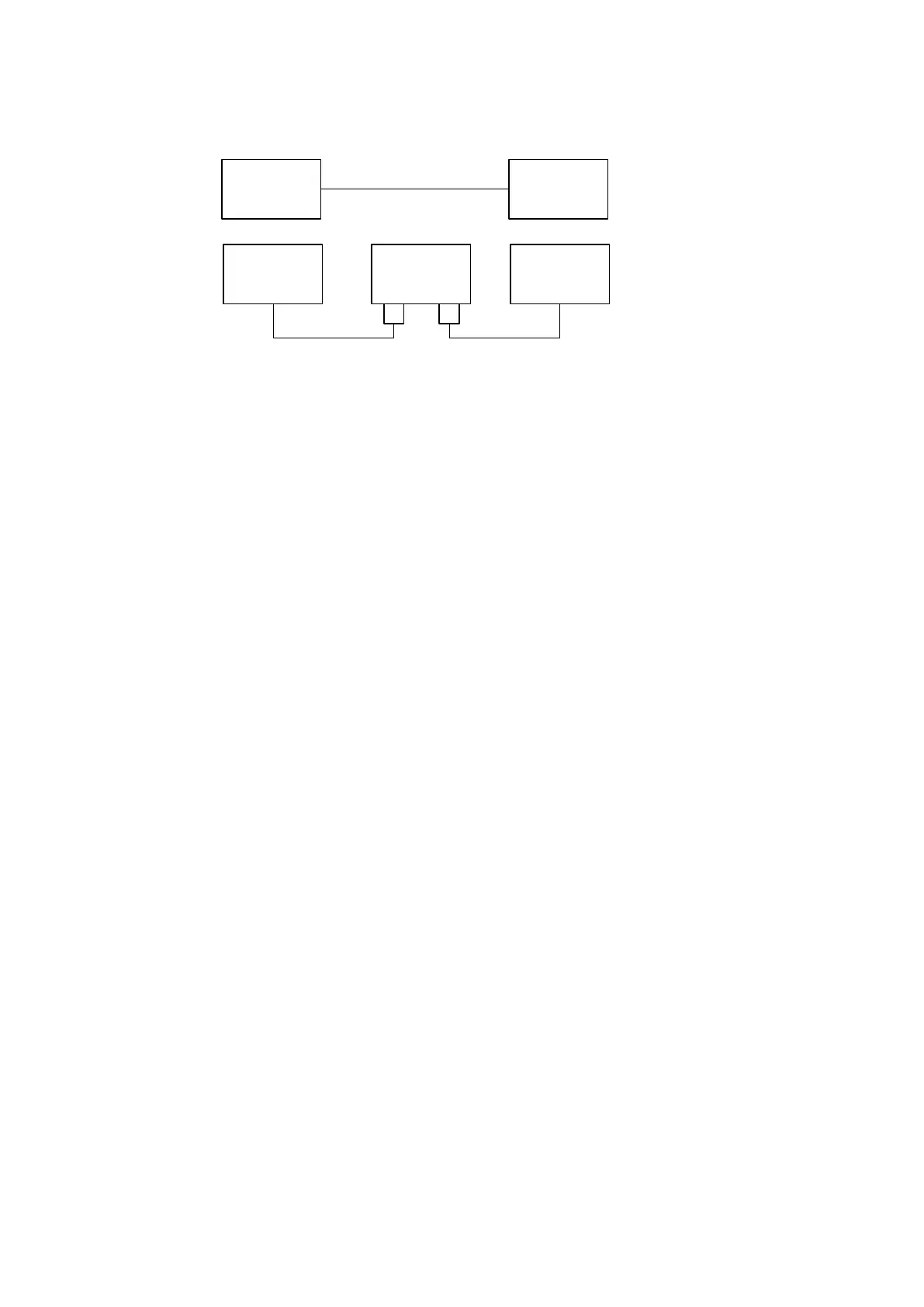
Fig. 12-1 Master-slave connection, below with a ES886.x in between
The initial Automotive Ethernet connection with two endpoints has four endpoints
in the TAP mode.
In certain applications, it is necessary that the two Automotive Ethernet connec-
tions behave like one link during link initiating and stopping. This is referred to as
„Transparent Automotive Ethernet Link Setup“ in the following section.
So that the link structure appears unchanged from the point of view of the ECUs,
alternating master/slave roles must be defined for the ES886.x. In addition, it must
be prevented that the ECU (Master) concludes, there is already a link to ECU
(Slave), while the link from ES886.x port (Master) to ECU (Slave) has not yet been
established. A link is always initiated by the Master.
If the ES886.x detects an active Automotive Ethernet master at the slave port of
the TAP, the module starts setting up the AE link at the master port. The AE link at
the slave port of the TAP is only set up if the AE link at the master port is active.
If the TAP ports are assigned to other roles (e.g. Auto Detect), the operating mode
"Transparent Automotive Ethernet Link Setup" is not active.
If the "Transparent Automotive Ethernet Link Setup" is active and a connection is
lost at one of the two AE interfaces of the TAP, then the Automotive Ethernet con
-
nection at the other port of the TAP is also deactivated. The two AE links at the TAP
therefore behave like only one AE link. Subsequently, the ES886.x module
attempts setting up the transparent Automotive Ethernet connections at both
TAP ports. "Transparent Automotive Ethernet Link Setup" refers only to the behav
-
ior when establishing links of the involved AE-ports.
Configuration
The connections are configured in the application software or in the web interface
of the ES886.x and are permanently stored.
Please refer to the documentation of the application software or the web interface
of the ES886.x (see web interface chapter
11.6 on page 83).
ECU(Slave) ECU(Master)
ECU(Slave) ECU(Master)ES886.x
(Master)
(Slave)



 To Next Page