90 |
ETAS ES800 System | User Guide
12.2 Fast Ethernet Interface (FE)
Among other things, the switch of the ES88x/ ES89x module provides a fast Ether-
net interface FE.
ECUs that are equipped with an XETK or feature a separate Ethernet interface, can
be connected directly to the FE Ethernet interface and communicate with the
application software via XCP-on-Ethernet.
With the FE fast Ethernet interface, additional modules or cascaded modules can
be connected, such as the modules ES4xx, ES523, ES59x, and ES6xx.
12.2.1 Power Supply of Connected Modules
The module can take over the power supply of ES4xx modules or ES6xx modules
that are connected to the FE fast Ethernet interface. The power supply is also han
-
dled via the Ethernet connecting cable. When cascading the modules, observe the
maximum output current at the Ethernet interfaces.
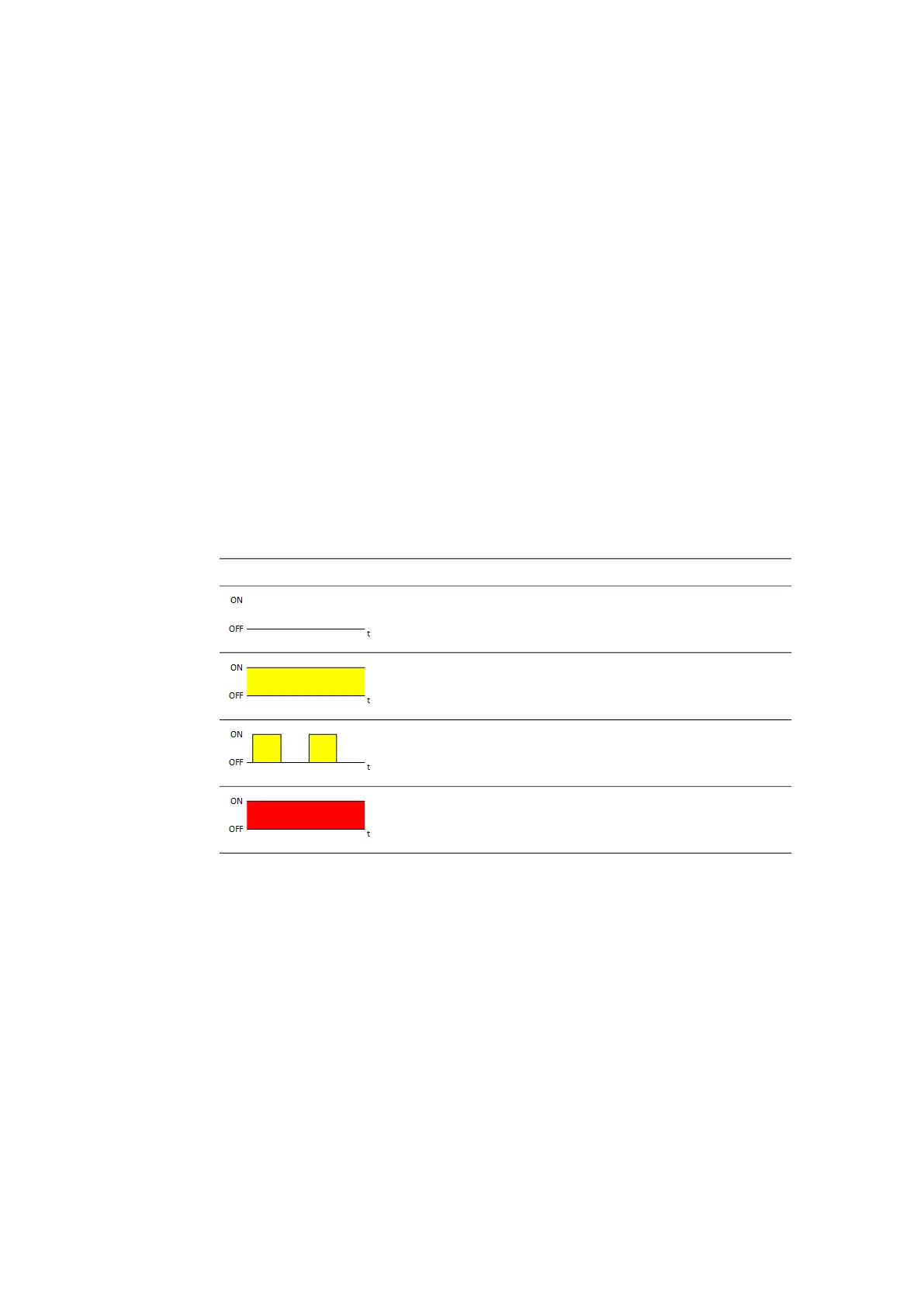
12.2.2 Display of Function State of FE Interface
In the activated state of the module, the LEDs assigned to the connections show
the following function states:
FE LED Description State
Off Physical Ethernet connection not avail-
able
Illuminated
yellow
Physical Ethernet connection available
Flashing yellow,
0.5 s on/0.5 s off
Ethernet connection active
Illuminated red Error state: Ethernet data exchange
interrupted, disabled or current overload
from connected module



 To Next Page