89 |
ETAS ES800 System | User Guide
12.1 Gigabit Ethernet Interface (HOST)
The HOST Ethernetinterface connects the module to the user PC, a Drive Recorder
or the Ethernet interface of another module. This interface enables the ETAS soft
-
ware tools to access the connected modules.
12.1.1 Supported Functions
The HOST Ethernet interface supports the "Wake-Up" function.
12.1.2 Display of the Function State of the HOST Interface
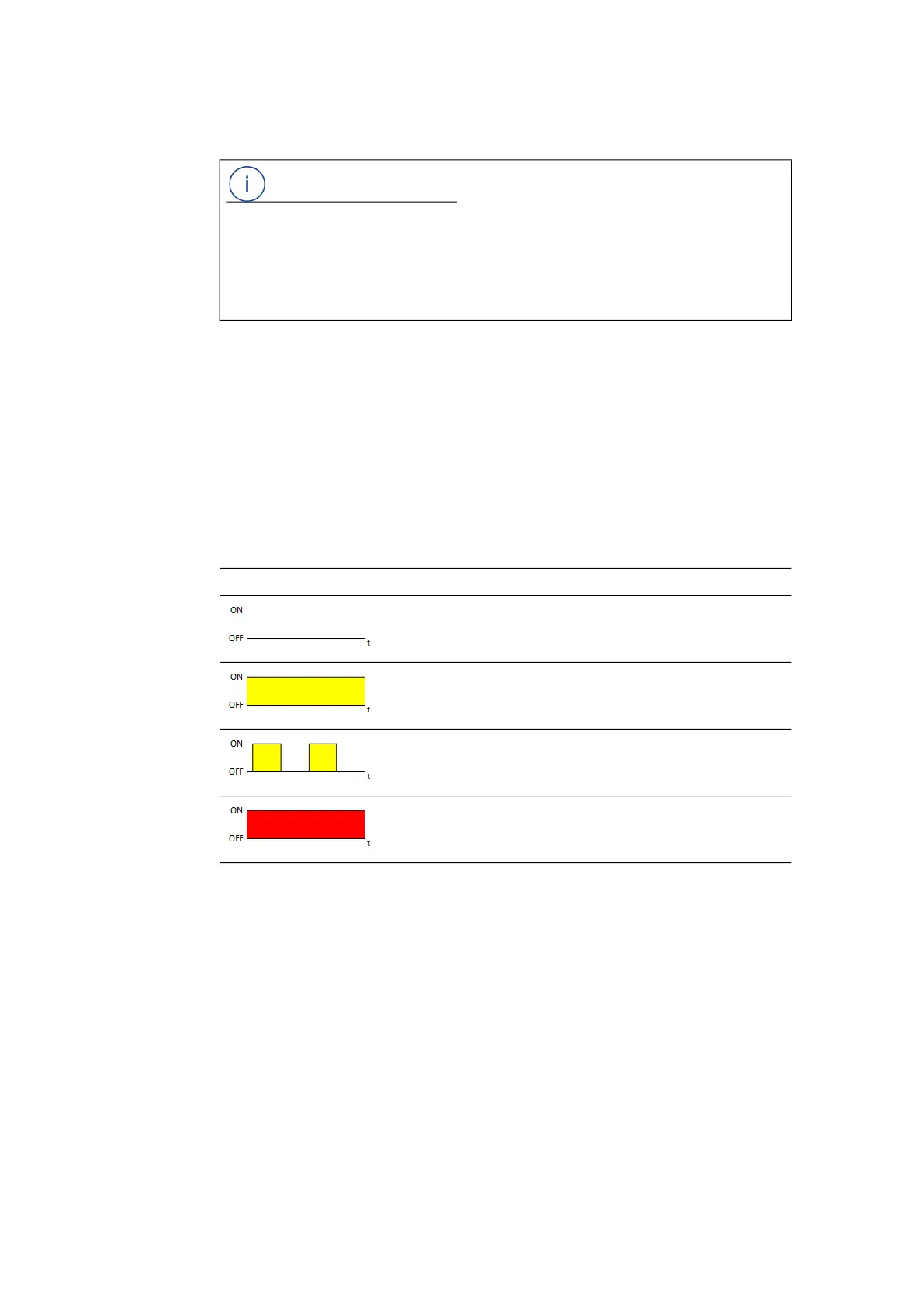
In the activated state of the module, the LEDs assigned to the connections show
the following function states:
NOTE
The Gigabit Ethernet (HOST) interface is continuously activated in standalone
operation. In an ES800 module stack,
only the HOST interface in the lowest mod-
ule is activated.
All other HOST interfaces of the module stack can neither send nor receive
Ethernet signals and are deactivated.
HOST LED Description State
Off Physical Ethernet connection not avail-
able
Illuminated
yellow
Physical Ethernet connection available
Flashing yellow Ethernet connection active
Illuminated red Module booting or functional error state



 To Next Page