7-4 624074/07
7 Monitoring
7.2 Monitoring window
This section discusses the attributes and functionality of the
Monitoring window. View numeric patient data or assign
an auxiliary pressure input from the
Monitoring
window.
Table 7-1 describes the monitored parameters.
The header of the cockpit basic monitoring screen displays the
current date and time.
7.2.1 Monitored parameter windows and sensor
data window: Viewing numeric patient data
With the
Monitoring
button open:
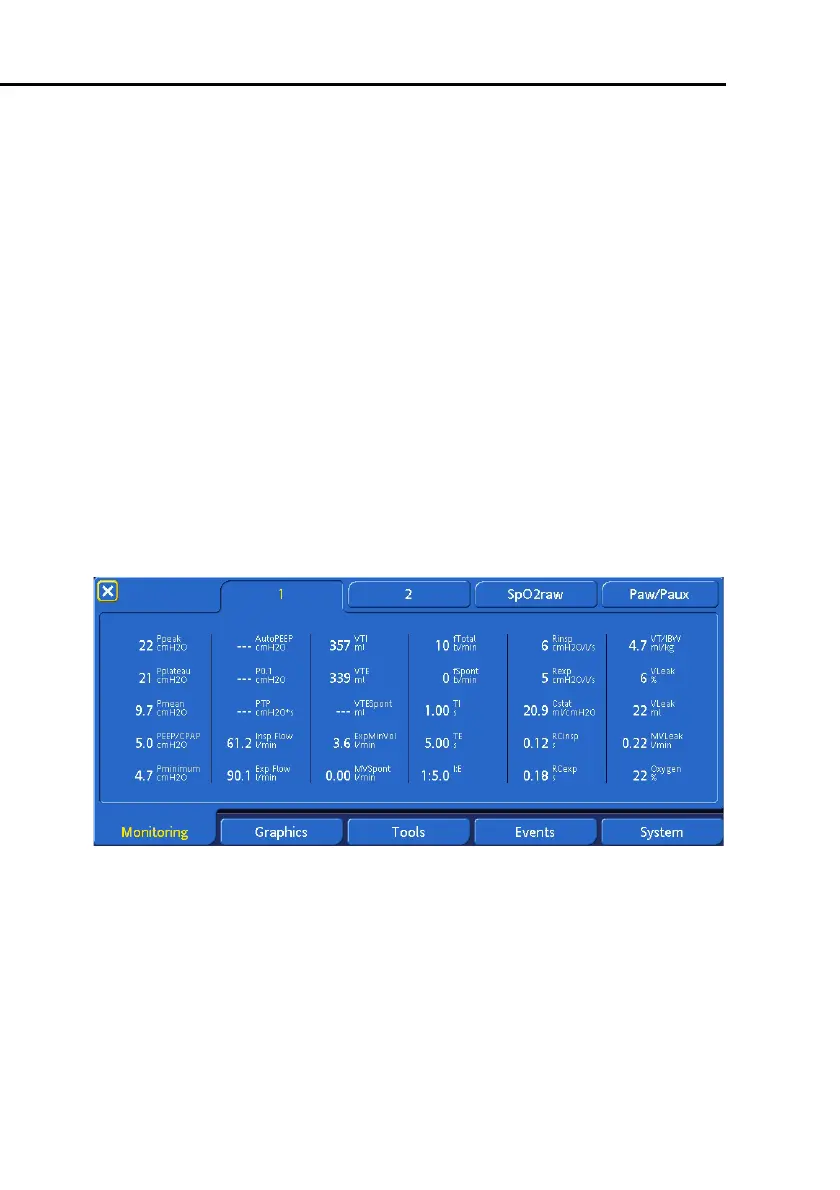
• Open window
1
(Figure 7-2) to view most patient data
• Open window
2
(Figure 7-3) to view patient data derived
from CO
2
and SpO
2
sensor measurements. This step must
be done with the appropriate sensors ON, from the
System
->
Sensors ON/OFF
window.
Figure 7-2. Monitored parameter window 1



 To Next Page