624074/07 I-5
NOTE:
• If your monitor does not recognize and report all
modes and parameters (for example, ASV mode,
peak pressure monitoring parameter). Additionally,
some specific alarms could not be recognized, but
reports them as general alarms. In such cases,
HAMILTON MEDICAL recommends that you read the
data directly from the HAMILTON-G5 screen.
• Silencing the device’s audible alarm DOES NOT auto-
matically silence the audible alarm of the remote
patient monitor.
• To connect your HAMILTON-G5 to a monitor other
than those described below, consult with the moni-
tor manufacturer.
With the RS-232 interface, the device can send data to various
patient monitors.
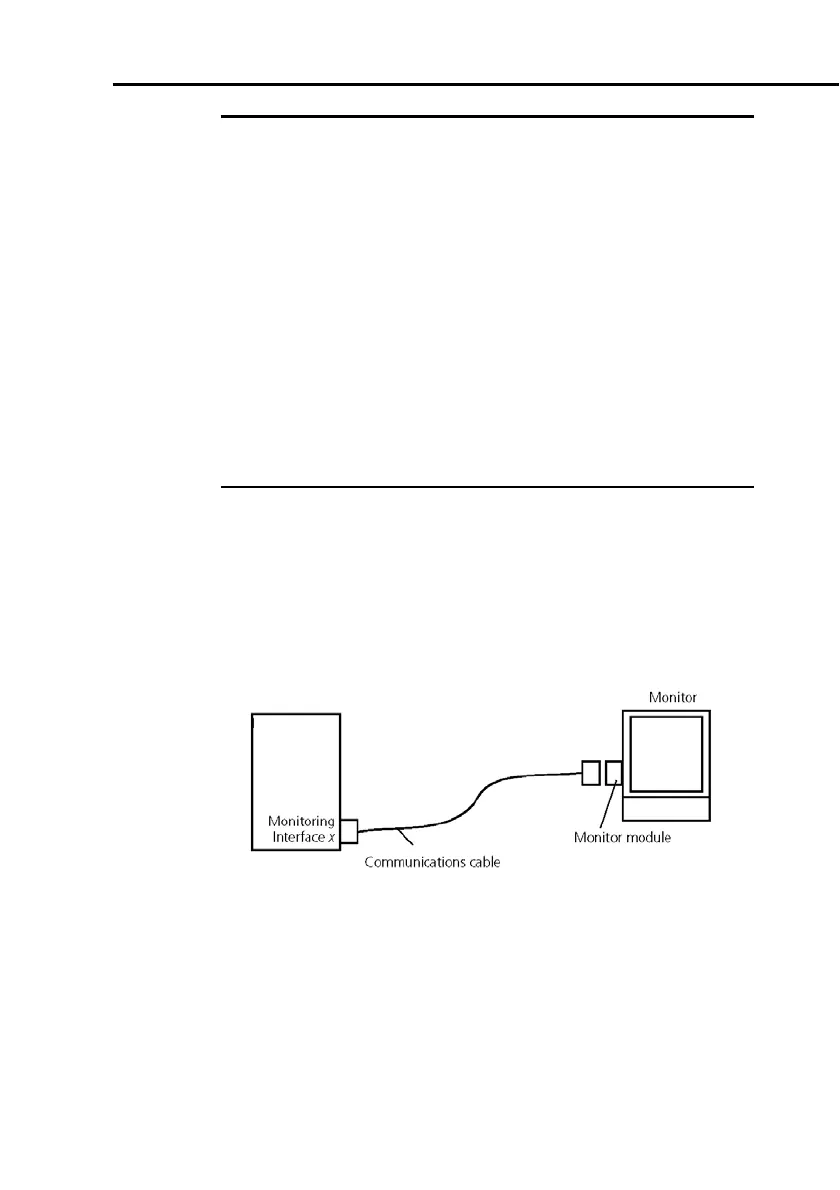
Using the device with a patient monitor requires the hardware
shown in Figure I-1. Interfacing hardware specific to the manu-
facturer’s monitors is listed in Table I-1.Order this interfacing
hardware directly from the monitor manufacturer.
Figure I-1. HAMILTON-G5 connected to a patient monitor



 To Next Page