2-12 624074/07
2 Preparing for ventilation
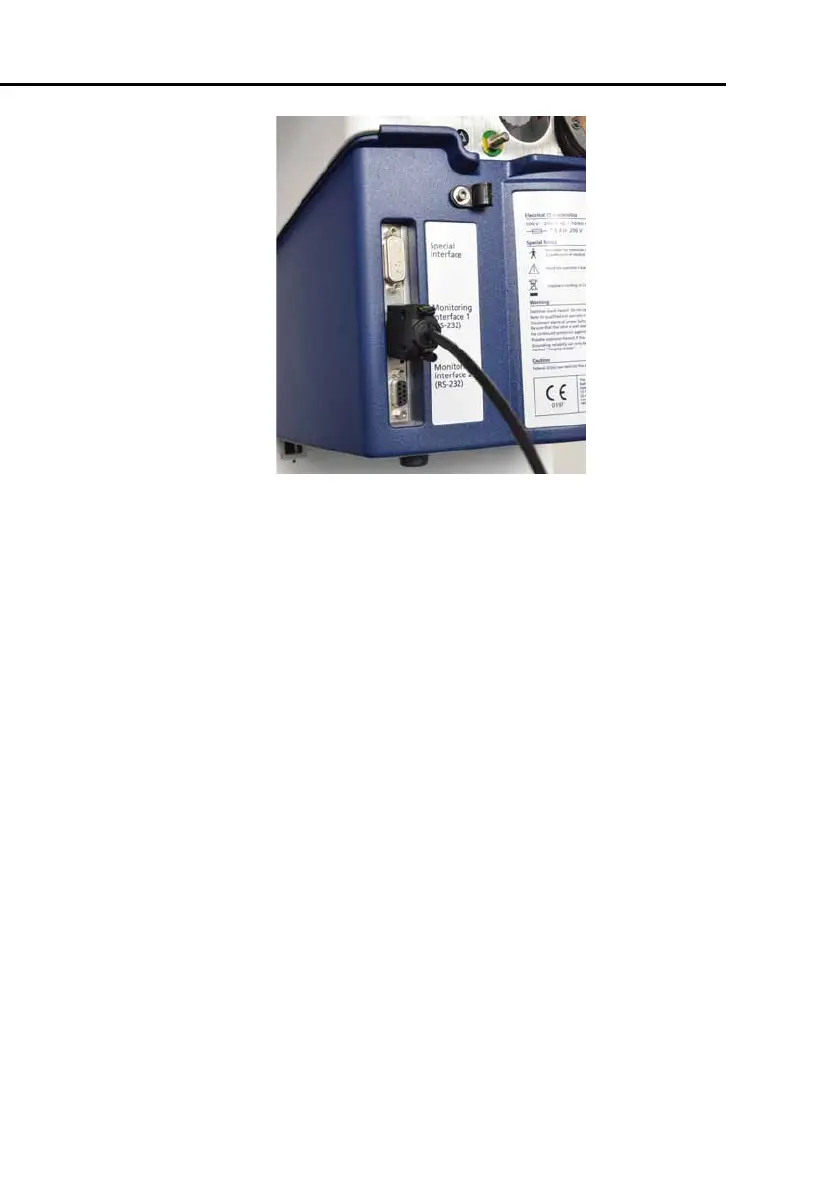
Figure 2-9. HAMILTON-900 communications cable
connected to RS-232 port on ventilator
For details on setting up the water chamber and connecting
the rest of the humidifier tubes to the ventilator, see the
HAMILTON-H900 Operating Instructions.
For details on the integration between the HAMILTON-H900
humidifier and the ventilator, see Section 3.6.
2.5 Installing the modules (CO
2
, SpO
2
, Aeroneb,
HAMILTON-H900 humidifier)
Install a module (Figure 2-10) by pushing it into its slot until the
connector engages and is locked.
Remove a module by pressing the release handle, then pulling
the module out by its handle until the module disengages from
the connector.



 To Next Page