624074/07 7-5
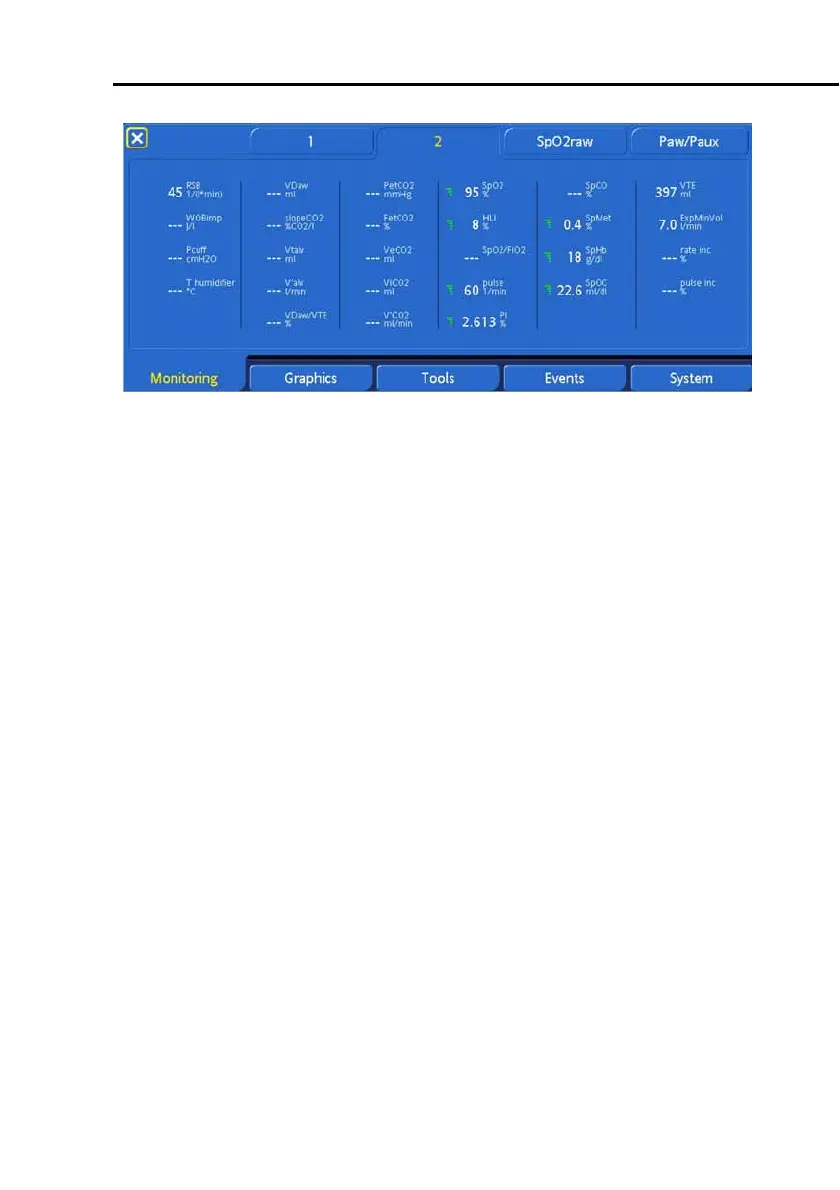
Figure 7-3. Monitored window 2, with sensor data
For details about the
SpO2raw
tab, see Section F. 3. 1.
7.2.2 Paw/Paux: Assigning Paw or Paux as pressure
input for numeric patient data
The device uses the airway pressure (Paw) as its standard pres-
sure input. You can reassign the device’s pressure input, so that
monitored numeric parameters are based on a pressure from
a different site, such as the end of the tracheal tube. (This aux-
iliary pressure input can be particularly useful when conducting
scientific and clinical studies.)
Change the pressure source for monitored data as follows:
1.
Monitoring
->
Paw/Paux
(tab color changes to yellow)
window (Figure 7-4).
2. Select
Paw
or
Paux
.
3. Close the window.



 To Next Page