624074/07 J-9
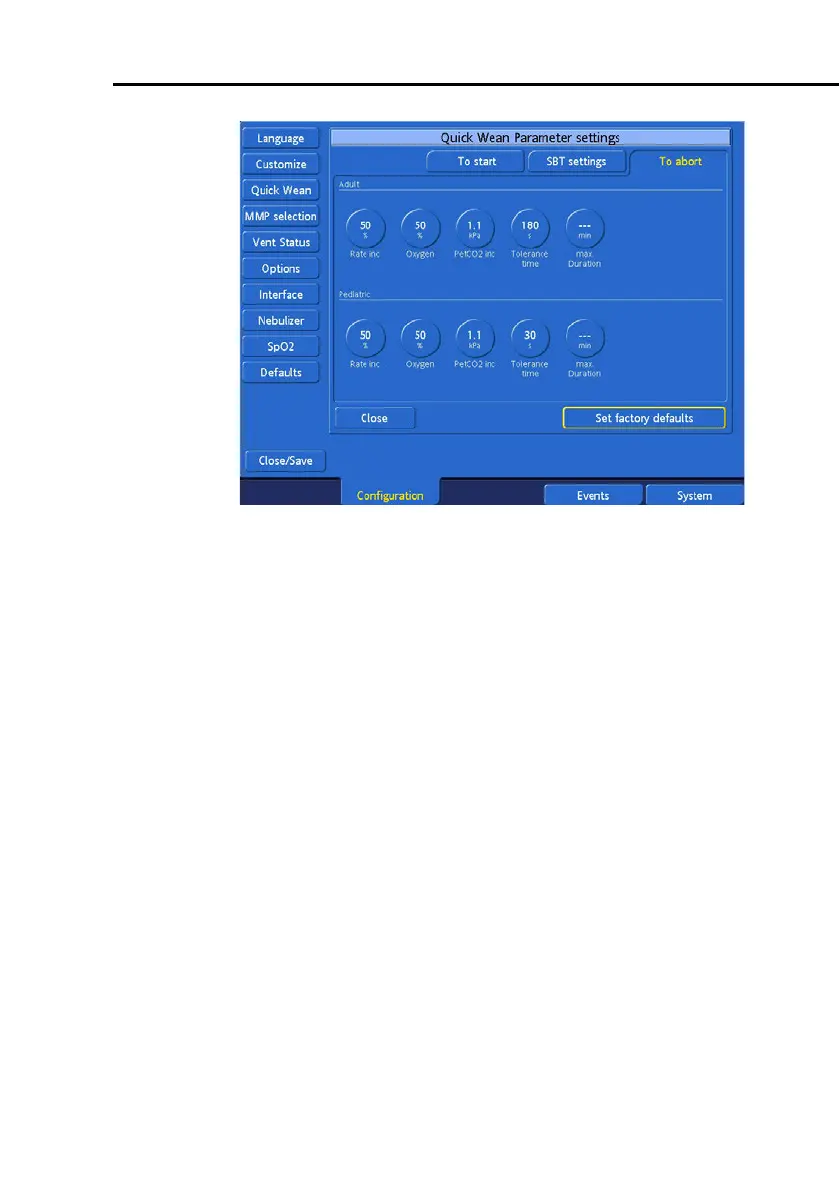
Figure J-7. Quick Wean To abort settings
To set the Quick Wean SBT settings:
1. In the
To start
window (Figure J-5), specify settings for
the conditions to be met before weaning activity, including
automated SBTs when enabled, is possible. Set the desired
value for each parameter, for adult patients (top) and for
pediatric patients (bottom).
2. Click the
SBT settings
tab (Figure J-6) and specify the
desired settings for values to maintain during an SBT.
3. Click the
To abort
tab (Figure J-7) and specify the condi-
tions that must be met for ongoing weaning activity, includ-
ing an SBT, to be stopped.
4. Touch
Close
.
5. If you are done configuring the ventilator, touch
Close/
Save
to save your selections.



 To Next Page