J-12 624074/07
J Configuration
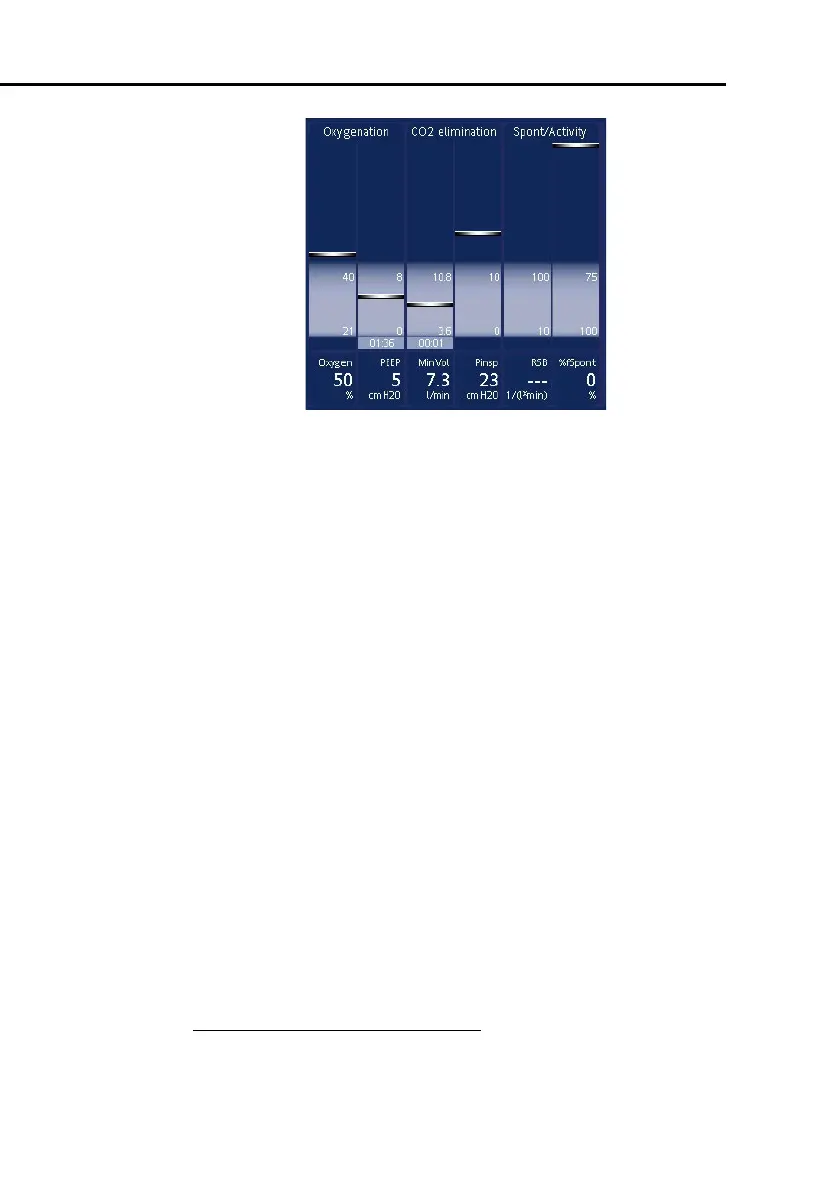
Figure J-10. Vent status intelligent panel
To select the Vent Status parameters:
1. Open the
Vent Status
window.
2. From the RSB, VariIndex
1
, P0.1, and %fSpont parameters,
select 2 (two) for display.
3. Select a parameter and adjust the value. Repeat the steps to
select other required parameters.
4. Select
Set factory default
and revert the device to
factory settings (see Section J.12).
5. Touch
Close
.
6. If you are done configuring the ventilator, touch
Close/
Save
to save your selections.
1. The variability index (VariIndex) parameter is not available in all markets



 To Next Page