Starting up
Devices in the desktop housing and rack frame
100 A0534-30.0 HBM: public MGCplus
S For safety reasons all free slots (amplifiers or connection boards) must
be covered by blind panels.
S Check to make certain the amplifiers and connection boards are securely
plugged in.
S Connect the device to the mains with the mains cable provided.
S Connect your transducer to the applicable socket on the back of the
connection board (designation BU01). If you are using a cable pre-
assembled in-house, please note the pin assignments for your
transducer in section B.
Comply with the safety instructions on
è page 11.
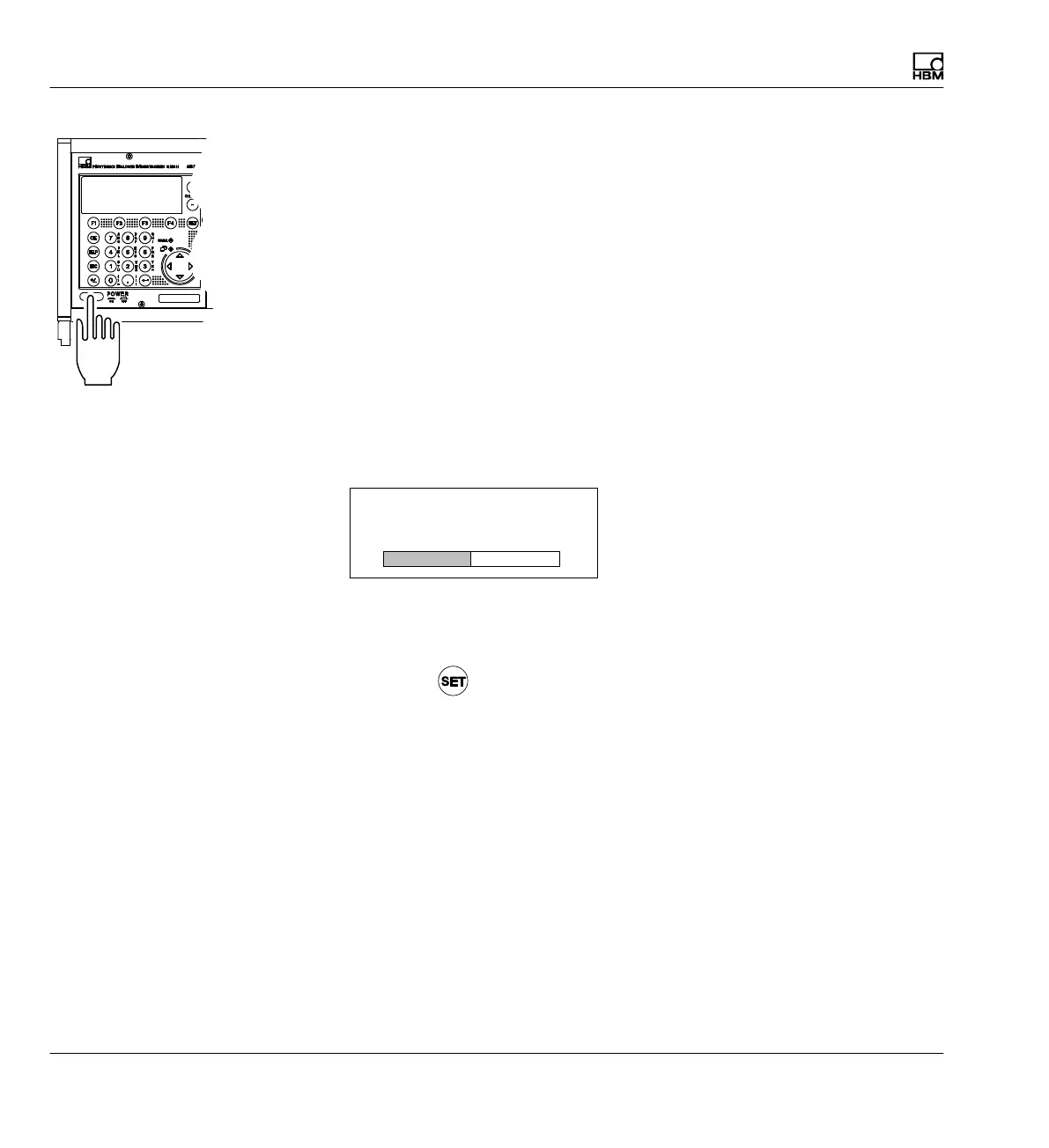
S Turn the device on using the POWER button on the front of the device.
The AB22A is initialized (all the LEDs light up briefly) and detects the
components present.
MGCplus initialization
Baud rate detection ...
If a transducer is not connected, an overload is displayed!
After the opening display, the measured value of image type "1 measured
value" appears in the standard configuration (factory settings). Pressing the
Switch key
takes you to Setup mode, where you can configure the
system, display, amplifier and additional functions.
Switching on



 To Next Page