System
Save/load
MGCplus A0534-30.0 HBM: public 243
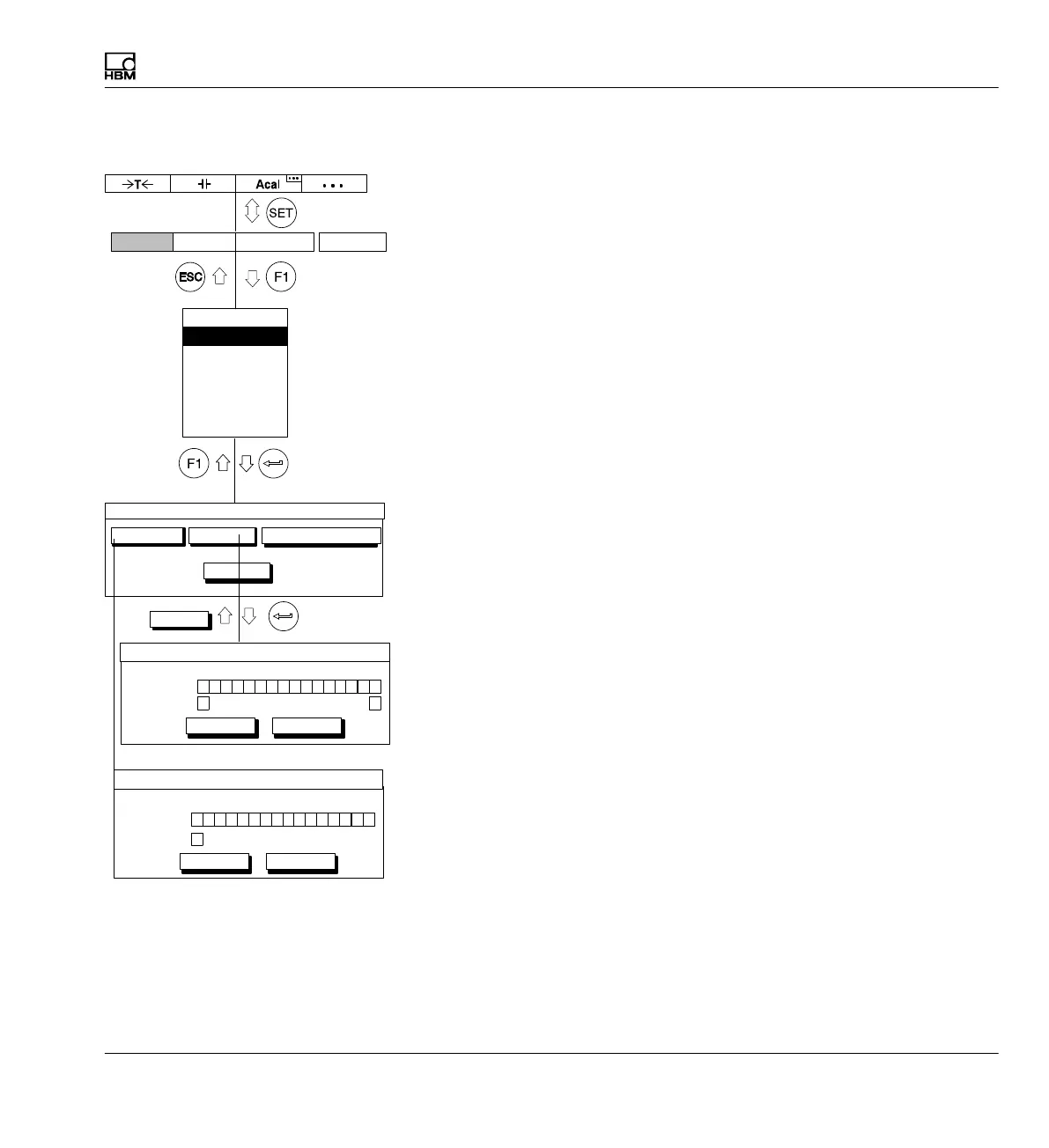
10.2 Save/load
You can use the Save/load function to permanently save the current
settings of the AB22A, the CP42/CP52 or the amplifier modules (up to 8
parameter sets per channel) or to load previously saved settings. You can
load the settings in effect at the time of delivery with "Factory settings".
You can also copy the settings from one amplifier to another.
-
CP
101112131415161 23456789
Param. set
Channel
OK Cancel
1 1 1
1
Save parameters
CP
101112131415161 23456789
Param. set
Channel
OK Cancel
1 1 1
1
Copy settings
Automatically from disk
Save/Load setup
Factory settings…
Load…Save…
Copy…
Display Amplifier OptionsSystem
OK
Password
Save/load
Recording
Interface
Print
Language
Time



 To Next Page