Display
Channel names
MGCplus A0534-30.0 HBM: public 235
9.3 Channel names
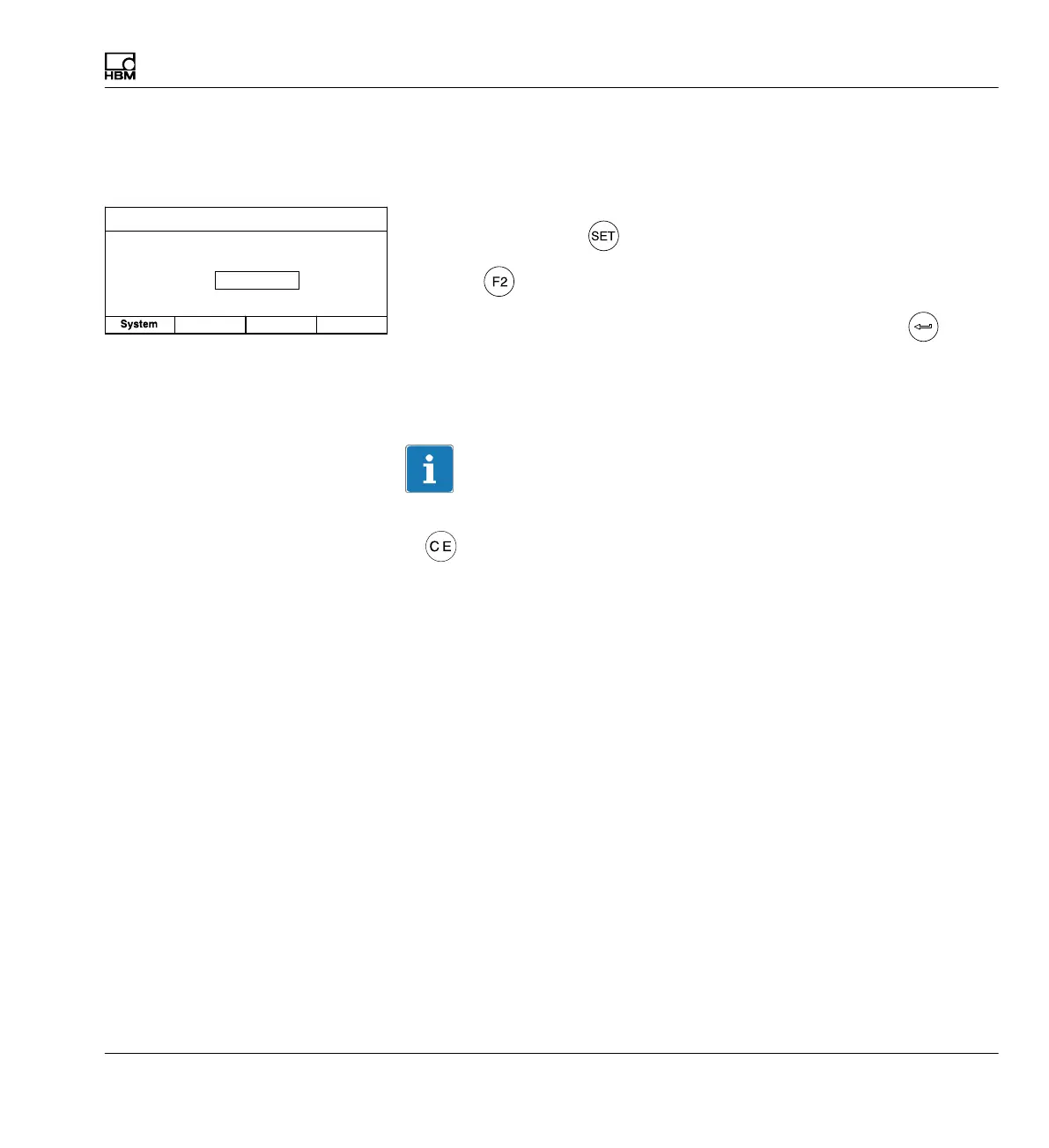
Select setup window
1. Use the Switch key
to switch to Setup mode.
2. Press
.
3. In the pull-up menu select Channel names and confirm with
.
All channels present in the setup window have the channel names assigned
in the factory at first.
Empty edit fields identify free slots in your device.
Information
If you want to rewrite an edit field that is already written, use the delete key
to
delete the entire entry.
Setup window
Force ...
CHANNEL NAME Channel 3.1
Channel
name:
Display Amplifier
Options



 To Next Page