Additional functions
Limit values (single-channel modules only)
196 A0534-30.0 HBM: public MGCplus
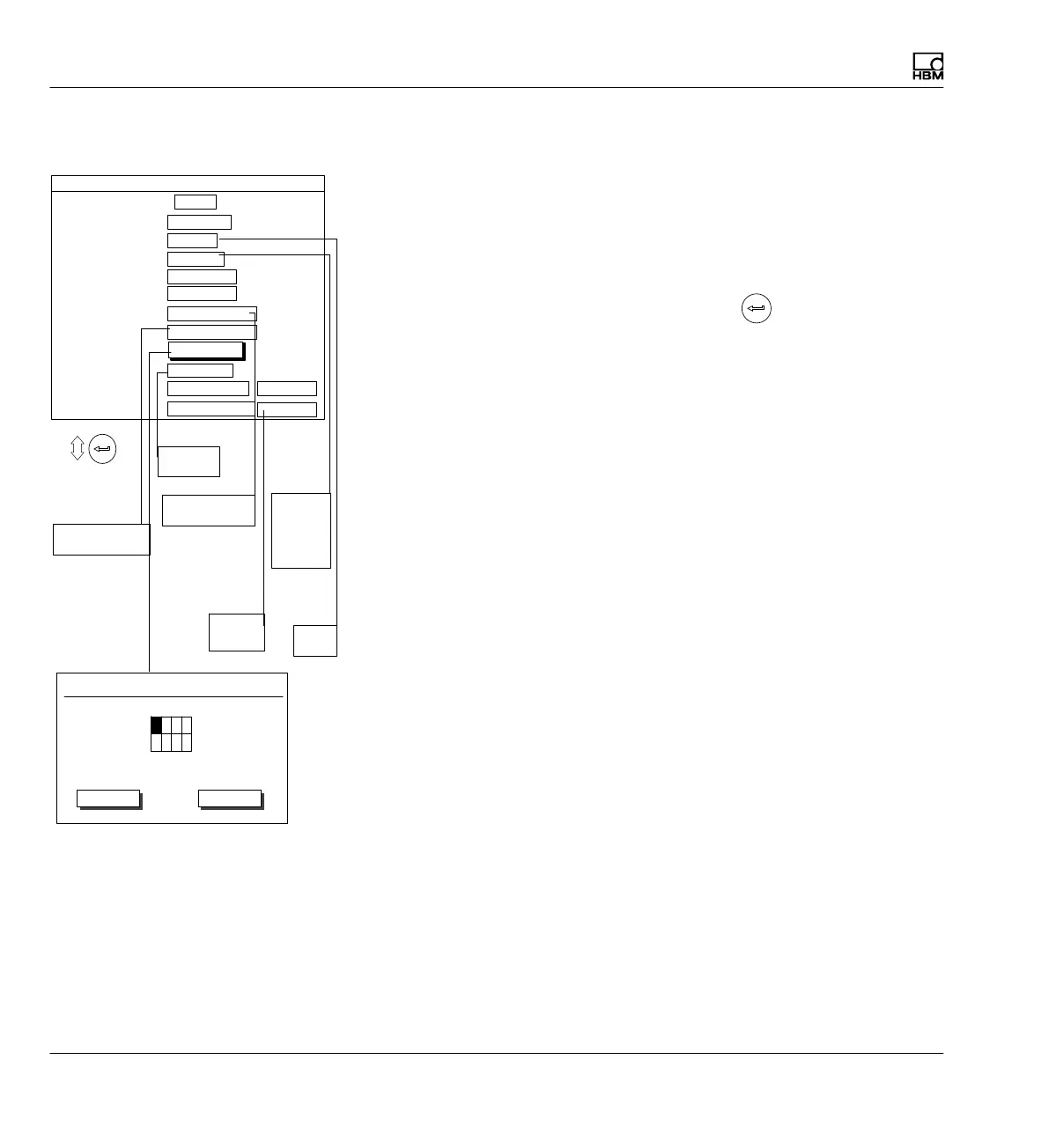
8.2.2 Adjusting limit values
Setup window for limit switches
Adjusting and turning on limit switches (Enable)
Limit switches
You can enter the number (1...4) and confirm with
to go to the desired
setting area. This will save you the effort of running through all the edit fields
or selection fields with the cursor keys.
Name
Choose a Name of the limit switch or its function (for example "Emergency
Stop")
Enable
Turn limit value monitoring on or off
Input signal
Select the signal source to be monitored (gross/net/peak values/peak value
combination).
Level
Enter the response level in display units (kg, etc.).
Hysteresis
The Hysteresis is the modified onset of the switching effect between the
states "On" and "Off". The hysteresis prevents the limit switch from "flicker
ing" when the switching level is reached.
Direction
Enter the switching direction or the working direction of the limit switch.
No
Yes
Gross
Net
PV1
PV2
PV12
Exceed
Undershoot
Normal
Reverse
video
Enabled
Disabled
Positive logic
Negative logic
1 ...
1-LV1 ...
No
100.000 ...
Gross
Limit switches
Name
Enable
Input signal
Level
Hysteresis
Direction
Output logic
1.000 ...
Exceed
Limit switch 1 Channel 1
Positive logic
Input
Message when On
Message when Off
1-LV1 ON...
1-LV1 OFF...
Normal
Normal
Free
%
%
Delay
Limit value delay time
Limit value On
Limit value Off
1234
Delay time
0ms
OKOK OKCancel
define...



 To Next Page