Measuring
General principles for adjusting a measurement channel
124 A0534-30.0 HBM: public MGCplus
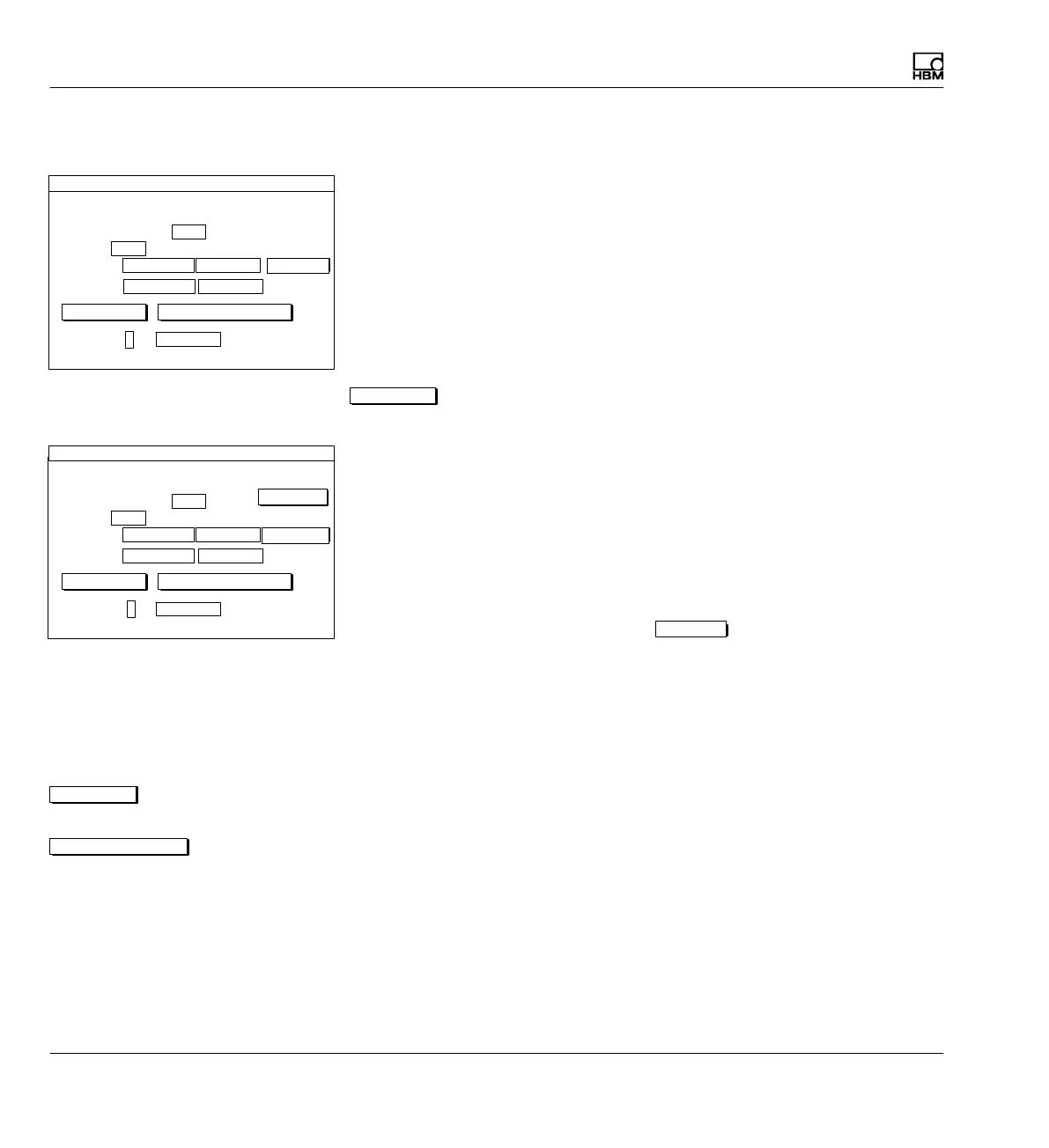
7.2.1 Adapting to the transducer
Type
Selection field for transducers that can be connected. The selection de
pends on the amplifier type and connection board.
Current feed
Selection field for possible current feeds (not present for all amplifier types!).
The selection depends on the amplifier type and connection board. Further
details can be found in the next sections.
Ext.fct...
(for ML38B only)
Extended functions for amplifier module ML38B (
è see section 7.2.1.1
"Extended functions of the ML38B", page 125).
Unit
Selection field for the physical unit. The basic unit mV/V cannot be changed.
Zero point
Edit fields for entering zero point. The left field refers to the physical unit, the
right field to the basic unit. Activate the
measure
button to measure the
current zero signal. The value then appears in the right edit field in mV/V.
Nominal (rated) value
Edit field for the nominal (rated) value. The left field refers to the physical
unit, the right field to the basic unit (this nominal (rated) value can be found
on the transducer type plate).
Button for opening the "Characteristic curve points" setup window where
you can calibrate characteristic curve points 1 and 2.
Button for adapting the amplifier to the entries for the zero point and nominal
(rated) value.
2.0000 ...
Type SG full bridge circuit
Excitation voltage
Unit: mV/V
Zero pt.:
Nom. val.:
Gage factor:
TRANSDUCER CHANNEL1
kg
0.0000 ... 0.0000 ...
50.0000 ...
calibrate...calibrate... Adjust amplifier
0.0000 ...
5V
measure
2.0000 ...
Type SG full bridge circuit
Current feed
Unit: mV/V
Zero pt.:
Nom. val.:
Gage factor:
TRANSDUCER CHANNEL1
kg
0.0000 ... 0.0000 ...
50.0000 ...
calibrate... Adjust amplifier
0.0000 ...
5V
measure
ML38B only:
Ext.fct...
calibrate...calibrate...
Adjust amplifier



 To Next Page