Additional functions
Set peak values
202 A0534-30.0 HBM: public MGCplus
8.4 Set peak values
8.4.1 Peak-value memory
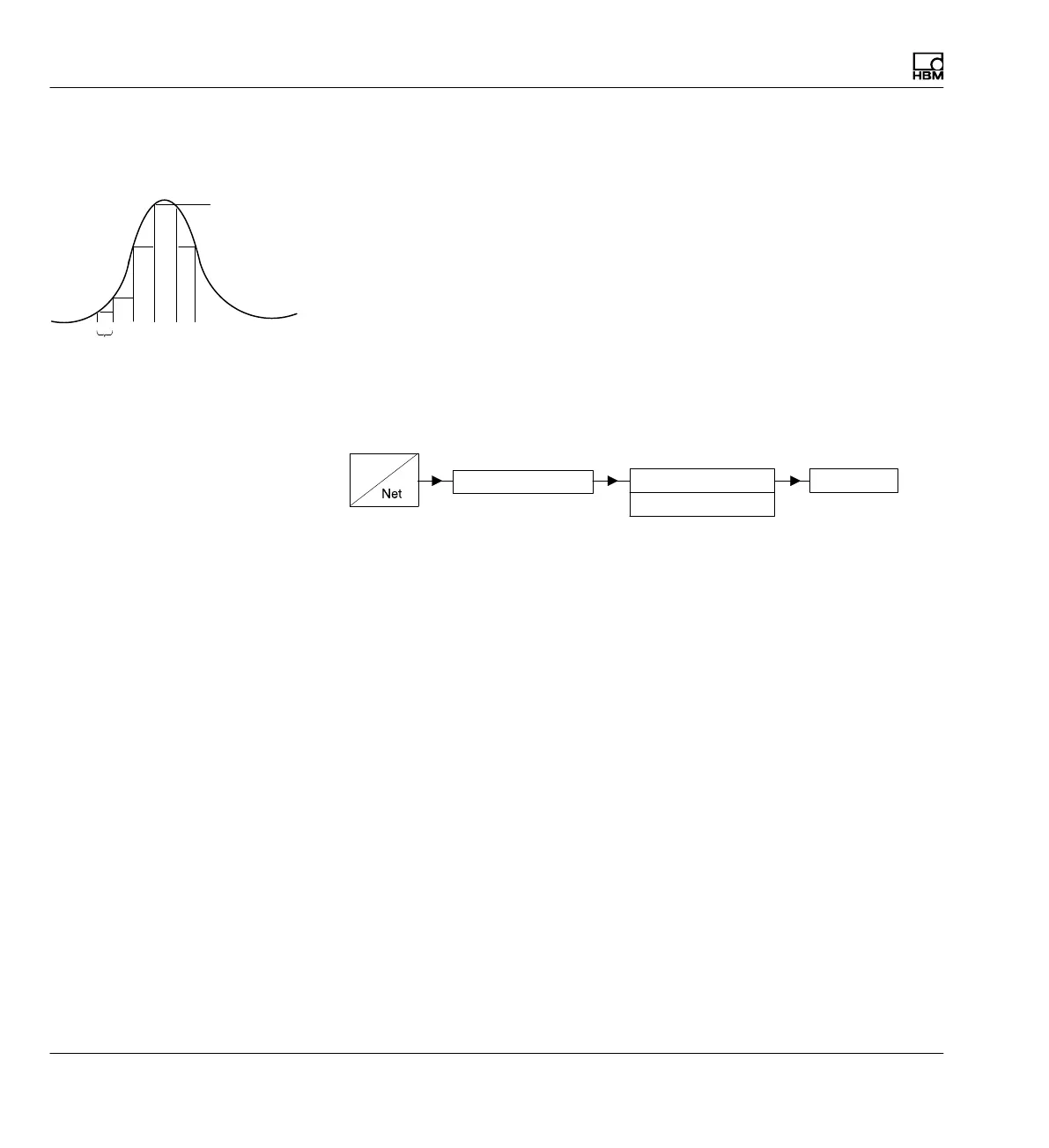
The "Peak values" function can be used to record and save isolated signal
peaks and minimum/maximum signal amplitudes. Each amplifier contains
two peak-value memories.
You can use these to save:
S Maxima
S Minima or
S Peak-to-peak amplitudes
Peak value memory
Minimum (envelope curve)
Maximum peak-peak
Display
Gross
With fast dynamic signals, you must take into account that the peak values
are determined in a fixed time grid. The grid is sampled at set filter frequen
cies > 5 Hz Bessel 10 Hz Butterworth 38,400 times per second, equivalent
to 26 μsec.
Due to the abbreviated notation, the peak-value memories in the setup win
dows are referred to as PV1 and PV2.
Adjusting peak-value memory
In the Function selection fields choose the minimum or maximum signal for
which you want to save the peak value.
In the Envelope curve selection fields turn on the envelope curve function.
Enter the time constant in milliseconds in the right edit field.
Measured peak
value
26 μsec



 To Next Page