Functions and symbols of the AB22A
AB22A in Setup mode
110 A0534-30.0 HBM: public MGCplus
6.3 AB22A in Setup mode
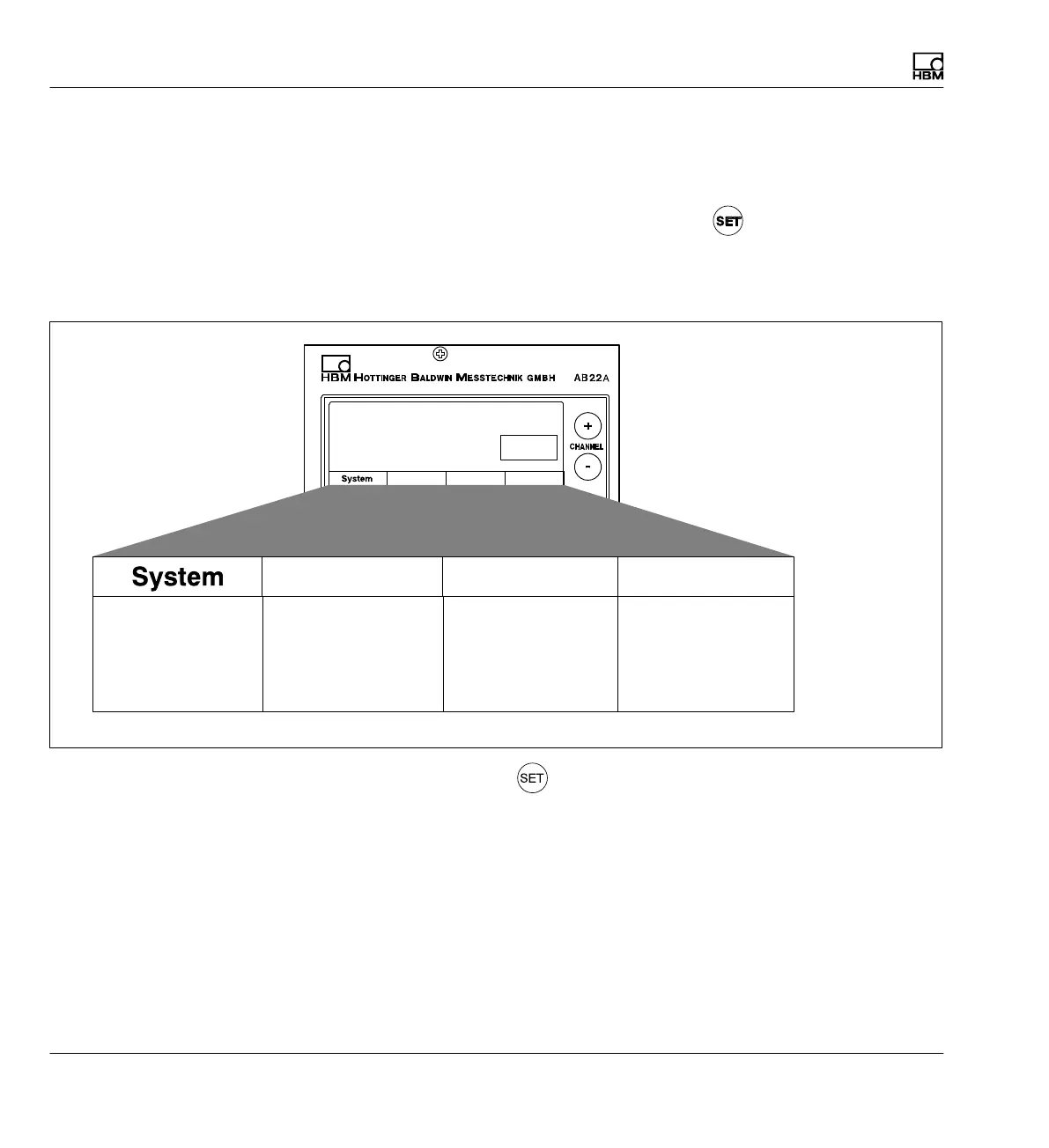
The settings of the MGCplus device are combined together in function-
related groups. After you press the Switch key
you are in the setting
dialog and the selection bar appears in the display.
Display in Setup mode
System-related settings
that are usually only
made for initial operation
or a new measurement
task.
User-oriented settings of
the display such as the
preferred realization of
measured values, assign
ment of function keys or
assigned channel names.
Amplifier settings for
each channel, for exam
ple to adapt to the ampli
fier module or signal con
ditioning.
Additional settings for
each individual amplifier.
Display Amplifier Options
Selection bar
Display Amplifier
Options
Press the Switch key to go to the Setting dialog. In the bottom section
of the display there is a selection bar with terms assigned to the function
keys below them (F1...F4) (selection level 1).
You can adjust your device in various menus that can be called with the
selection bar in the display. Depending on the function you can call up to 4
menu levels (selection and setting levels). In the first two levels you can se
lect terms. You are in the selection levels. In the next levels you will adjust
certain values or turn functions on/off. Then you will be in the setting levels.



 To Next Page