Additional functions
Set peak values
208 A0534-30.0 HBM: public MGCplus
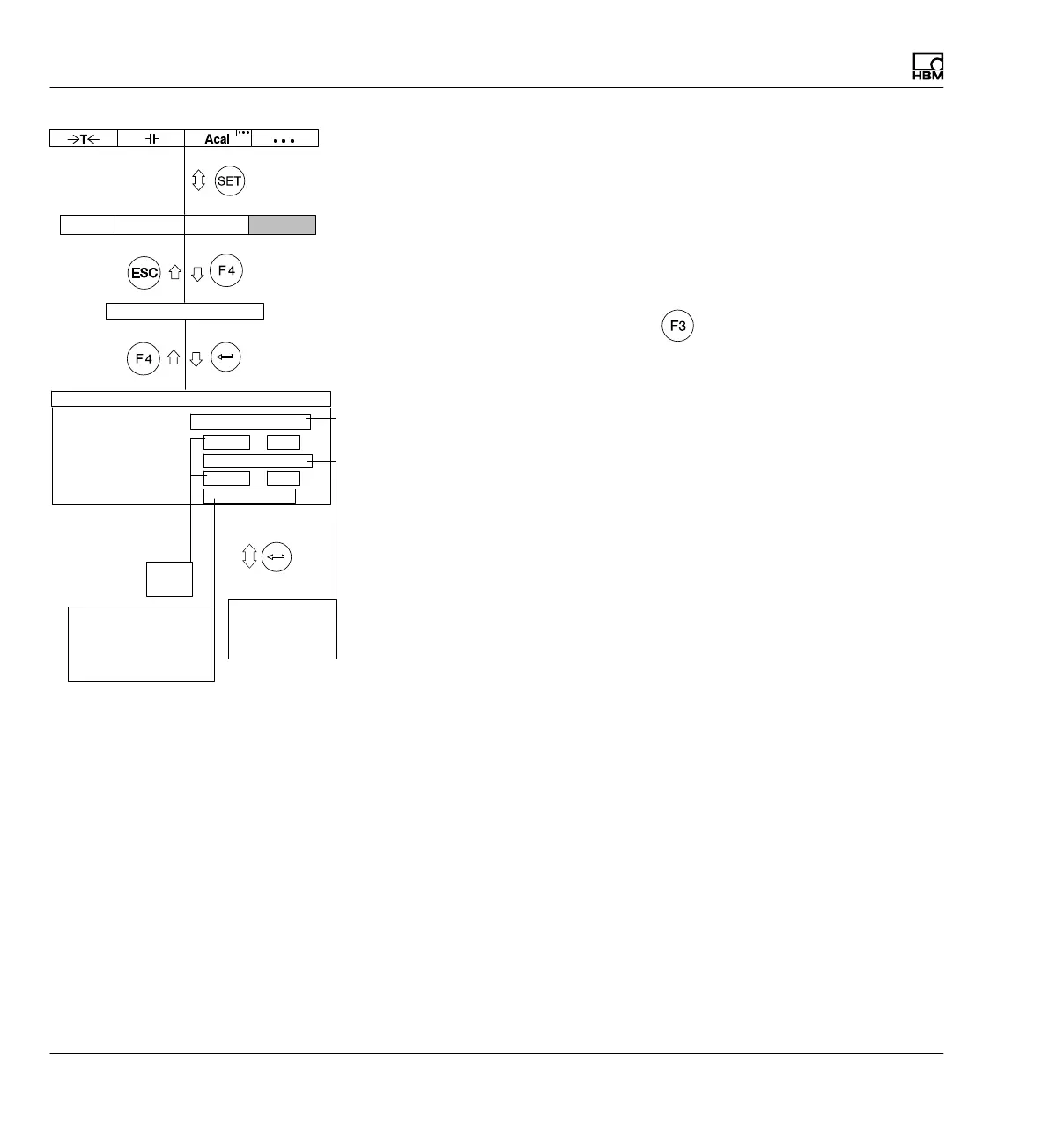
8.4.7 Clear peak-value memory
Due to the abbreviated notation, the peak-value memories in the setup win
dows are referred to as PV1 and PV2.
Clear peak-value memory
There are three ways to clear the peak-value memory:
1. With a function key (factory settings
/Level 3).
2. Use the remote control contacts CPV1/CPV2 (in pull‐up menu Ampli
fier, Setup window Switch to set selection field Remote control ON).
3. Via a computer using the CPV computer.
Memory 1 Function
Memory 1 Envelope curve
Memory 2 Function
Memory 2 Envelope curve
PV 12-combination
Maximum gross
Off 0 ...
ms
ms
0 ...Off
Maximum gross
−−−
Peak-value memory Channel 1
Off
On
Maximum gross
Maximum net
Minimum gross
Minimum net
Peak-value memory
---
Difference PV1,PV2
Mean value
Integrate gross
Integrate net
AmplifierSystem OptionsDisplay



 To Next Page