Display
Display format
214 A0534-30.0 HBM: public MGCplus
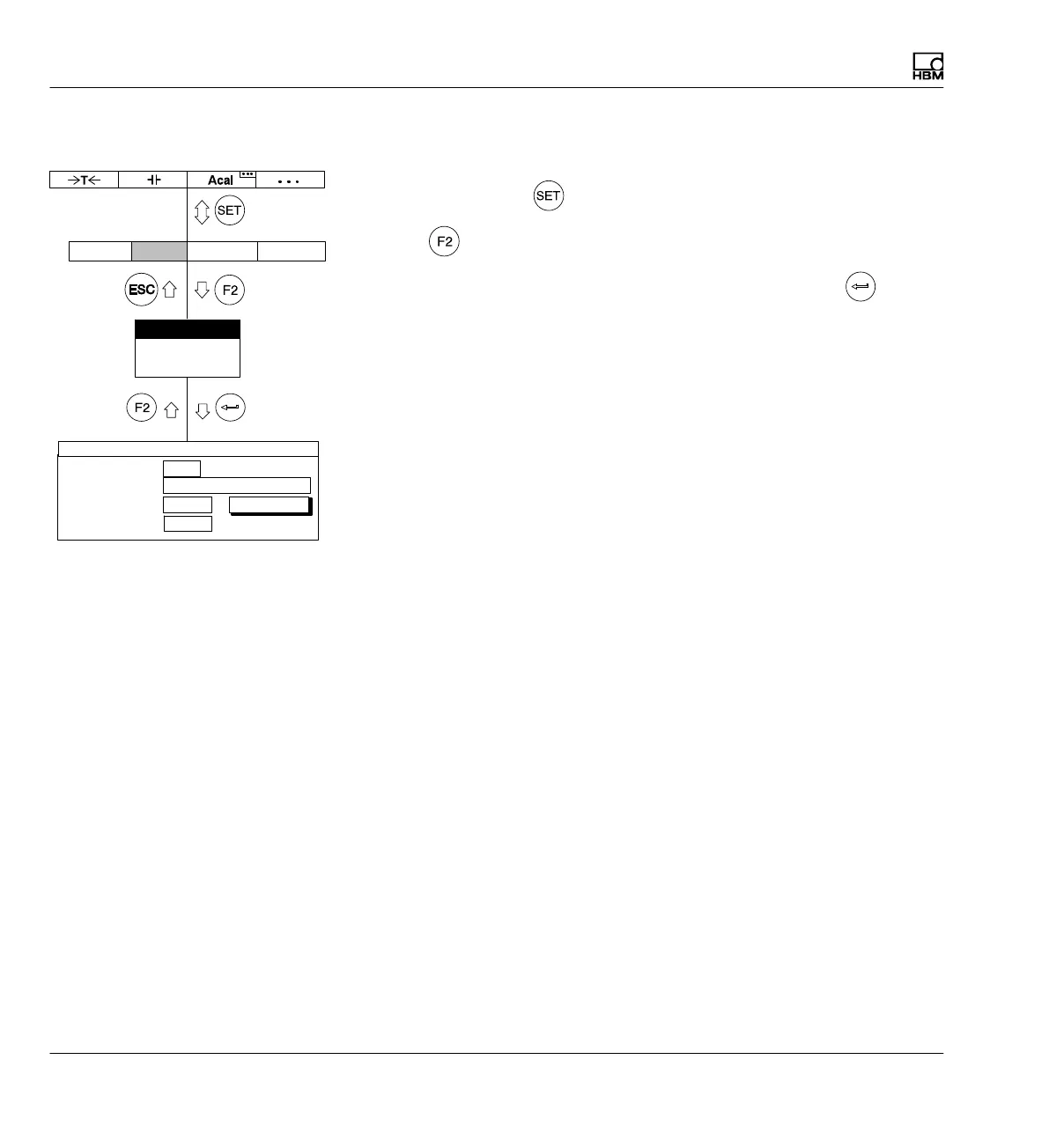
9.1.1 Select setup window
1. Use the Switch key
to switch to Setup mode.
2. Press
.
3. In the pull-up menu select Display format and confirm with
.
You will then be in the Display format setup window.
Display format
F−keys
Channel names
Display Amplifier OptionsSystem
Channels/signals:
0 ...
One measured value
All
Image no.:
Image type:
define...
DISPLAY FORMAT One measured value
Status line
Off



 To Next Page