Functions and symbols of the AB22A
Display
104 A0534-30.0 HBM: public MGCplus
6.2 Display
6.2.1 The first display
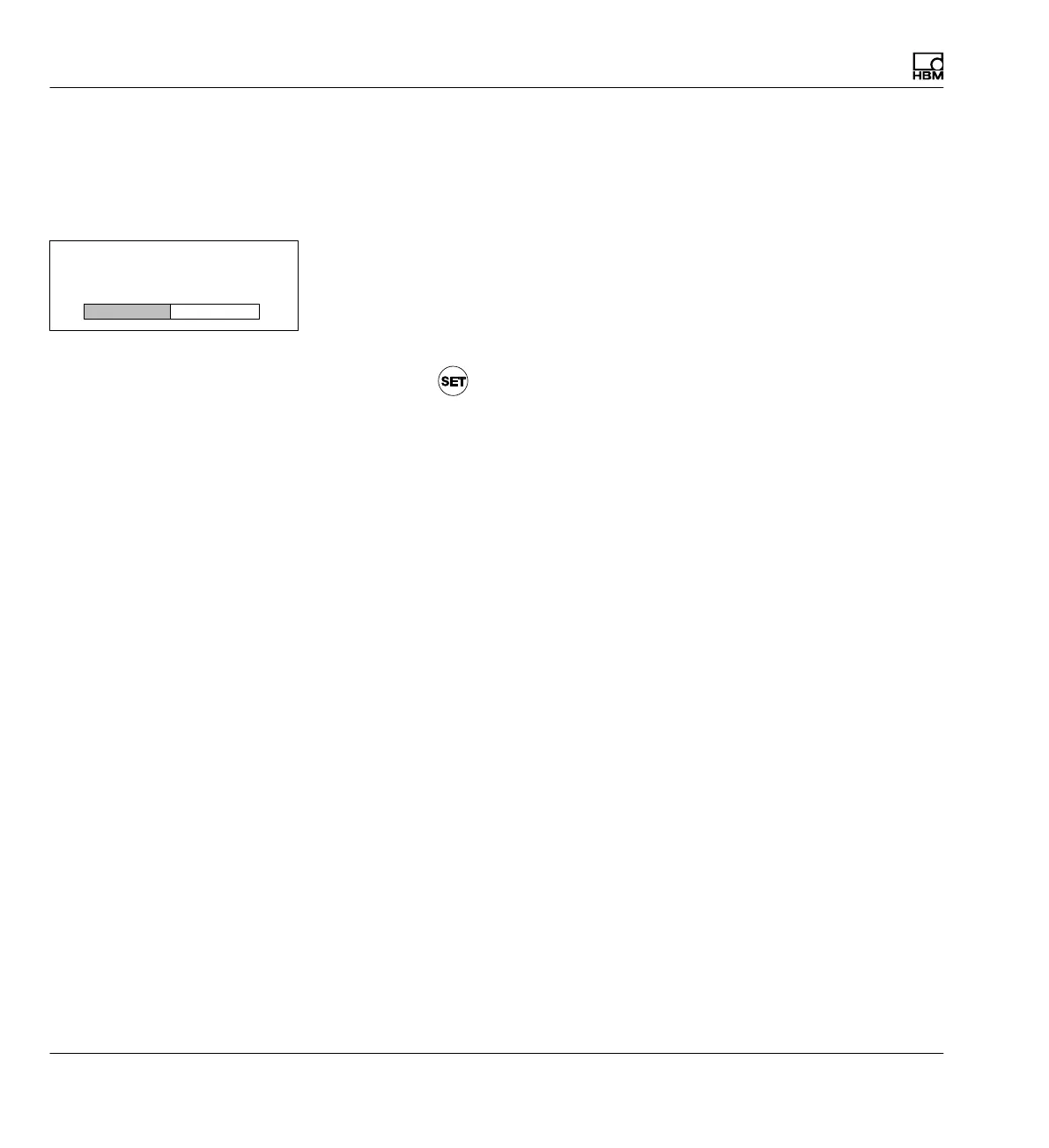
After the mains voltage is turned on, the initialization of the device is in
dicated in the display by a horizontal progress bar. You are also informed of
the current software version.
After the opening display, the measured value of image type "1 measured
value" appears in the standard configuration (factory settings). Pressing the
Switch key
takes you to Setup mode, where you can configure the sys
tem, display, amplifier and additional functions. We recommend first setting
the Language if you want to use a language other than German.



 To Next Page