Measuring
General principles for adjusting a measurement channel
122 A0534-30.0 HBM: public MGCplus
7.2 General principles for adjusting a measurement
channel
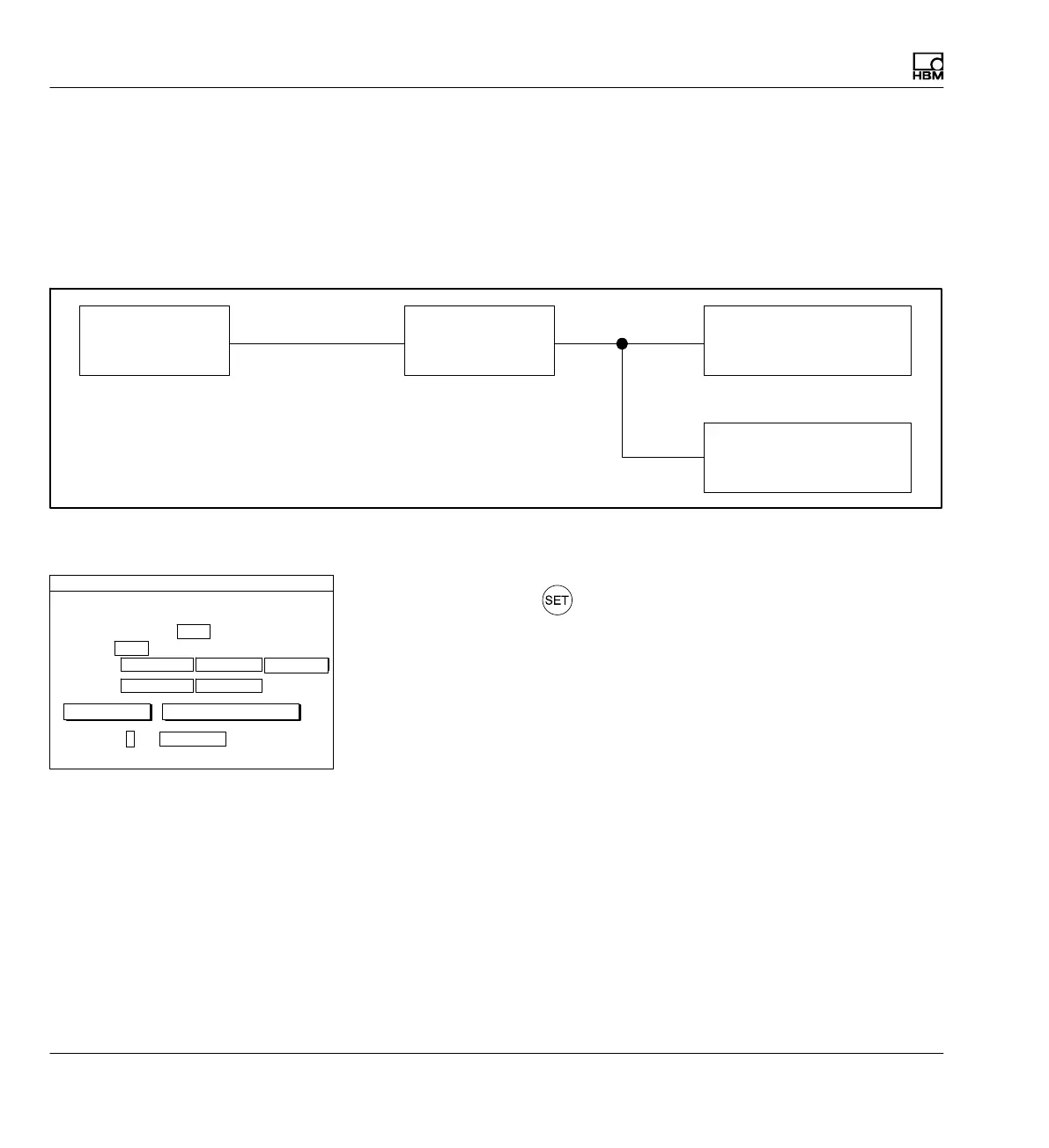
The "Amplifier" pull-up menu is adapted to the signal flow of a measurement
chain. It is the basis for making adjustment to the entire measurement
chain.
Transducer Amplifier
Analog output
Display
Basic unit
(mV/V, etc.)
(V)
(User unit: kg, etc.)
Inputs and outputs
The following steps are normally needed to adjust a measurement channel:
► Press the Switch key
to select Setup mode.
► If necessary: Set the desired language for the menu in the system set
tings (
è see section 10.5 "Language", page 281).
► Make transducer-specific settings
S Type and bridge excitation voltage
S Unit
S Characteristic curve (zero point and nominal (rated) value)
► Adjust amplifier
Once these steps are complete the most urgent settings and adaptations
have been made and simple measurements are possible. The following
steps are optional
Type SG full bridge circuit
Excitation voltage
Unit: mV/V
Zero pt.:
Nomi. val.:
Gage factor:
2.0000 ...
TRANSDUCER CHANNEL1
kg
0.0000 ... 0.0000 ...
50.0000 ...
calibrate...calibrate... Adjust amplifier
0.0000 ...
5V
measure



 To Next Page