Additional functions
Limit values (single-channel modules only)
MGCplus A0534-30.0 HBM: public 195
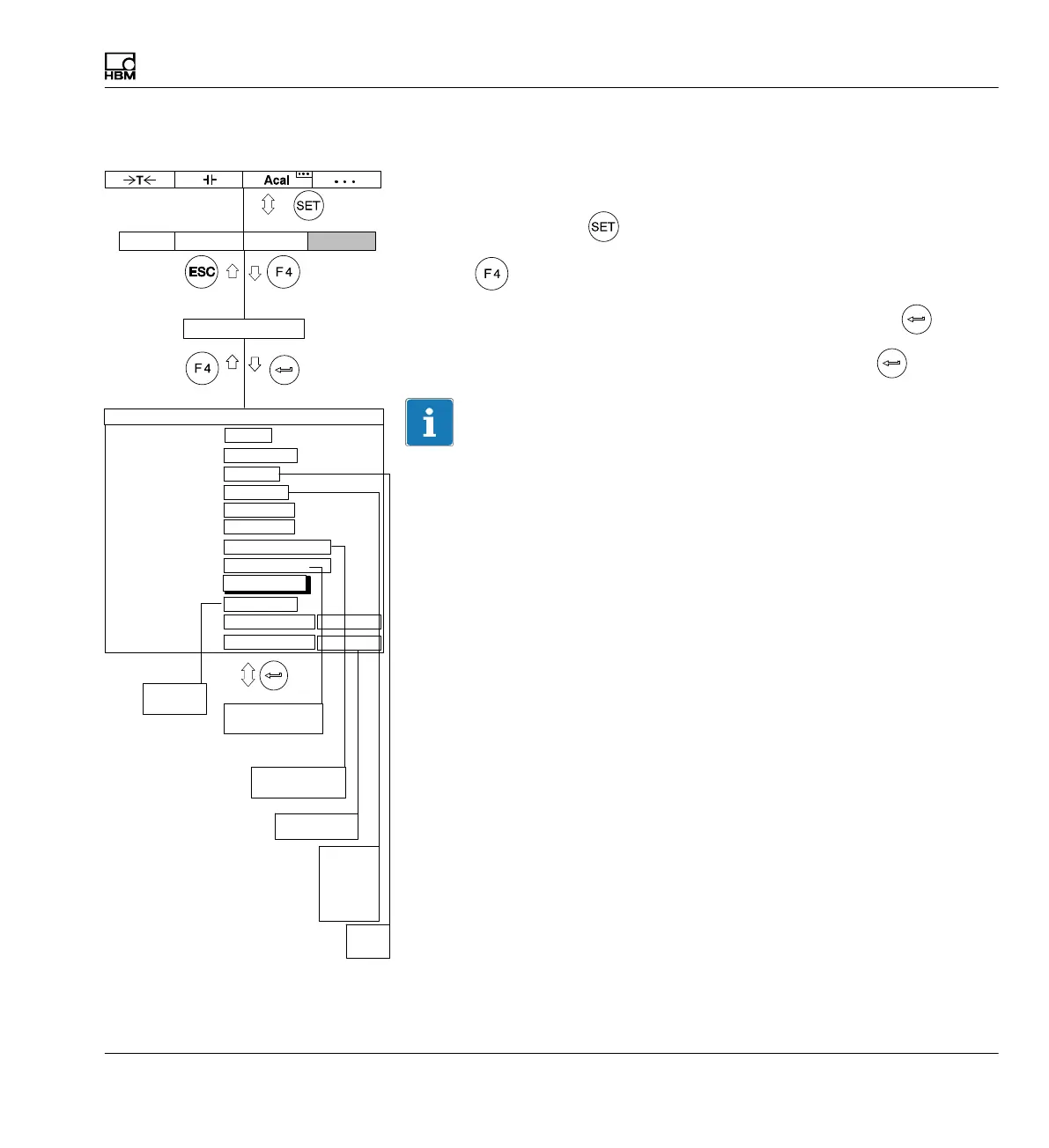
8.2.1 Turning on limit switches
The limit switches are not enabled in the factory settings (Enable "Off").
1. Use the Switch key
to switch to Setup mode.
2. Print
3. In the pop-up menu select Limit switches and confirm with .
4. In the Enable selection field select Yes and confirm with
.
Important
The image type "Limit value status" is set for the status display of limit
values under image no.5 (è see also section 9.1.4 "Limit value status" ;
page 230). The limit values must be previously enabled (
è see
section 8.2.2 "Adjusting limit values"; page 196).
No
Yes
Gross
Net
PV1
PV2
PV12
Exceed
Undershoot
Normal
Reverse video
Enabled
Disabled
Positive logic
Negative logic
AmplifierSystem OptionsDisplay
Limit switches
1 ...
1-LV1 ...
No
100.000 ...
Gross
Limit switches
Name
Enable
Input signal
Level
Hysteresis
Direction
Output logic
1.000 ...
Exceed
Limit switch 1 Channel 1
Positive logic
Input
Message when On
Message when Off
1-LV1 ON...
1-LV1 OFF...
Normal
Normal
Free
%
%
Delay
define...



 To Next Page