Functions and symbols of the AB22A
AB22A in Setup mode
MGCplus A0534-30.0 HBM: public 115
6.3.4 Channel selection in Setup mode
In most setup windows of the AB22A the name of the currently selected set
ting menu and the selected channel appear in the header.
There are two ways to select a channel in setup mode:
1. With the channel selection keys
(select the channels one after the
other).
2. By entering the channel number in the channel number input field.
There is an option that allows you to jump directly from one channel to
any other.
► Press the cursor key
to go to the channel input field of the header.
► Enter the desired channel number (for example with a multi-channel
module 3.2).
► Confirm with
.
6.3.5 Saving settings
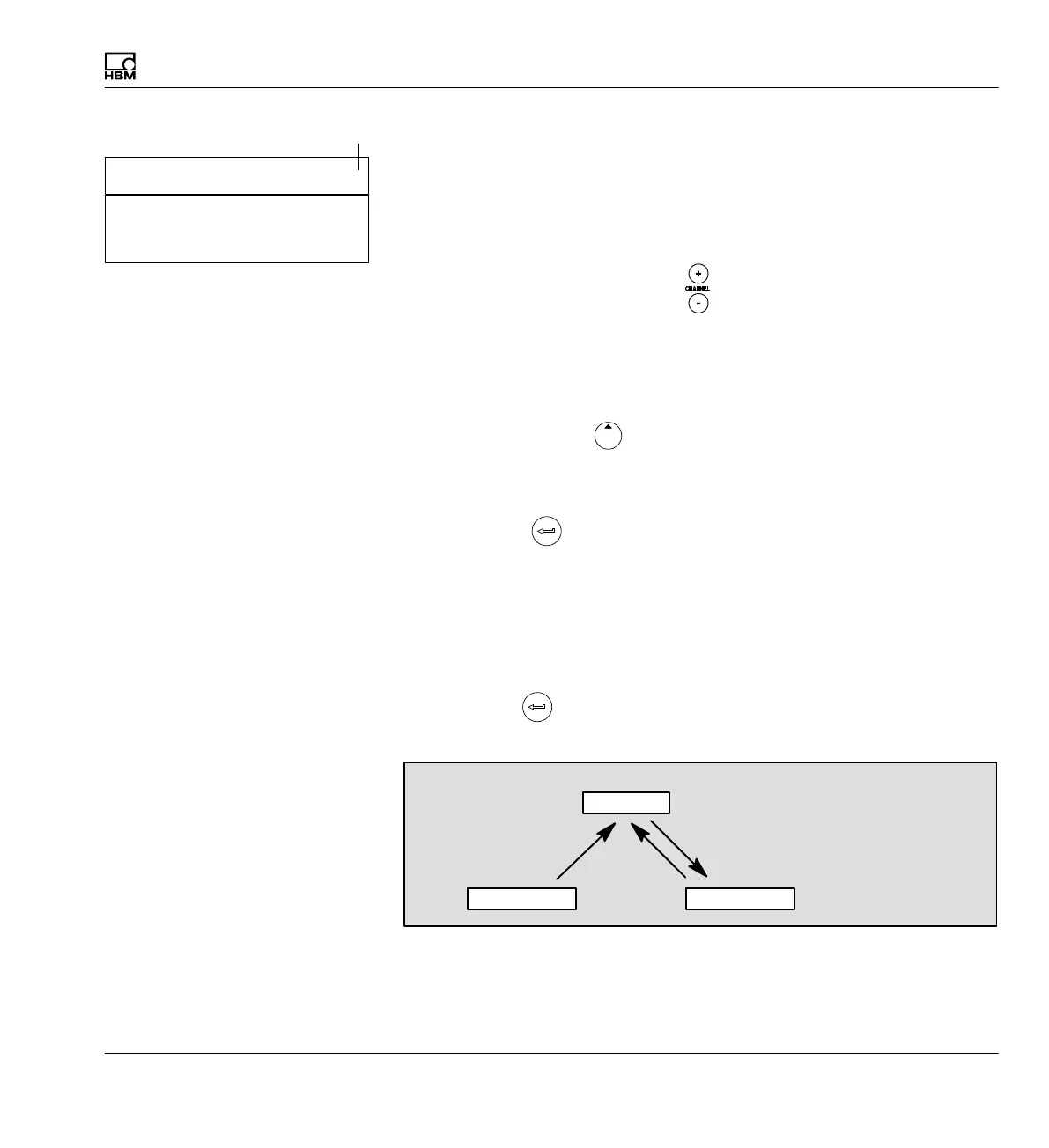
All the settings you make before the confirmation prompt are temporarily
saved in working memory (RAM) as soon as you have made a change and
confirmed with
. The data is permanently saved as soon as you exit
Setup mode and confirm the confirmation prompt with Yes.
EEPROM
RAM
EPROM
Volatile memory (8h)
Save permanently
Parameter set 1...8
Save
Factory settings
Load
Amplifier
Channel name: 2-ML55
CHANNEL NAME Channel
Channel input field



 To Next Page