Menu structure
MGCplus A0534-30.0 HBM: public 283
11 Menu structure
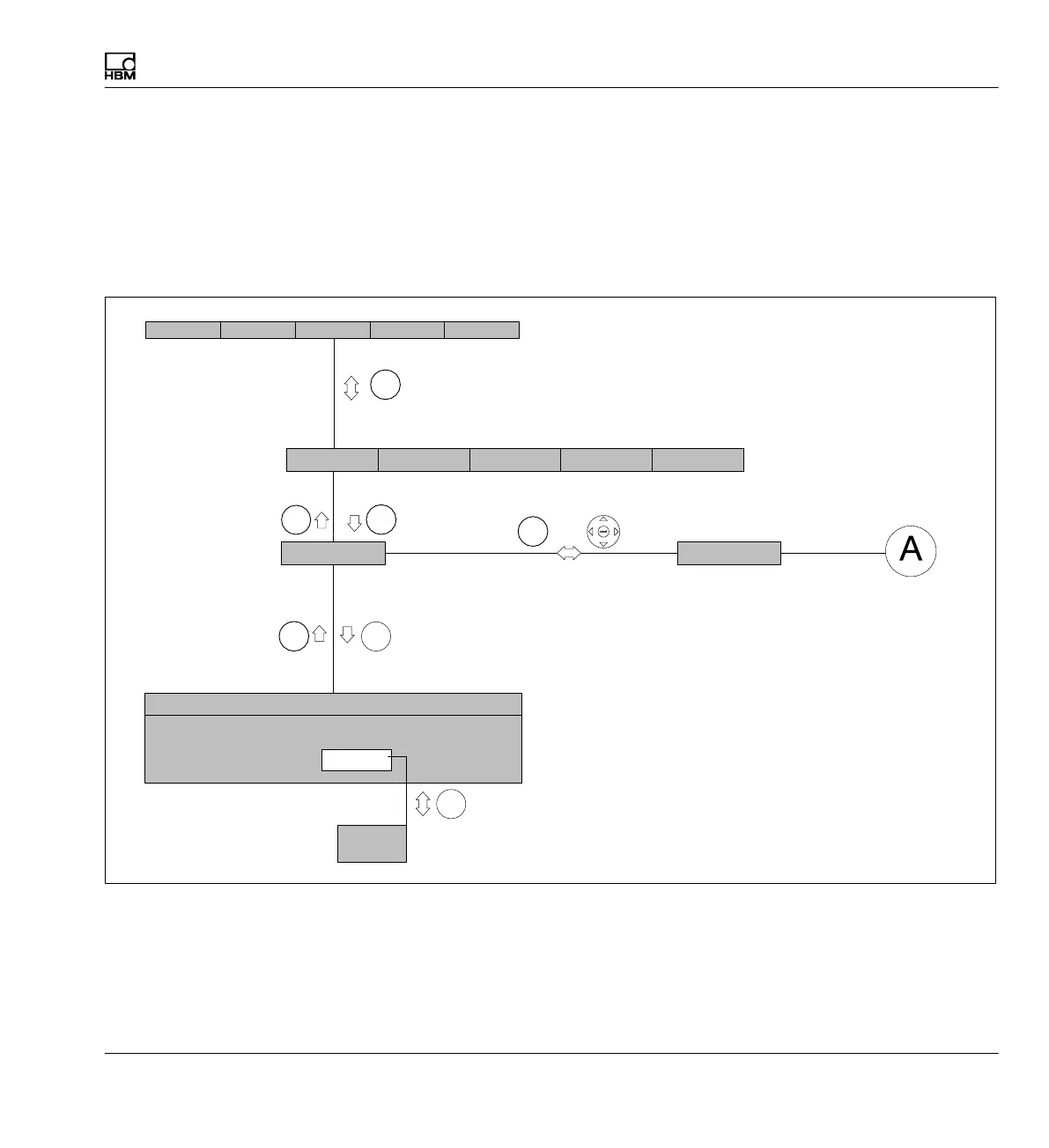
The menu structure shown below will help you find the required setting
menus more rapidly. The necessary key sequence is also shown here.
Structural elements
or
F‐keys assignment in measuring mode (original state)
Key required to go to the first drop-down menu
Selection bar
The lines of the
pull‐up menu are
shown next to each
other.
Setup window
Selection field
If the menu does not fit onto
one page it is separated. The
letters with circles around
them provide orientation on
the next page.



 To Next Page