Additional functions
Switching
210 A0534-30.0 HBM: public MGCplus
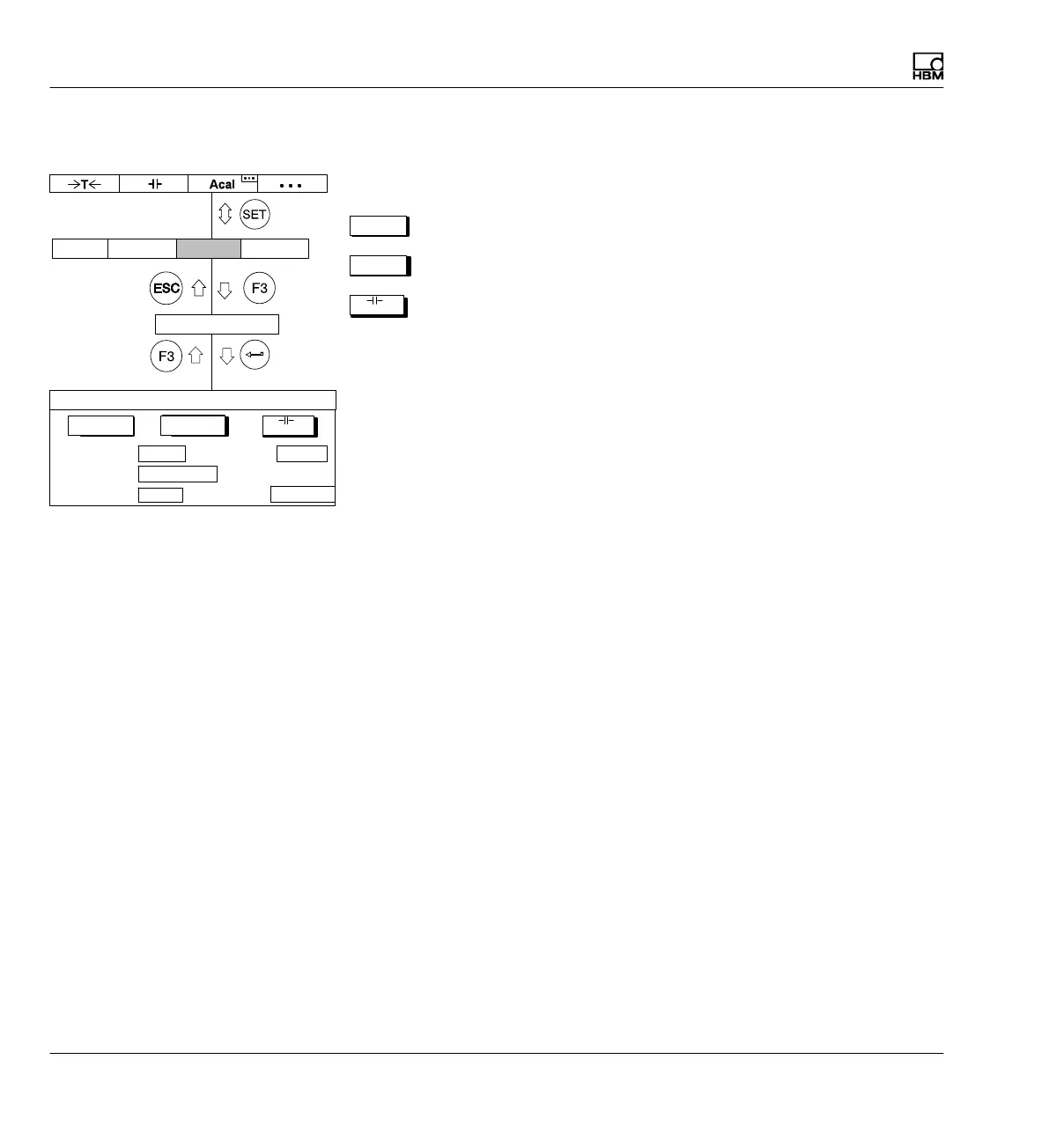
8.6 Switching
The Switching setup window contains first of all three buttons you can use to
->T<-
Tare
->0<-
Perform a zero balance
Clear peak-value memory.
In the selection fields underneath you can switch the possible states of func
tions Autocalibrate, Parameter set, Amplifier input, Remote control and
LED display.
Autocal
Switches automatic autocalibration on and off. You can use AUTOCAL On
to improve the temperature response of the zero point and the long-term
consistency of the amplifiers. If you need the analog output signal for contin
uous monitoring, you must turn off autocalibration. This is because no mea
sured values are acquired during calibration. Therefore there is a "gap"
(lasting for approximately 1 second at intervals of about 5 minutes, depend
ing on the filter setting) in the output of measured values.
Parameter set
Selection of saved parameter sets (
è see also page 243).
Ampl. input
Zero: Zero signal; input internally at zero potential
Cal: Calibration signal
Measure: The current measurement signal is present at the input
Shunt: Shunt resistor turned on (shunt calibration)
Autocal
->T<- ->0<-
Param.set
Ampl. input
Remote control
LED display
Off Off
1-internal
Zero
Status
SWITCH CHANNEL 1
AmplifierSystem Display Options
Switching



 To Next Page