Display
F keys
234 A0534-30.0 HBM: public MGCplus
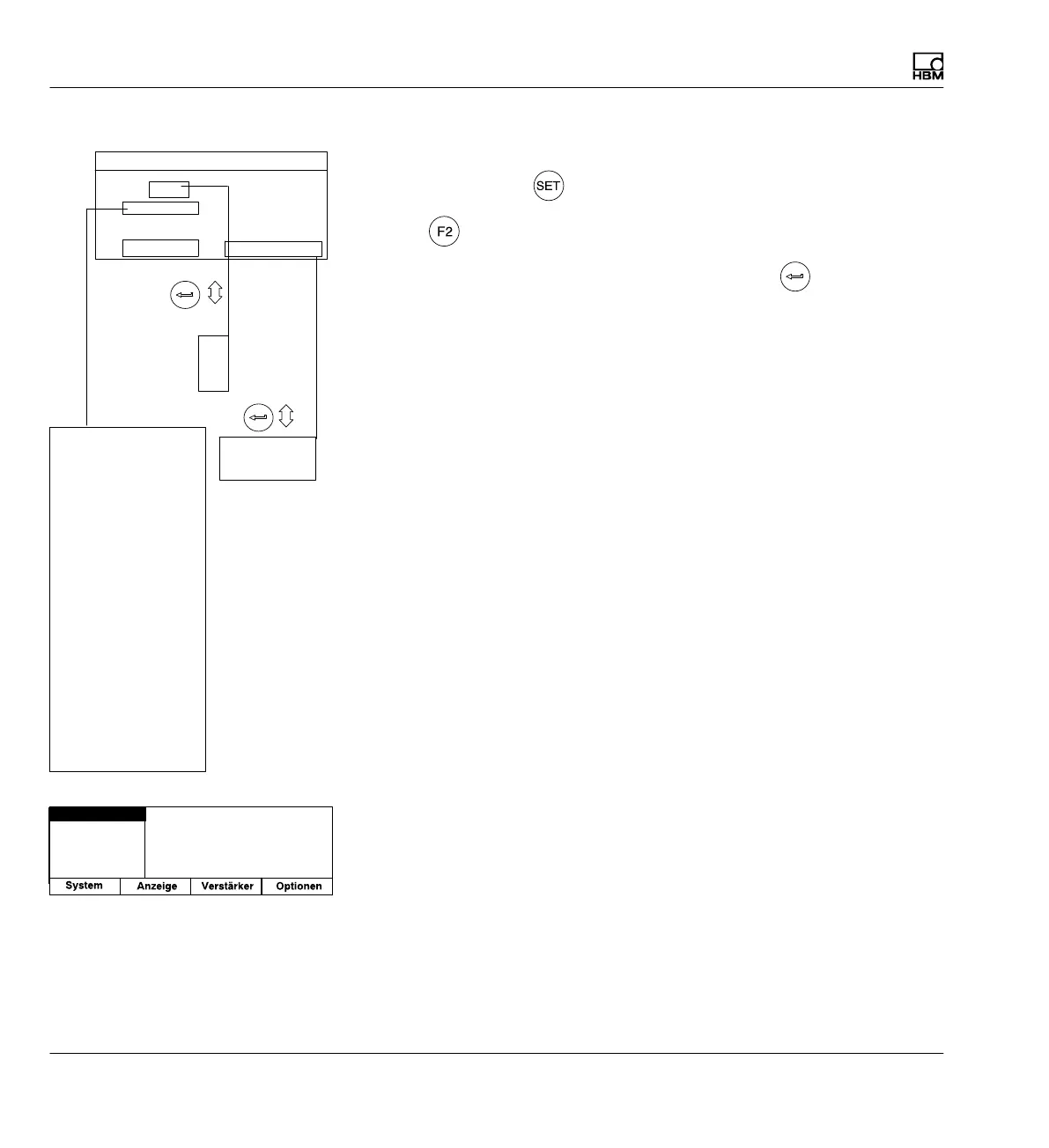
Select setup window
1. Use the Switch key
to switch to Setup mode.
2. Press
.
3. In the pop-up menu select F keys and confirm with
.
You will then be in the F keys setup window.
9.2.2 F keys in Setup mode
In setup mode, use the function keys to open the pull‐up menus belonging
to the menu bar.
Setup window
One channel
All channels
1
2
3
Not assigned
Tare
Zero balance
Clear memory
Zero/Cal/Measure
Autocal
LED Status/Level
Limit value level
Remote/Local
Shunt On/Off
Start/Stop display
Print image
Print measured values
Print settings
Page feed
Load XM001
Load next P-set
Load previous next P-set
Switch unit
Start/Stop integration
Start/Stop recording
Load rec. Parameters
Load rec. Comments
Linearization On/Off
TEDS
level
F1: Tare
F2: Zero/Cal/Measure One channel
F3: Autocal One channel
F4: ...F-level
One channel
1 ...
F−key assignment Level 1
Save/load
Recording
Interface
Print
Language
Password



 To Next Page