Additional functions
Limit values (single-channel modules only)
198 A0534-30.0 HBM: public MGCplus
Output logic
You can change the output logic of the remote controls as required.
Positive logic Negative logic
Turned on =High Turned on =Low
Turned off =Low Turned off =High
Input
Enable or disable entry of the limit value level via function keys.
Message when On
Edit field for a message in the display value when switching on (for example
"Below 20 kg",
è see also illustration on page 201). You can also select the
type of realization (normal=black print and white background; Reverse
video=Light print and dark background).
Message when Off
Edit field for a message in the display value when switching off (for example
"Below 20 kg"). You can also select the type of realization (normal=black
print and white background; Reverse video=Light print and dark back
ground).
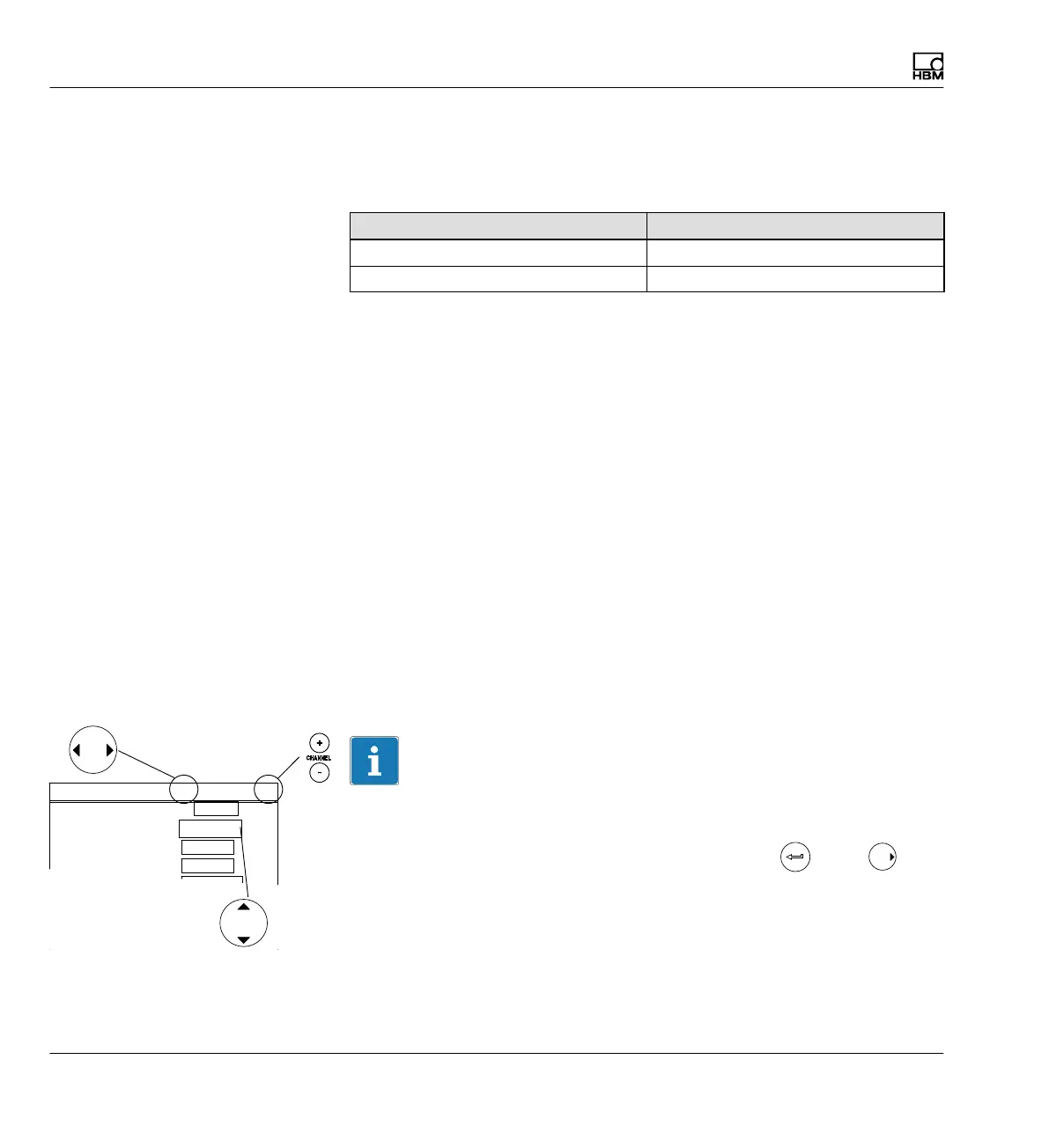
8.2.3 Selection keys in the Limit switches menu
Information
Using the horizontal cursor keys for a function enable is more efficient, for
example. As soon as you are in the selection field (edit field) you want (in
this case Enable) and you have made your setting with , press .
Then you will remain in the selection field (edit field) you want, but you will
move to the next limit switch.
1 ....
1-LV1 ...
Limit switches
Name
Enable
Input signal
Activation level
Deactivation level
Input
Hysteresis
Limit switch 1 Channel 1
No
10.000 ...
V
Gross
V
9.9000 ...
Disabled
Variable
(edit field)



 To Next Page