Display
Display format
MGCplus A0534-30.0 HBM: public 217
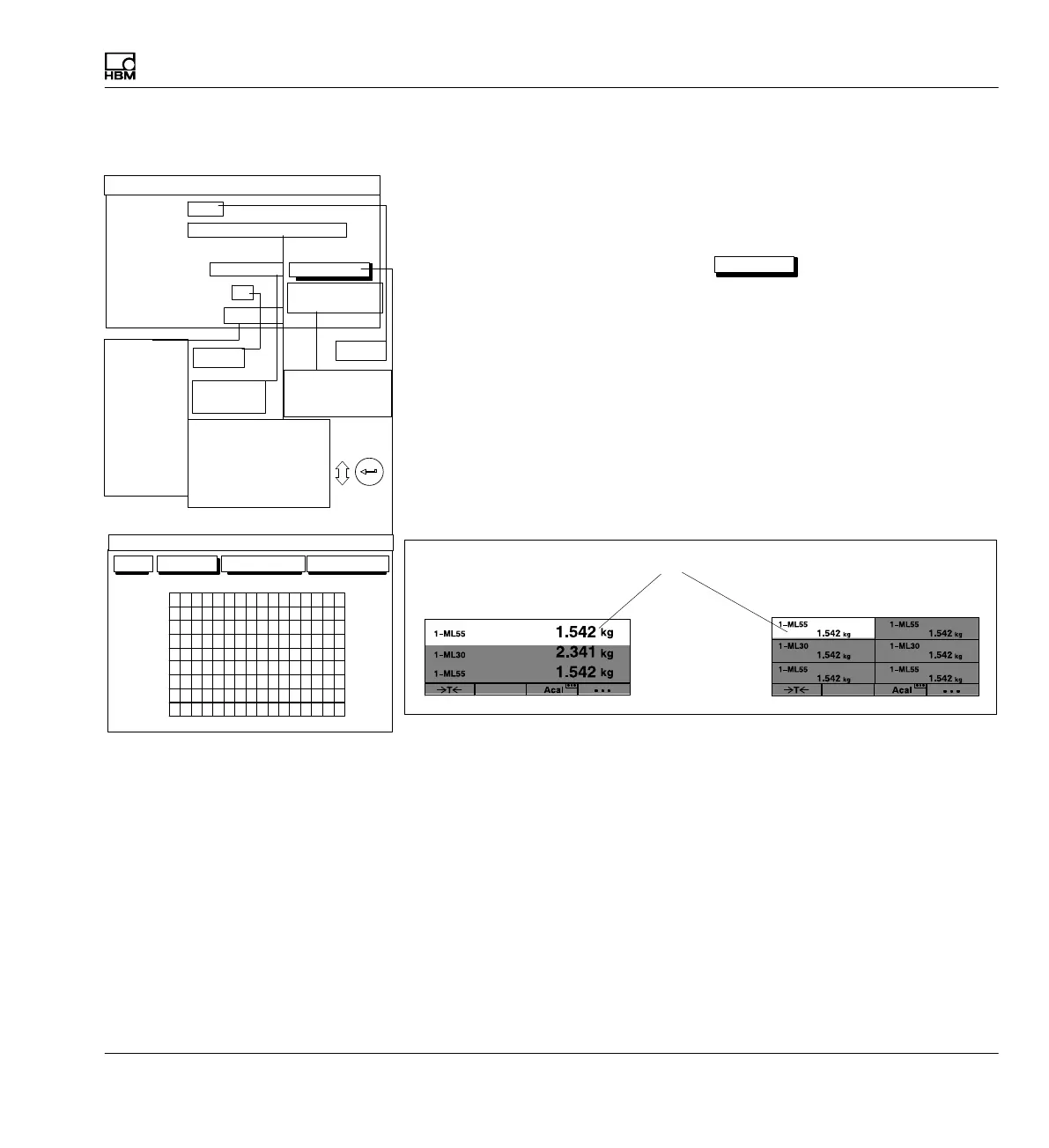
9.1.3.1 Numeric value display
Channels/signals
You can define here which channels will be realized with which signals in
the first display line. You can define your settings for all channels or only for
certain ones (Selection) (button symbol
define...
). You can call a maxi
mum of four signals one after the other per channel.
For image types 3/6 measured values, the basic channels are defined here
(display value 1).
define...
Button symbol opens new window Channel/signal selection.
Status line
The status line can be shown in the display for image type 1 measured
value.
3 measured values
6 measured values
Display value 1 (”basic value”)
Gross
Gross
Gross
Gross
Gross
Gross
Gross
Gross
Gross
Measure
Measure
Display value (2...6): Channel
Depending on the selection the value that is entered is absolute/relative.
You can use this setting with image types 3 measured values and 6 mea
sured values to define what reference should be set up to the basic chan
nel.
Absolute/relative to basic value
You can use this setting with image types 3 measured values and 6 mea
sured values to define whether a reference should be set up to the channel
number of the basic channel.
Channel
Gross
Net
PV1
PV2
PV12
LV1
LV2
LV3
LV4
1011121314
15161
2
3
4
5
6
Display value 1 (basic value):
7
8
0 ...
9
3 measured values
Image no.:
Image type:
Display value 2: Channel
DISPLAY FORMAT 3 measured values
2
Relative to basic
value
Signal Gross
Channels/signals:
Selection
define...
0...9
Free
One measured value
3 measured values
6 measured values
YT realization
XY realization
All
Selection
Absolute
Relative to basic
value
None
Gross
Net
PV1
PV2
PV12
LV1
LV2
LV3
LV4
Like value 1
0...9
OK Cancel All channels All signals
CHANNEL/SIGNAL SELECTION



 To Next Page