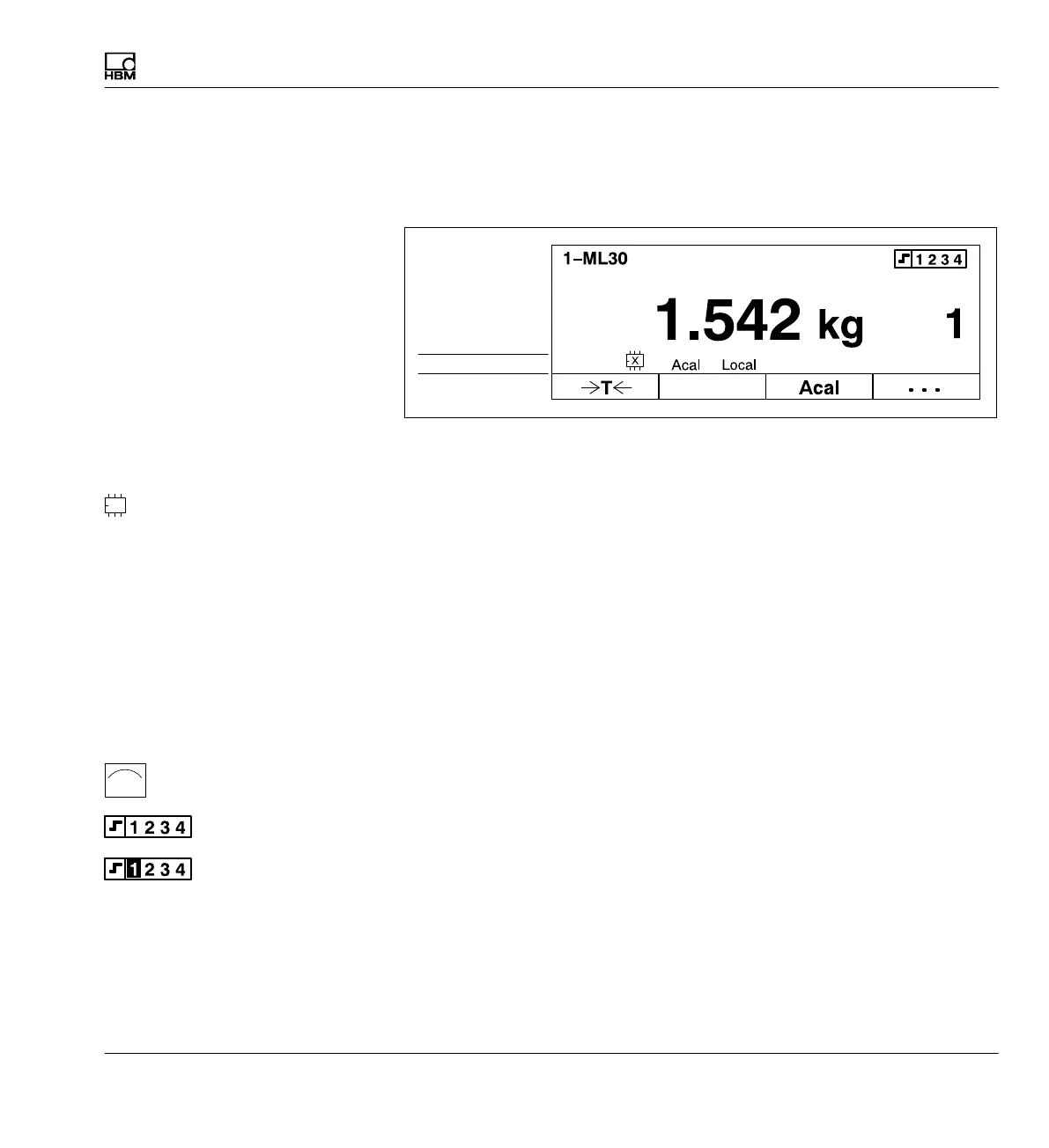
Functions and symbols of the AB22A
Display
MGCplus A0534-30.0 HBM: public 107
Symbols in the display
The status line provides you with information about the current status of the
measuring device:
Status line
Measure
Measure
Gross
Channel
Status of the amplifier input
Status display of the parameter set memory
Number 1...8 Number of the current parameter set
E XM001 memory module
S Factory settings
X User-defined setting; appears
when a parameter set has been changed
/ Load next/previous parameter set
Automatic calibration turned on ("Acal" function)
Computer interface is active
Data transfer via link
Status of limit switches. If the set activation level of a limit switch is ex
ceeded, the switch number has a black background in the display.
Example: Activation level of limit switch 1 is exceeded
Remote control turned off
Remote control turned on
Measure, Zero, Calibrate
Acal
à
Local
Remote



 To Next Page