Measuring
Adapting to the transducer
MGCplus A0534-30.0 HBM: public 173
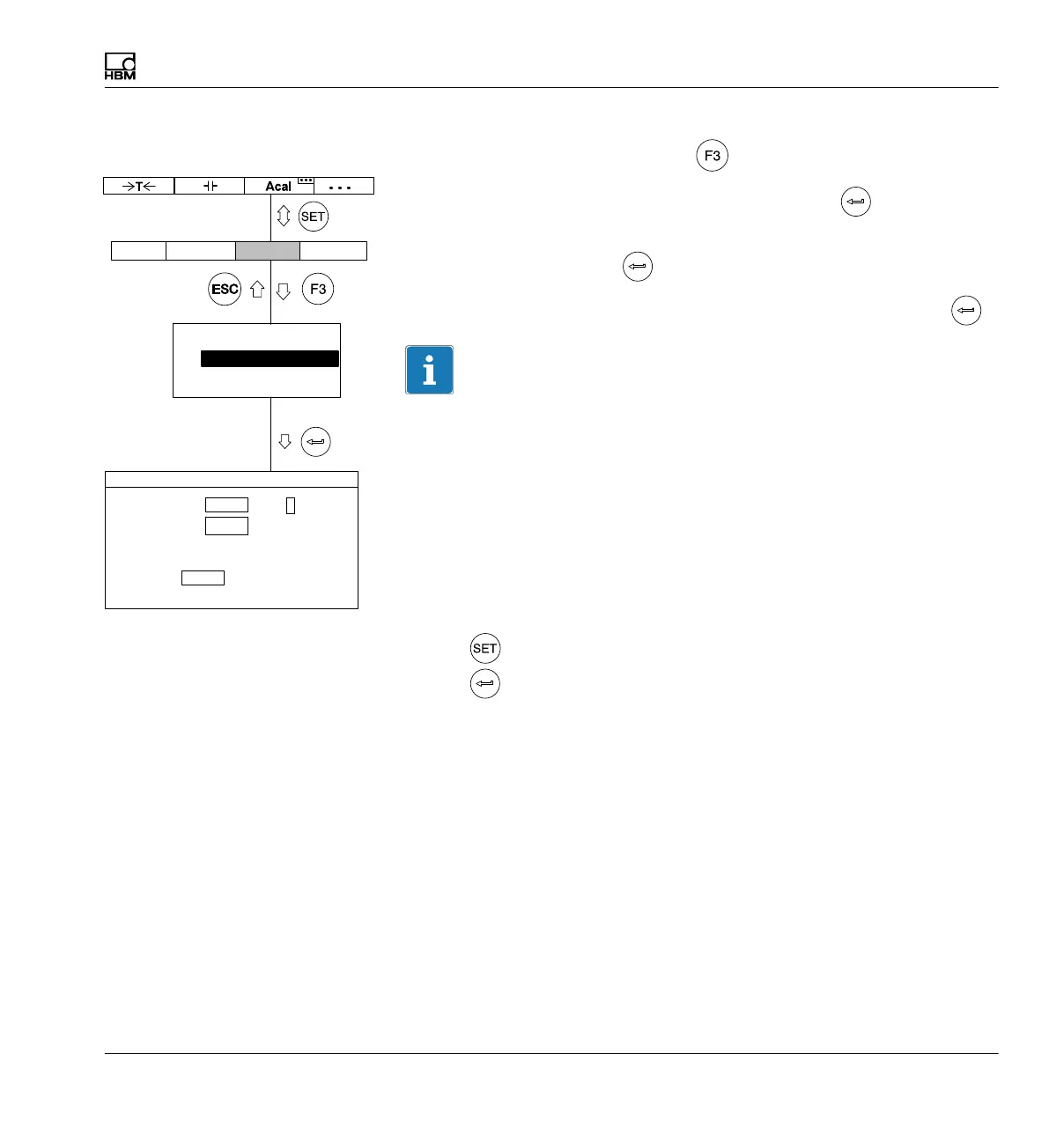
11. Go back to the pull-up menu with .
12. In the pull-up menu select Display and confirm with
.
13. In the Decimal places edit field enter the desired number of decimal
places and confirm with
.
14. In the Step selection field select the desired step and confirm with
.
Information
The step refers to the last decimal place of the display value.
Example:
Entry 10.0
Step 1 means display jumps every 0.1
Step 5 means display jumps every 0.5
Entry 10.000
Step 1 means display jumps every 0.001
Step 5 means display jumps every 0.005
15. Use
to go to measuring mode and confirm the confirmation prompt
with
.
Unit Abs
Decimal places
Display range from
to
Step
DISPLAY CHANNEL1
100
10.000 V
−10.000 V
3 ...
V
3
AmplifierSystem Display Options
Transducer
Signal conditioning
Display
Analog outputs
Switch



 To Next Page