56
Setting Measurement Conditions (basic settings)
Averaging (limiting display value instability) (AC/DC)
With the averaging function, the measured values can be averaged. This function can be used to
limit instability of displayed measured values.
AC measurement
With internal trigger
A rolling average of the tested values over the set number of times for
averaging is always calculated backwards from the present.
(When the sample to be tested is changed over, it takes a little time for a
certain stabilization time period until the results is reliable.)
With external trigger
Average over the number of averaging times based on trigger input.
DC measurement
Averaging processing during DC measurement calculated an arithmetic average regardless of the
trigger setting.
Screen display method (For more information, see p. 24.):
AC measurement (Measurement screen) SET key>(SET screen) BASIC tab>AVG key
DC measurement (Measurement screen) SET key>(SET screen) Rdc tab>AVG key
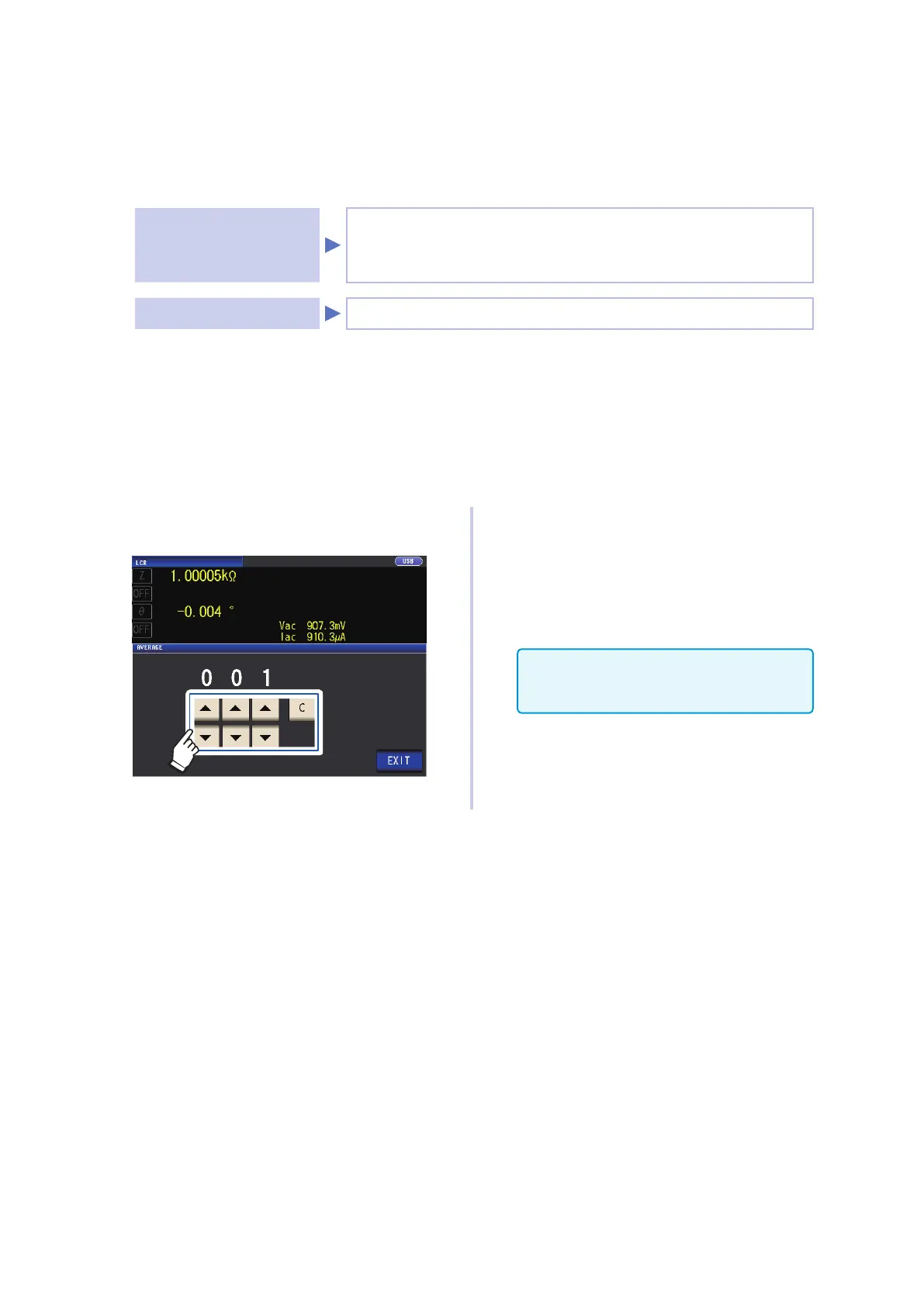
1
Use key to enter the number of
averaging times.
Settable range: 1 to 256
To disable the averaging function, touch
the C key.
(The setting will be set to 001.)
2
Touch the EXIT key twice.
Displays the measurement screen.
When the range is changed, including by
auto-range operation, averaging processing
up to that point is cleared and then resumed.



 To Next Page