Panther System
®
Operator’s Manual
AW-17791-001 Rev. 002 (EN)
73
Overview
Screen Location Description
1. Sort Categories Pre-defined categories to assist in sorting data for
viewing.
2. Delete Select this button to delete the test order.
3. Edit Select this button to edit the Sample ID of a test order
with an auto-generated or manually entered SID.
4. Fetch From LIS Select this button to download test orders from an
LIS.
Table 40. Test Orders Screen Descriptions
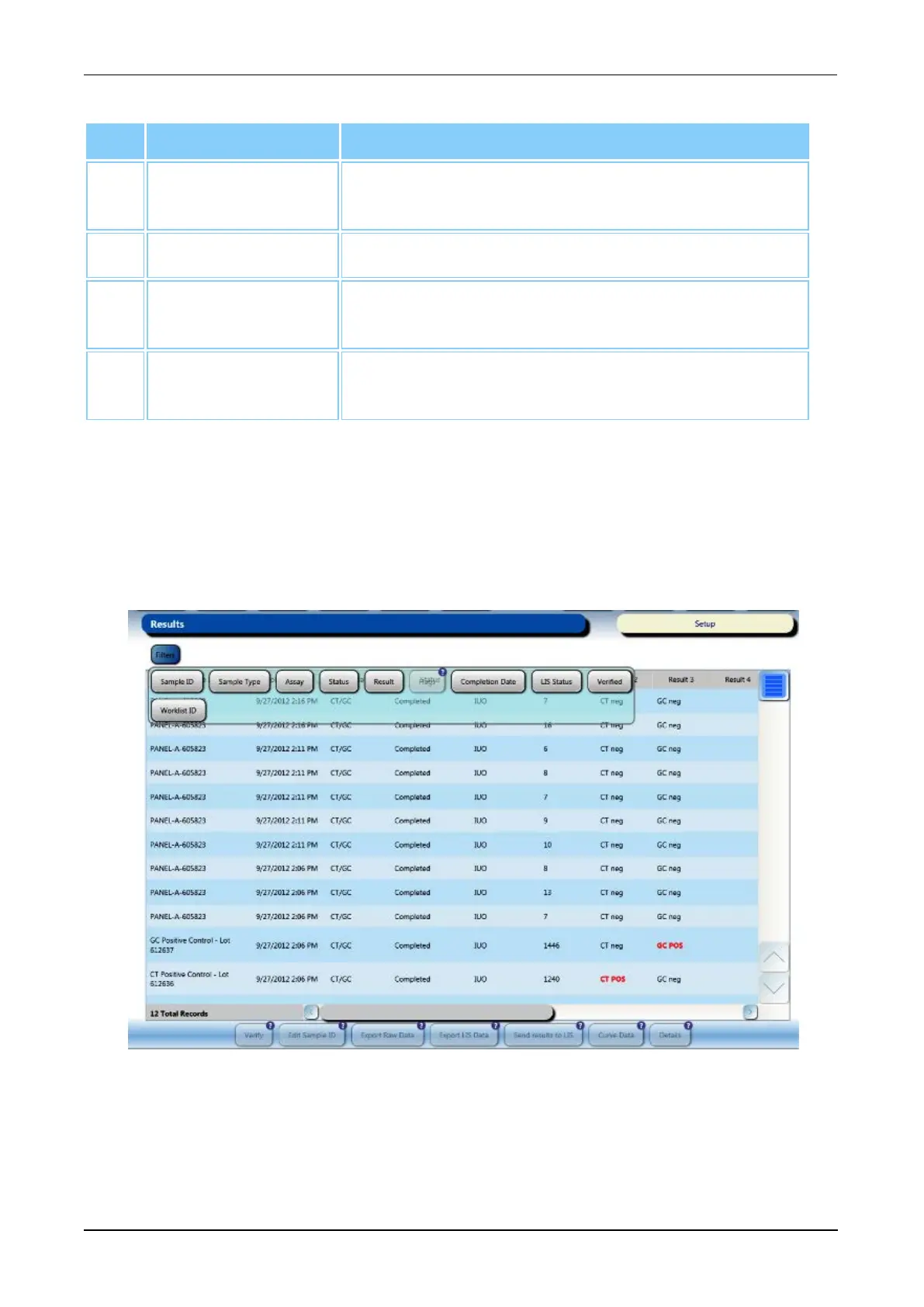
Results Screen
To access the Results screen, select the Results button on the Menu Bar (see Menu Bar
on page 45).
Refer to the Results screen for test results information. Use the Filters button at the top of
the screen or select the column headers to sort the results as desired.
Figure 33. Results Screen (Example)



 To Next Page