Panther System
®
Operator’s Manual
AW-17791-001 Rev. 002 (EN)
89
Overview
Assay Custom Cutoff Value Configuration Screen
For additional information, refer to the appropriate Panther System Software Application
Sheet.
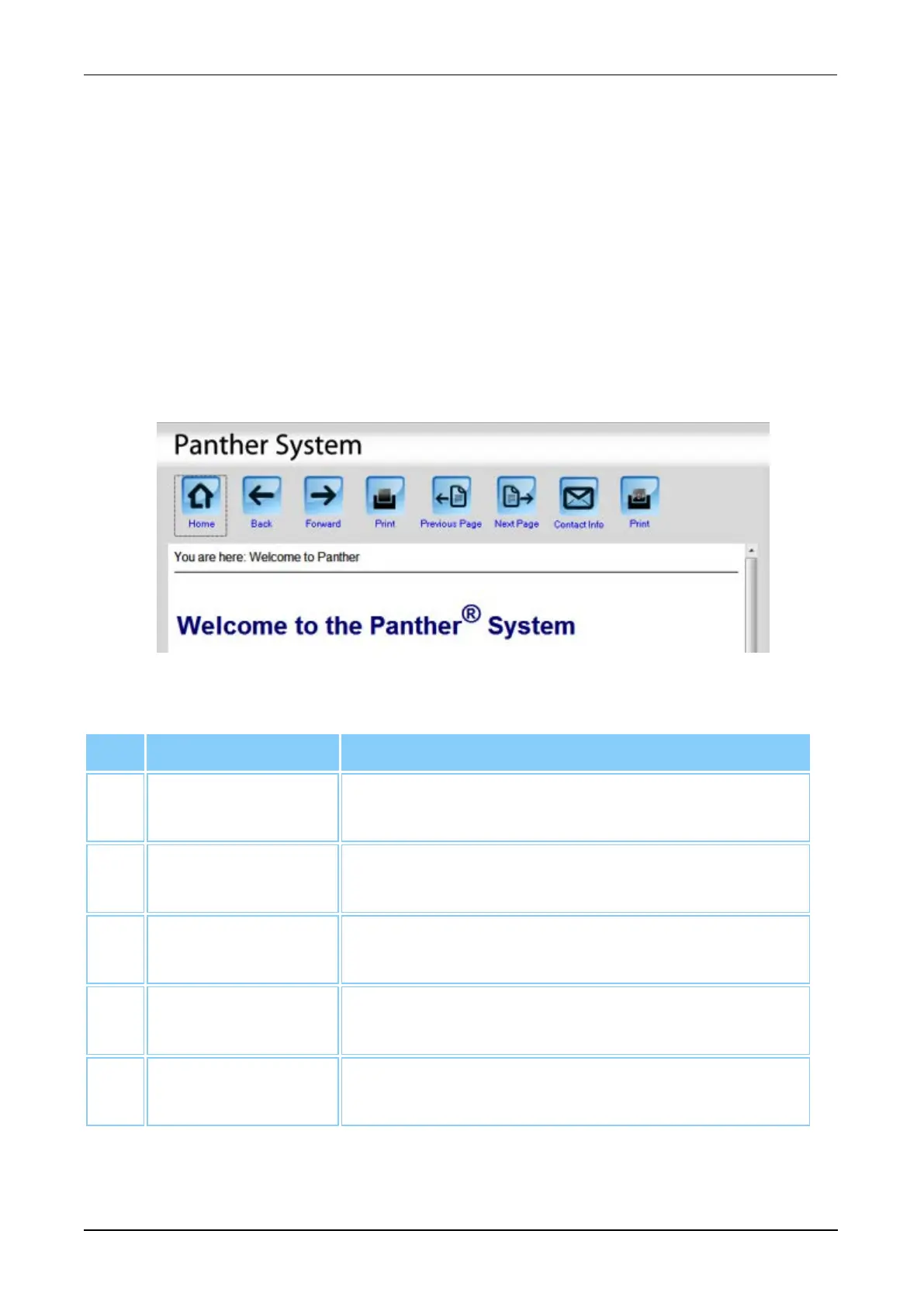
Help Window
To access the Help window, select the Help button on the Menu Bar (see Menu Bar on
page 45).
Select the Help button to access the section of the Panther System Operator’s Manual
that refers to the current screen. Use the instructions in the manual for assistance or
troubleshooting purposes. The entire operator’s manual is available for viewing through
this window. Select the Help button on the menu bar to return to the current screen.
Figure 46. Help Window (Example)
Screen Locations Description
1. Home Select this button to access table of contents for the
online Help.
2. Back Select this button to scroll to previous page already
visited.
3. Forward Select this button to scroll ahead to a page already
visited.
4. Print Select this button to print the current section of the
online Help.
5. Previous Page Select this button to go to the previous page in the
online Help.
Table 51. Help Window Buttons



 To Next Page