Panther System
®
Operator’s Manual
AW-17791-001 Rev. 002 (EN)
59
Overview
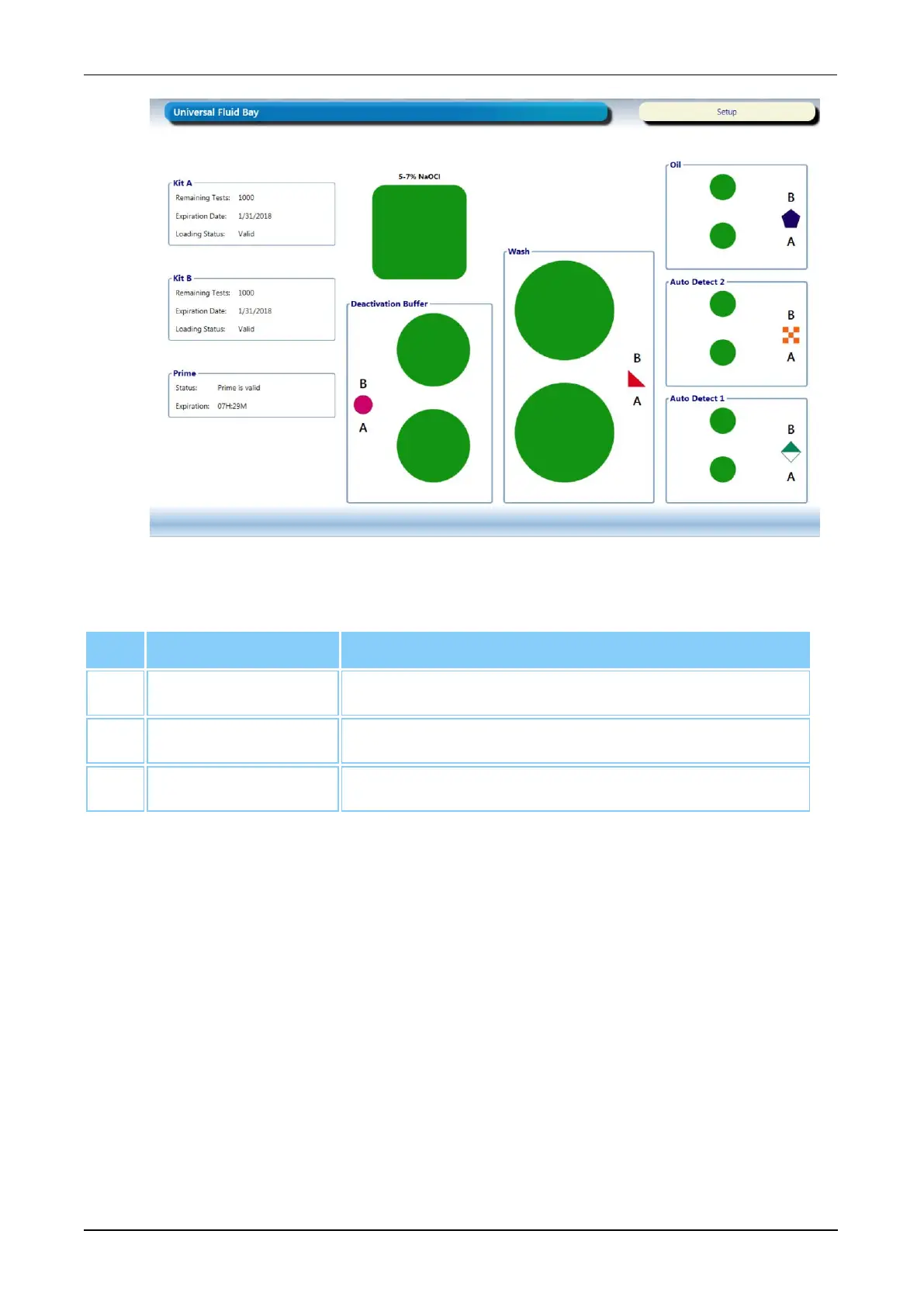
Figure 23. Universal Fluid Bay Screen (Example)
Screen Locations Description
1. Kit A Panel Universal fluid information pertaining to Fluid Kit A.
2. Kit B Panel Universal fluid information pertaining to Fluid Kit B.
3. Prime Panel The time remaining before prime validity expires.
Table 31. Universal Fluid Bay Screen Descriptions
Waste Management Screen
To access the Waste Management screen:
l Select the Empty Waste button on the Tasks screen (see Tasks Screen on page 56).
l Select the Waste inventory status panel (see Status Panel on page 47).
The Waste Management screen provides the remaining capacity of the Panther System
waste containers. Refer to the container display for a status update when refreshing the
waste capacity. For more information, see Emptying Panther Waste on page 101.



 To Next Page