Panther System
®
Operator’s Manual
AW-17791-001 Rev. 002 (EN)
184
System Operation
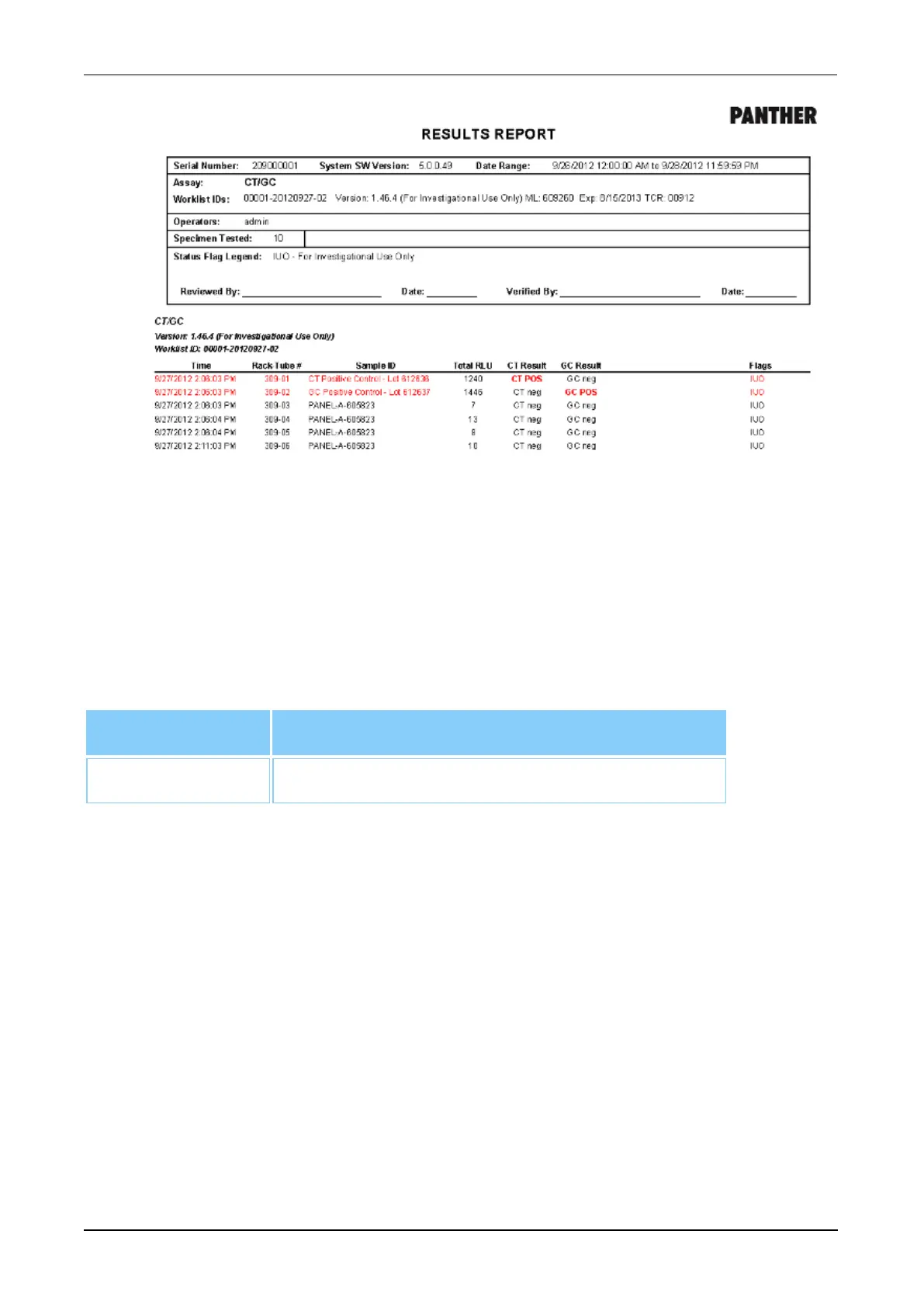
Figure 96. Results Report (Example)
Sample Audit Report
Select Sample Audit Report and enter the SID in the Sample ID field on the right of the
Report Menu screen to generate a report that contains all reagent, fluid, and test order
results information associated with the specimen. Once the SID information has been
entered, select View, Print, or Export as desired to access the Sample Audit Report.
Filter Description
Sample ID Enter the SID in the Sample ID field.
Table 86. Sample Audit Report—Report Parameters



 To Next Page