Panther System
®
Operator’s Manual
AW-17791-001 Rev. 002 (EN)
72
Overview
Screen Location Description
4. Specimens Panel Displays status of test orders currently loaded on the
system. The panel displays the following information:
Loaded—The number of specimens loaded in the
Sample Bay.
Pending—The number of loaded specimens that
have an associated pending item. These test orders
cannot be run until the pending item(s) are
addressed.
No Test Order—The number of loaded specimens
that do not have an associated test order. These test
orders cannot be run until a test order is assigned.
Table 39. Run Status Screen Descriptions (Continued)
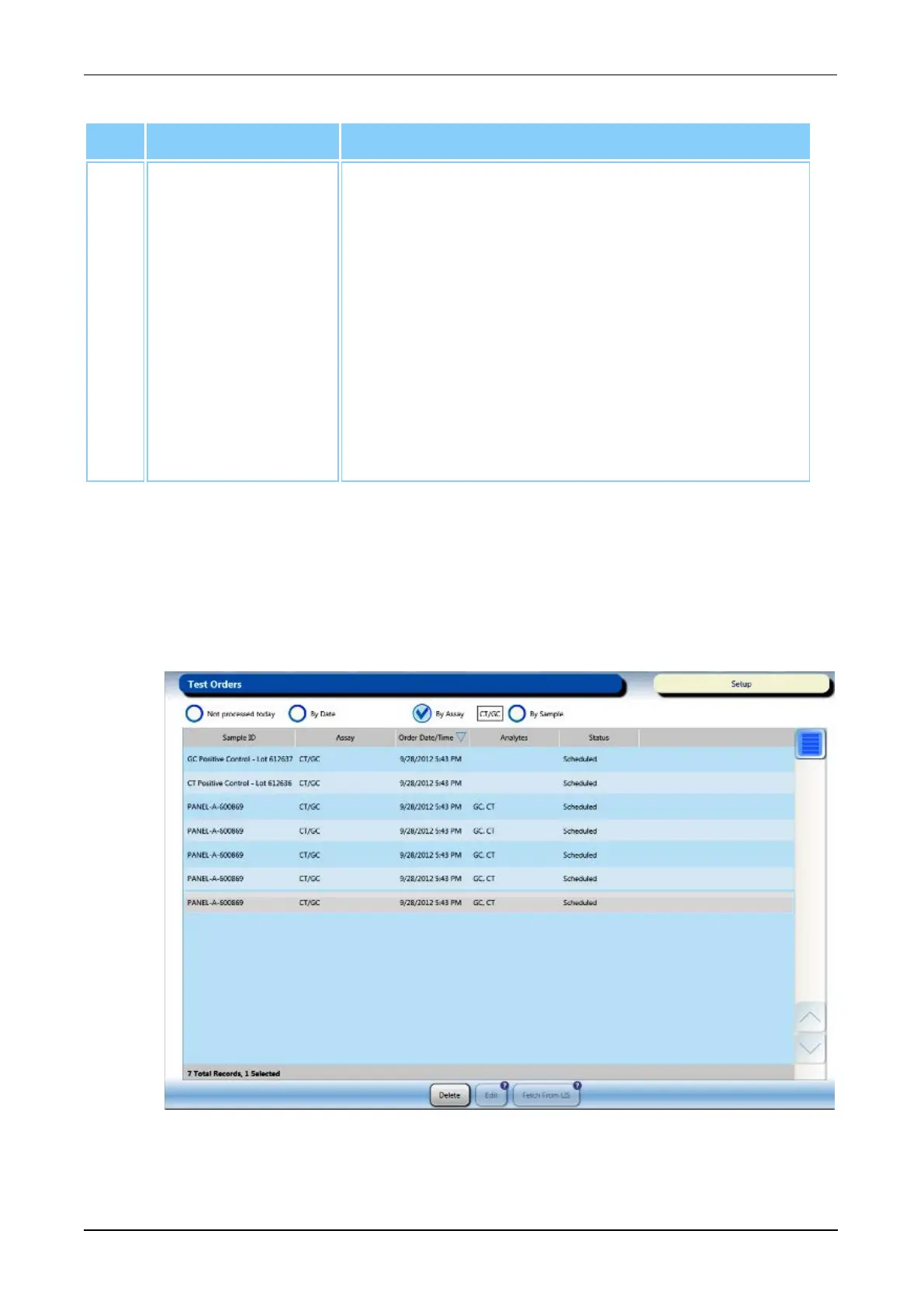
Test Orders Screen
To access the Test Orders screen, select the Test Orders button on the Menu Bar (see
Menu Bar on page 45).
Refer to the Test Orders screen for information on test orders. Use the filter categories at
the top of the screen or select the column headers to sort the test orders as desired.
Figure 32. Test Orders Screen (Example)



 To Next Page