Panther System
®
Operator’s Manual
AW-17791-001 Rev. 002 (EN)
138
System Operation
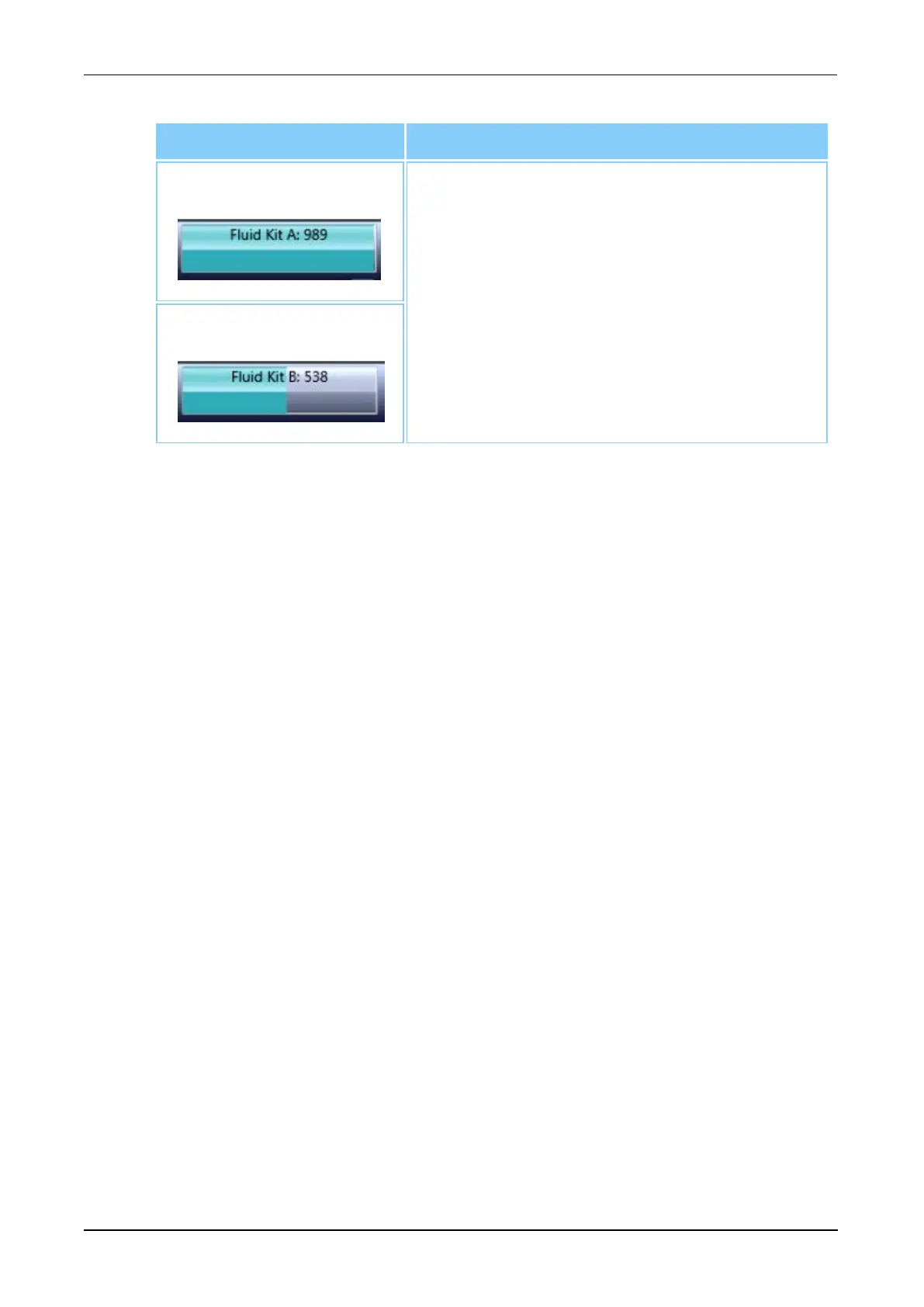
Status Bar Meaning of Information on Status Bar
Fluid Kit A Displays the total number of tests available for
fluid kit A and B, as well as the status of the
Universal Fluids Drawer. The status bar turns
red when the Universal Fluids Drawer is open
or the kit is invalid. The status bar turns yellow
when there are less than 48 hours of kit stability
remaining.
Fluid Kit B
Table 62. Status Bar Updates (Continued)
System Activity Updates
The System Activities tracker in the Status Panel displays the current system
task being performed and the time that the task will finish. Progress bars are
displayed in this area for the following system tasks:
l Initialization
l Unload
l Automated or semi-automated maintenance tasks
l Prime
l Unlocking MTU Drawer
l Preparing TCR Carousel for Loading (in Assay Processing state)
l Shutdown
Additional Status Panel Icons
The Status Icons at the bottom right of the Status Panel alert the operator to
when certain components or connections are not functioning properly. Icons with
a red strike-through indicate that a component is not functioning within
specification or is not in a state necessary for transition into assay processing.
Unmarked icons indicate that the component is functioning normally.



 To Next Page