Panther System
®
Operator’s Manual
AW-17791-001 Rev. 002 (EN)
69
Overview
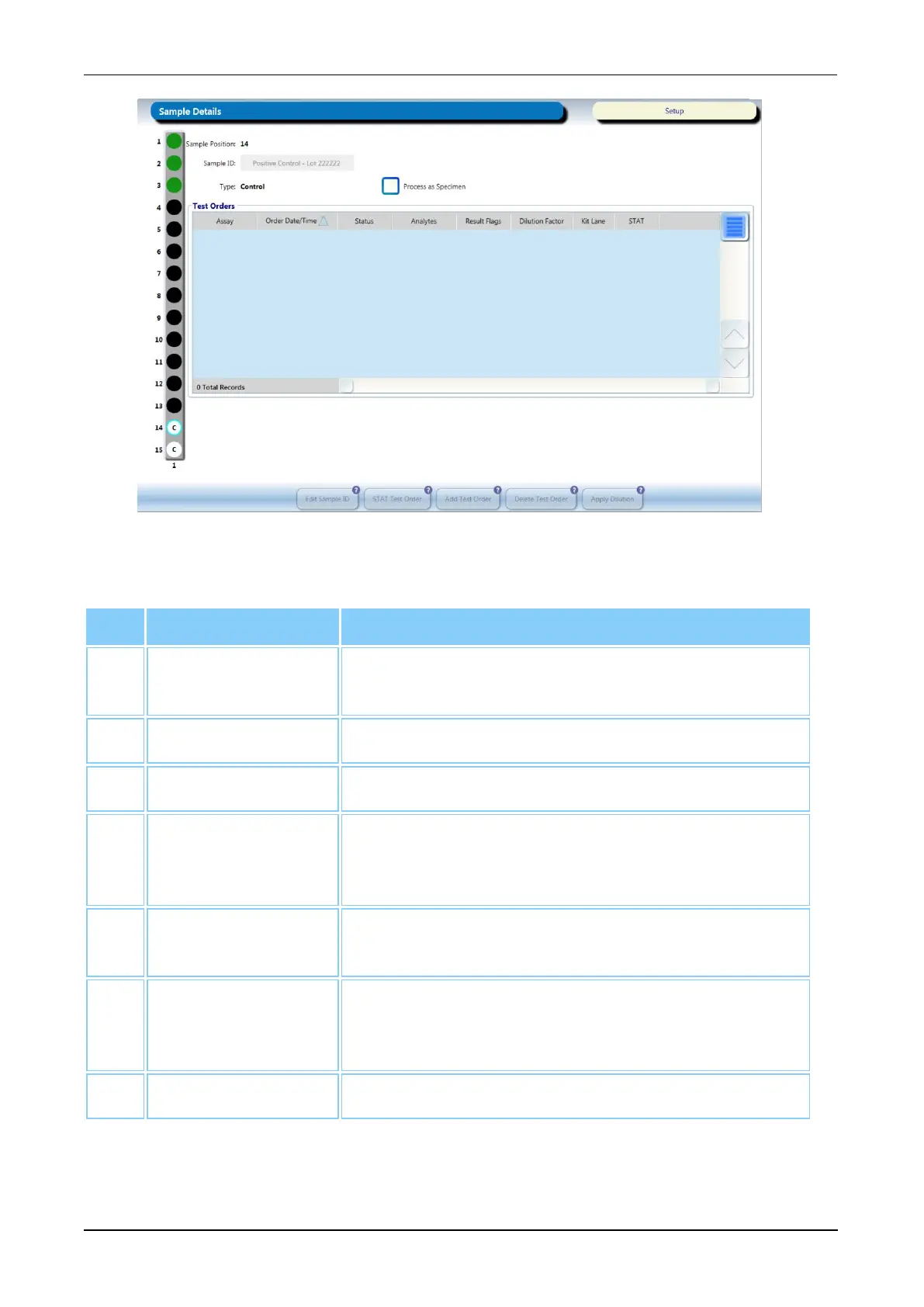
Figure 30. Sample Details Screen (Example)
Screen Location Description
1. Selected Sample The tube location for the chosen sample is
highlighted on the Sample Rack graphic.
2. Sample Position Location of the sample in the Sample Rack.
3. Rack Position Location of the Sample Rack in the Sample Bay.
4. Process as
Specimen
Check this box to process the selected
control/calibrator as a specimen (see Running
Controls/Calibrators as Specimens on page 127).
5. Edit Sample ID Select this button to edit the Sample ID of a test order
with an auto-generated or manually entered SID.
6. STAT Test Order Select this button to schedule the selected test order
to be run in the next available MTU time slot (see
Scheduling STAT Test Orders on page 126).
7. Add Test Order Select this button to add test orders to the sample.
Table 38. Sample Details Screen Descriptions



 To Next Page