Panther System
®
Operator’s Manual
AW-17791-001 Rev. 002 (EN)
45
Overview
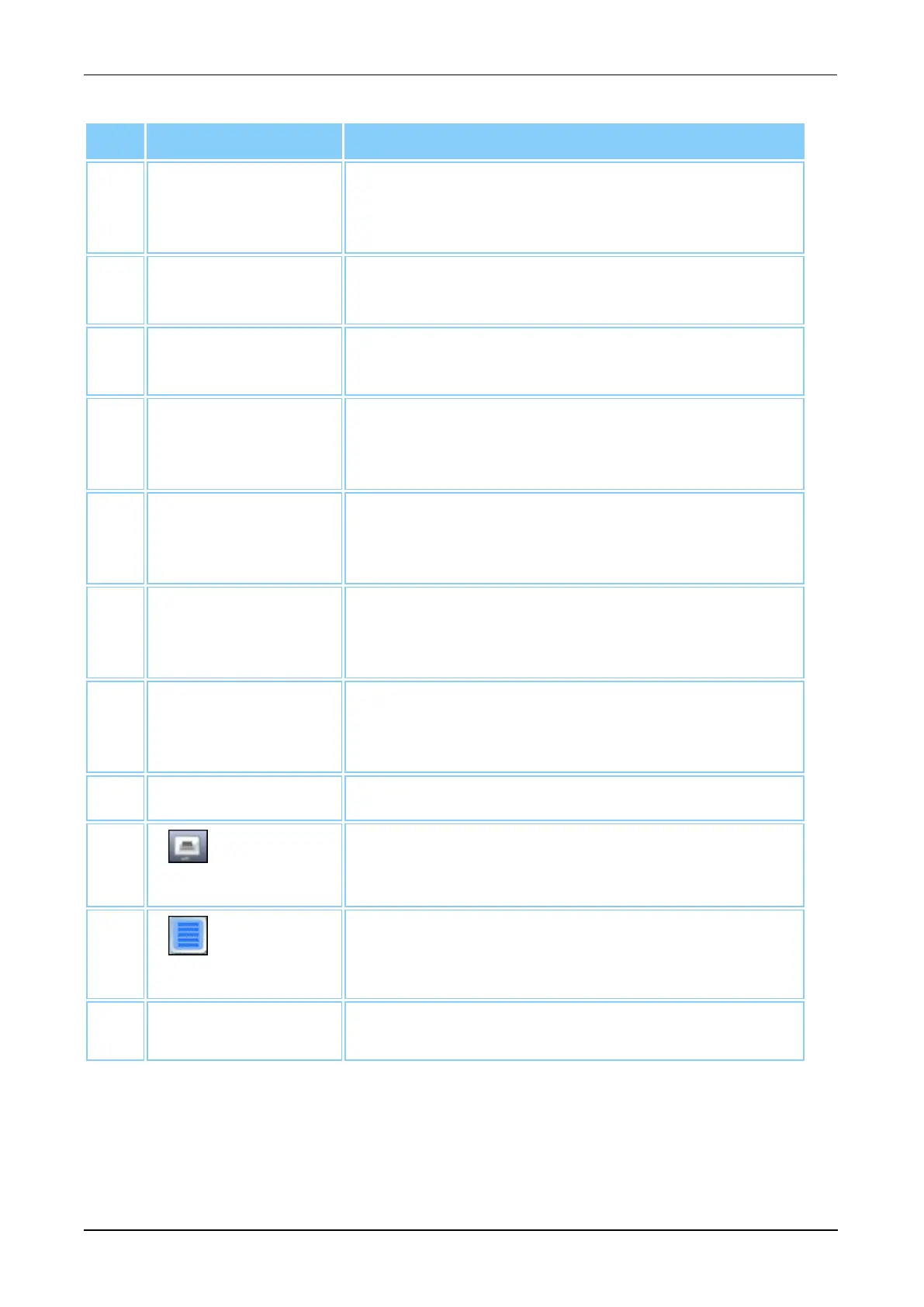
Interactive Item Description
5. System Activity Activity information and time of completion when
system tasks are being performed (see Status Panel
on page 47).
6. MTUs The number of MTU tests remaining and the status
of the MTU Input Queue (see MTUs on page 48).
7. User Name User name of the operator currently logged onto the
system (see Status Panel on page 47).
8. Waste The waste capacity in tests remaining and the
status of the Panther Waste Drawer (see Waste on
page 48).
9. Status Icons A series of icons representing the current status of
multiple system functions (see Additional Status
Panel Icons on page 49).
10. Fluid Kit A The remaining Universal Fluid tests for Fluid Kit A
and the status of the Panther Universal Fluid
Drawer (see Fluid Kit A on page 48).
11. Fluid Kit B The remaining Universal Fluid tests for Fluid Kit B
and the status of the Panther Universal Fluid
Drawer (see Fluid Kit B on page 48).
12. Date and Time Date and time (see Status Panel on page 47).
13.
Print Screen
Select this button to print the current screen image
(see Print Screen Button on page 50).
14.
Selection
Located on screens with tables, select this button to
assist with the selection of rows in a table (see
Selection Button on page 47).
15. State Indicator
Current operating state (see Monitoring the State
Indicator on page 134).
Table 20. Universal Screen Interactive Item Descriptions (Continued)
Menu Bar
The Menu Bar is located at the top of every screen. Use the buttons on the Menu Bar to
navigate through the system software.



 To Next Page