Panther System
®
Operator’s Manual
AW-17791-001 Rev. 002 (EN)
143
System Operation
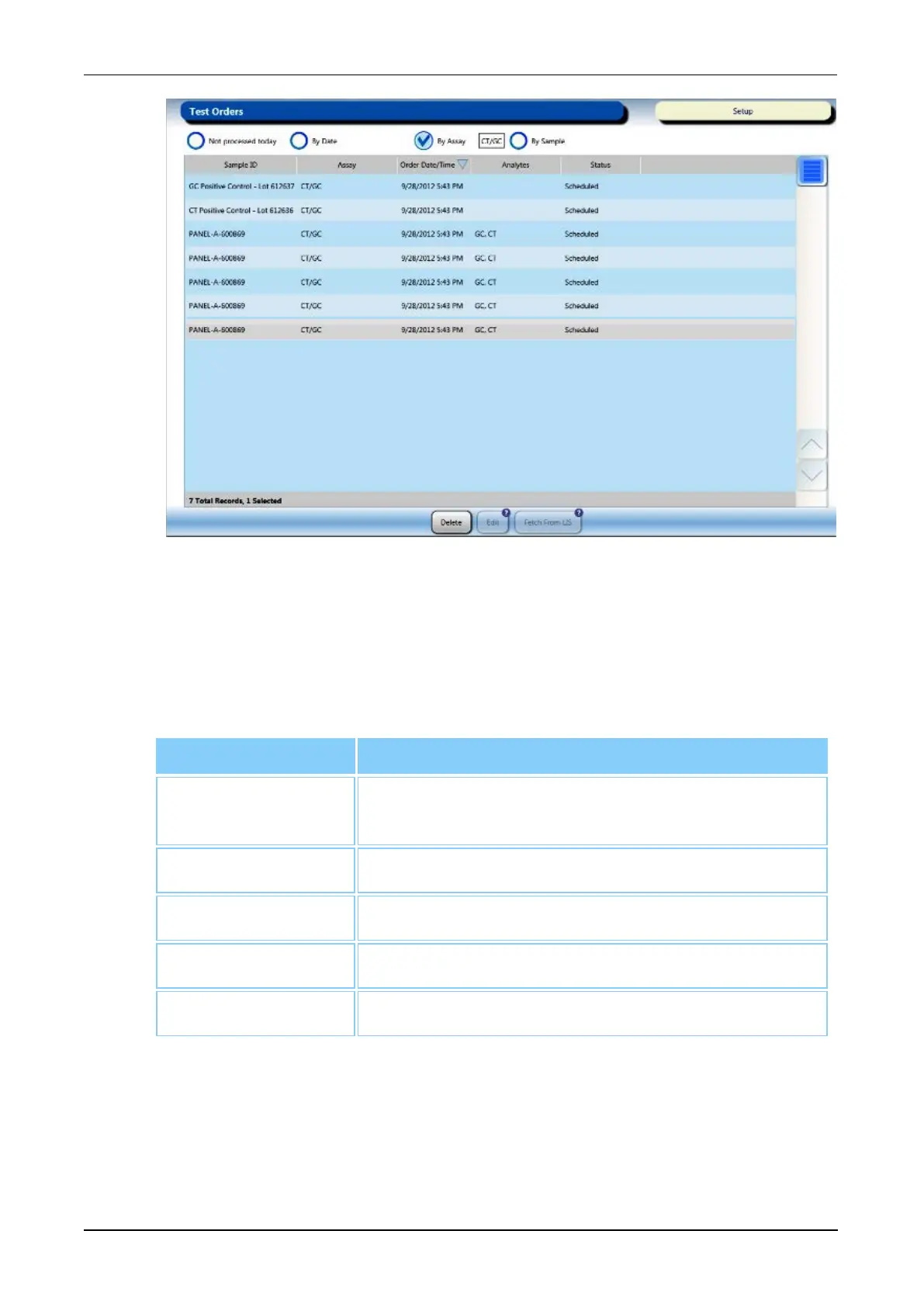
Figure 70. Test Orders Screen (Example)
Viewing Test Orders
The table on the Test Orders screen displays the following information for each
test order:
Test Orders Column Meaning
Sample ID
Identification for the sample from the barcode,
manual entry, or auto-generation.
Assay Assay associated with test order.
Order Date/Time The time that the test order was generated.
Analytes Analyte(s) requested in the test order.
Status Test order/sample status.
Table 66. Test Order Screen Fields
Test Order Status
The test order status is documented in the Status column on the Test Orders
screen. Once the test order has been pipetted from the sample tube, the test



 To Next Page