Panther System
®
Operator’s Manual
AW-17791-001 Rev. 002 (EN)
257
Troubleshooting
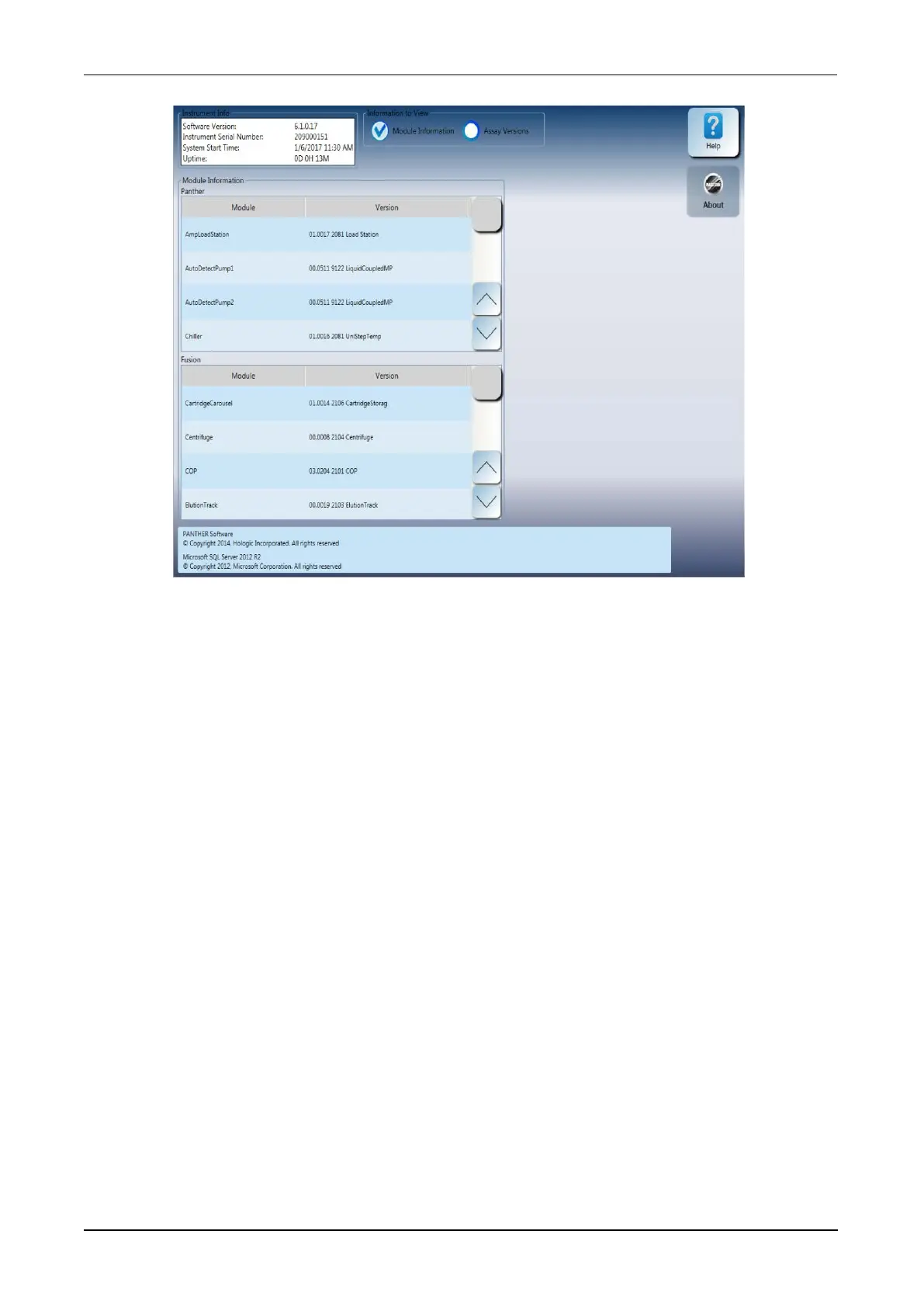
Figure 121. Instrument Info Window—Module Information View (Example)
Instrument Info Panel
The system software version, instrument serial number, system start time, and
instrument uptime is located in the Instrument Info panel in the upper left corner of the
About screen which is accessible by selecting the Help button.
Module Information
The Instrument Info window opens showing the Module Information. Scroll through
this screen for the following system information:
l Module firmware versions
l COP firmware version
Assay Versions
From the Instrument Info window, select Assay Versions to access the assay
software information. Refer to this screen for the following assay software
information:
l Assay protocols installed on the system
l Assay protocol software version



 To Next Page