Panther System
®
Operator’s Manual
AW-17791-001 Rev. 002 (EN)
170
System Operation
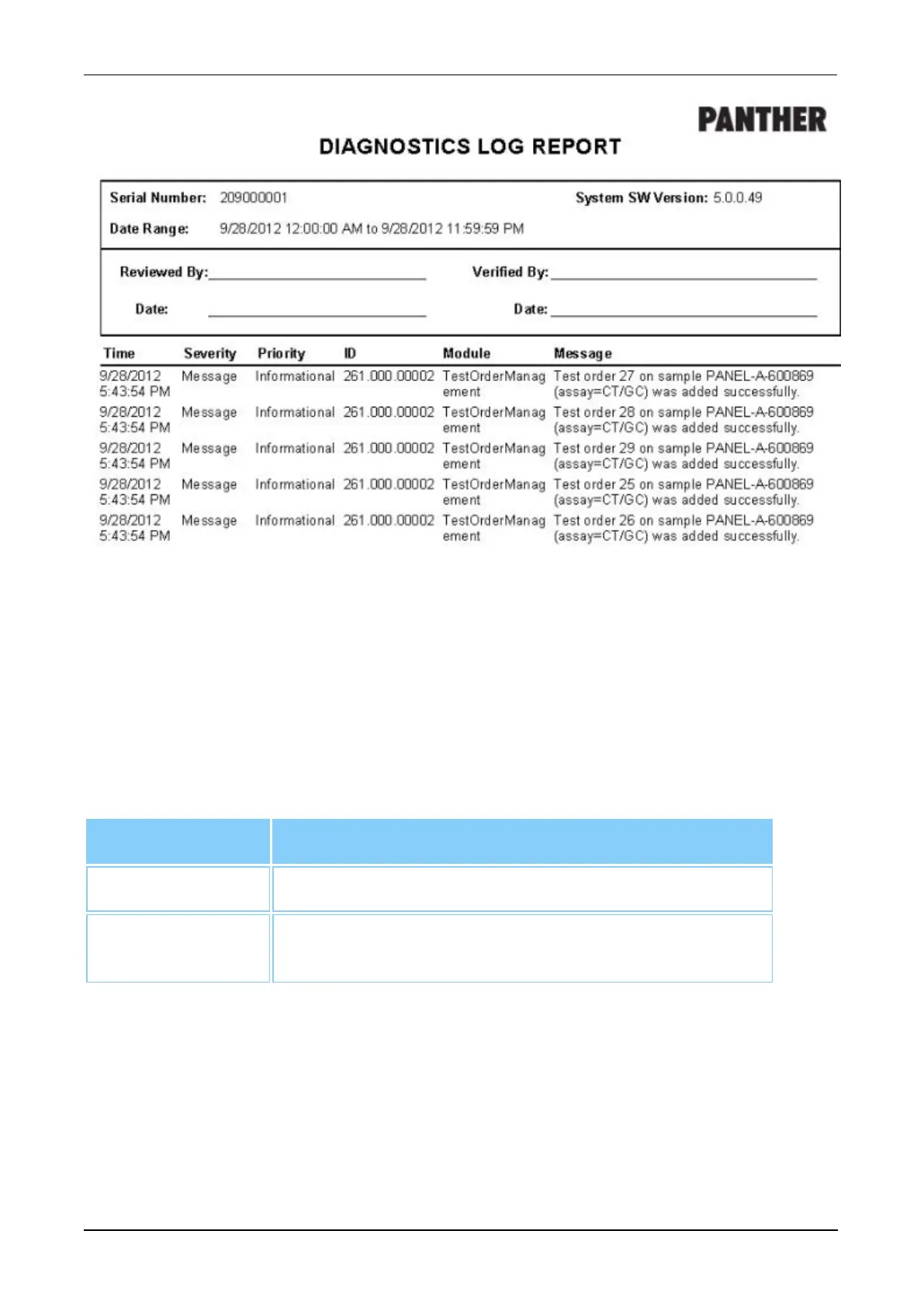
Figure 86. Diagnostics Log Report (Example)
Exceptions by Worklist Report
Select Exceptions by Worklist Report and choose the Worklist ID and the sorting
preference from the right side of the Report Menu screen for the desired Exceptions by
Worklist Report. Select View, Print, or Export as desired to access the Exceptions by
Worklist Report. This report contains all positive and invalid results for the selected
worklist.
Filter Description
Worklist ID Select the Worklist ID from the table.
Completion Date Select the From and the To fields and choose the
beginning and end dates of the desired range.
Table 76. Exceptions by Worklist Report—Report Parameters



 To Next Page