Panther System
®
Operator’s Manual
AW-17791-001 Rev. 002 (EN)
60
Overview
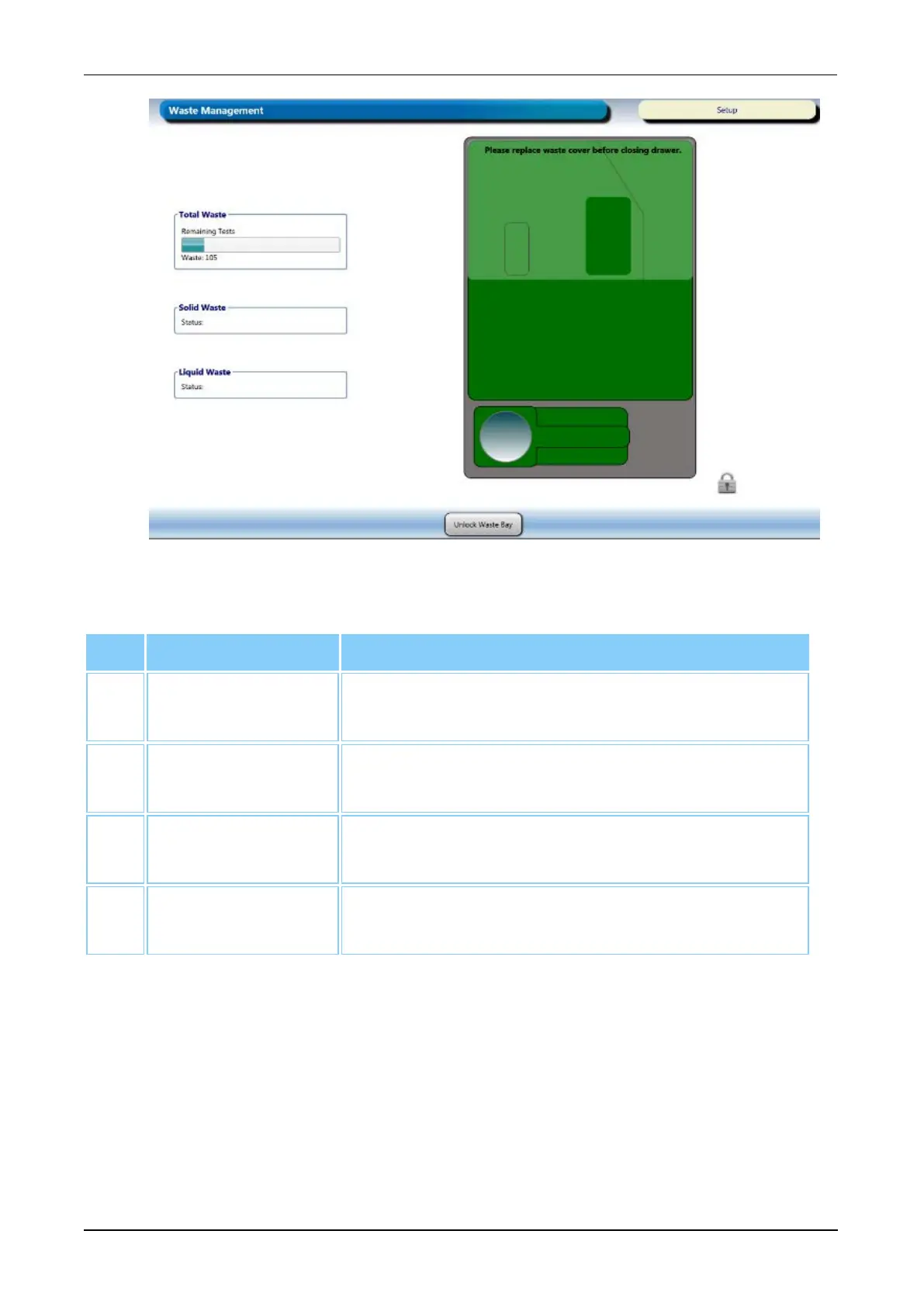
Figure 24. Waste Management Screen (Example)
Screen Locations Description
1. Total Waste The remaining tests available for the Liquid and
Solid Waste Containers.
2. Solid Waste
Status
Status information associated with the Solid Waste
Container.
3. Liquid Waste
Status
Status information associated with the Liquid Waste
Bottle.
4. Unlock Waste
Bay
Select this button to unlock the Panther Waste
Drawer.
Table 32. Waste Management Screen Descriptions
Maintenance Activities Screen
To access the Maintenance Activities screen, select the Perform Maintenance button on
the Tasks screen (see Tasks Screen on page 56).
Refer to the Maintenance Activities screen for the status of maintenance tasks and for
managing maintenance procedures.



 To Next Page