Panther System
®
Operator’s Manual
AW-17791-001 Rev. 002 (EN)
46
Overview
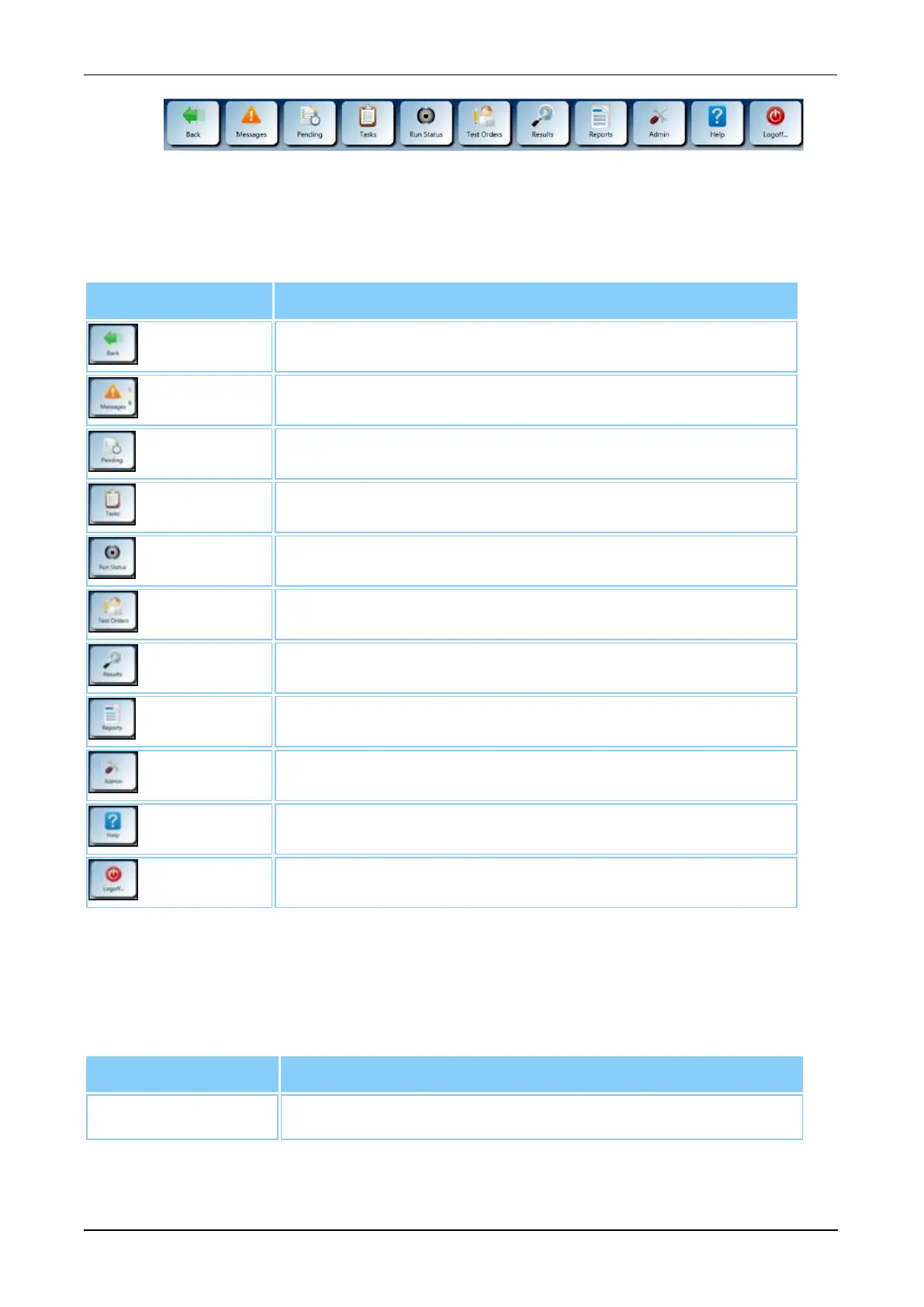
Figure 15. Menu Bar (Example)
A description of the software controls can be found in the following table.
Menu Button Description
Back
Select this button to return to the previous screen.
Messages
Select this button to access the Messages screen.
Pending
Select this button to access the Pending screen.
Tasks
Select this button to access the Tasks screen.
Run Status
Select this button to access the Run Status screen.
Test Orders
Select this button to access the Test Orders screen.
Results
Select this button to access the Results screen.
Reports
Select this button to access the Report Menu screen.
Admin
Selection this button to access the Administration screen.
Help
Select this button for a direct link to the Help window.
Logoff
Select this button to access the Logoff/Shutdown screen.
Table 21. Menu Button Descriptions
Interactive Items
Additional interactive items are accessible on every screen. These items provide
additional information required to operate the system.
Status Bar Meaning of Information on Status Bar
Screen Name Indicates the current screen displayed.
Table 22. Interactive Item Descriptions



 To Next Page