Panther System
®
Operator’s Manual
AW-17791-001 Rev. 002 (EN)
243
System Administration
1. From the Operator Management screen, select the operator account to be altered.
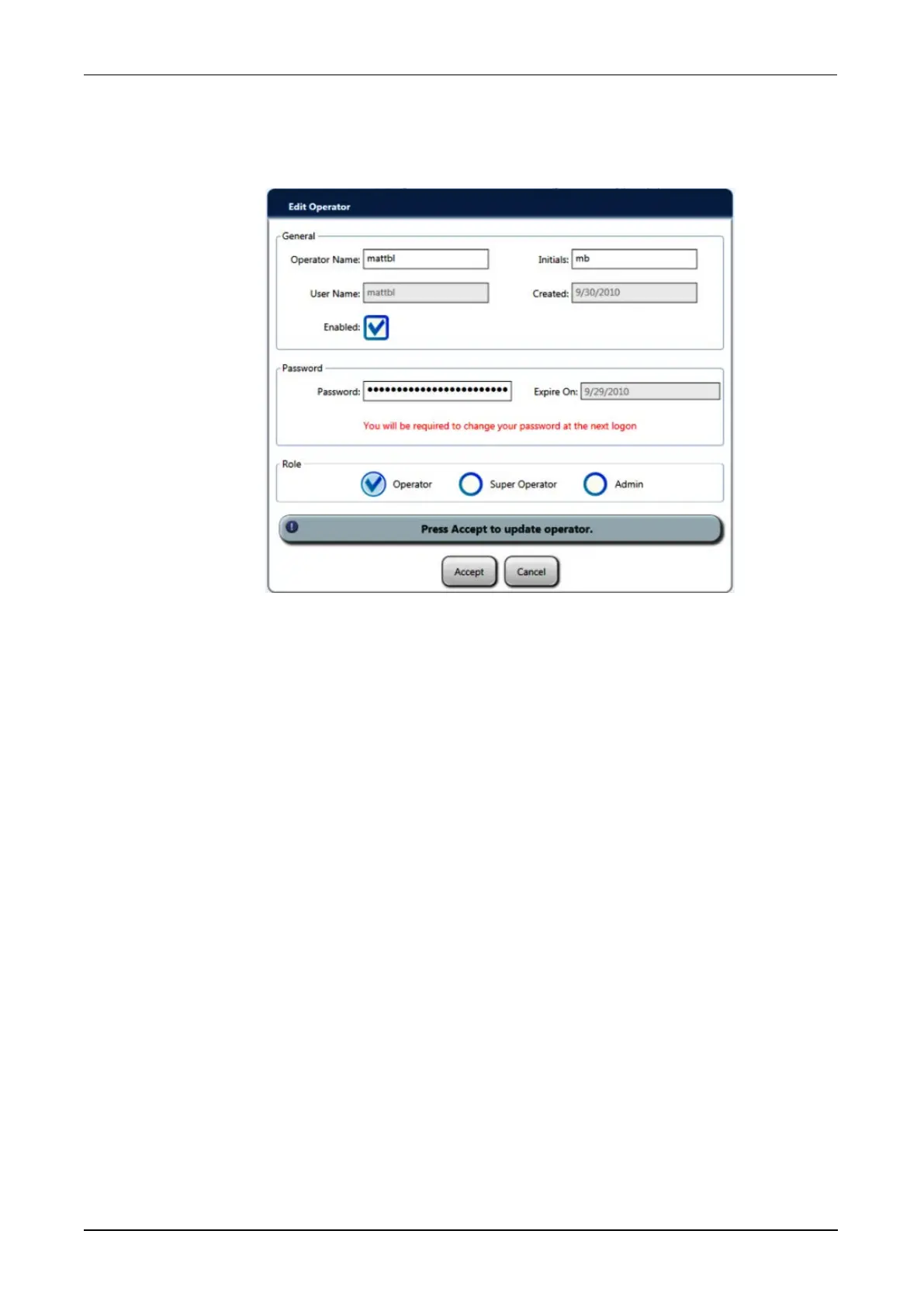
2. Select Edit.
An Edit Operator window opens.
Figure 113. Edit Operator Window (Example)
3. Edit the available fields as needed by following the directions in steps 2–6 in the
Adding Operator Accounts section(see Adding Operator Accounts on page 240).
4. Select Accept.
Deleting Operator Accounts
To delete an existing operator account:
1. From the Operator Management screen, select the operator account to be
deleted.
2. Select Delete.
A confirmation window opens.
3. Select Yes to delete the operator account.
Change Password
Use the Change Password window to alter the password of the operator currently logged
onto the system.
1. From the Administration screen, select the Change Password button.
A Change Password window opens.



 To Next Page