Panther System
®
Operator’s Manual
AW-17791-001 Rev. 002 (EN)
91
Overview
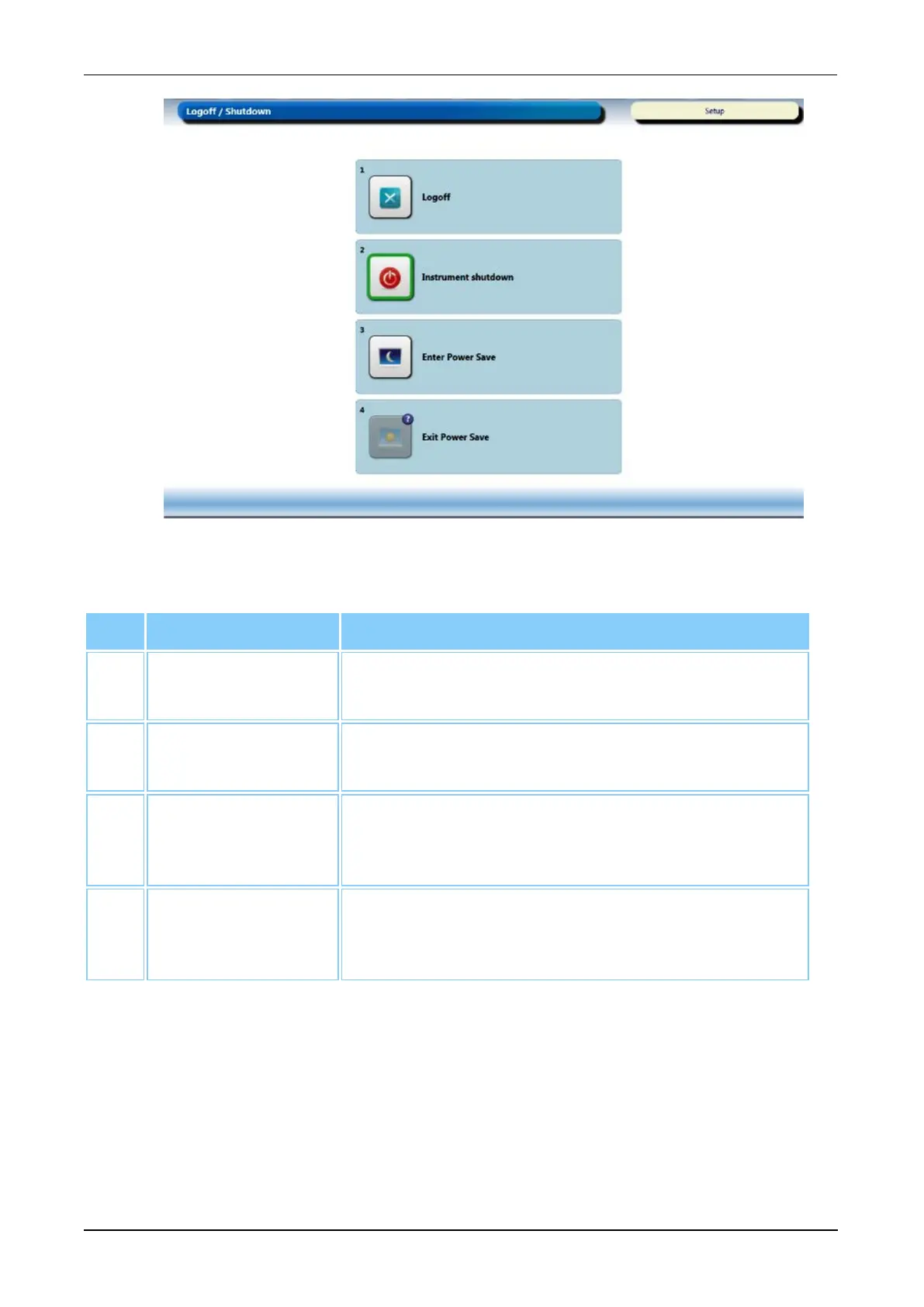
Figure 47. Logoff/Shutdown Screen (Example)
Screen Buttons Description
1. Logoff Select this button to log off the Panther System
Software (see Logoff on page 93).
2. Instrument
Shutdown
Select this button to shut down the computer (see
System Startup on page 92).
3. Enter Power Save If the Power Save mode is enabled, select this button
to enter the Power Save state (see Power Save
Management on page 232).
4. Exit Power Save If the Power Save mode is enabled, select this button
to exit the Power Save state (see Power Save
Management on page 232).
Table 52. Logoff/Shutdown Screen Buttons



 To Next Page