Panther System
®
Operator’s Manual
AW-17791-001 Rev. 002 (EN)
57
Overview
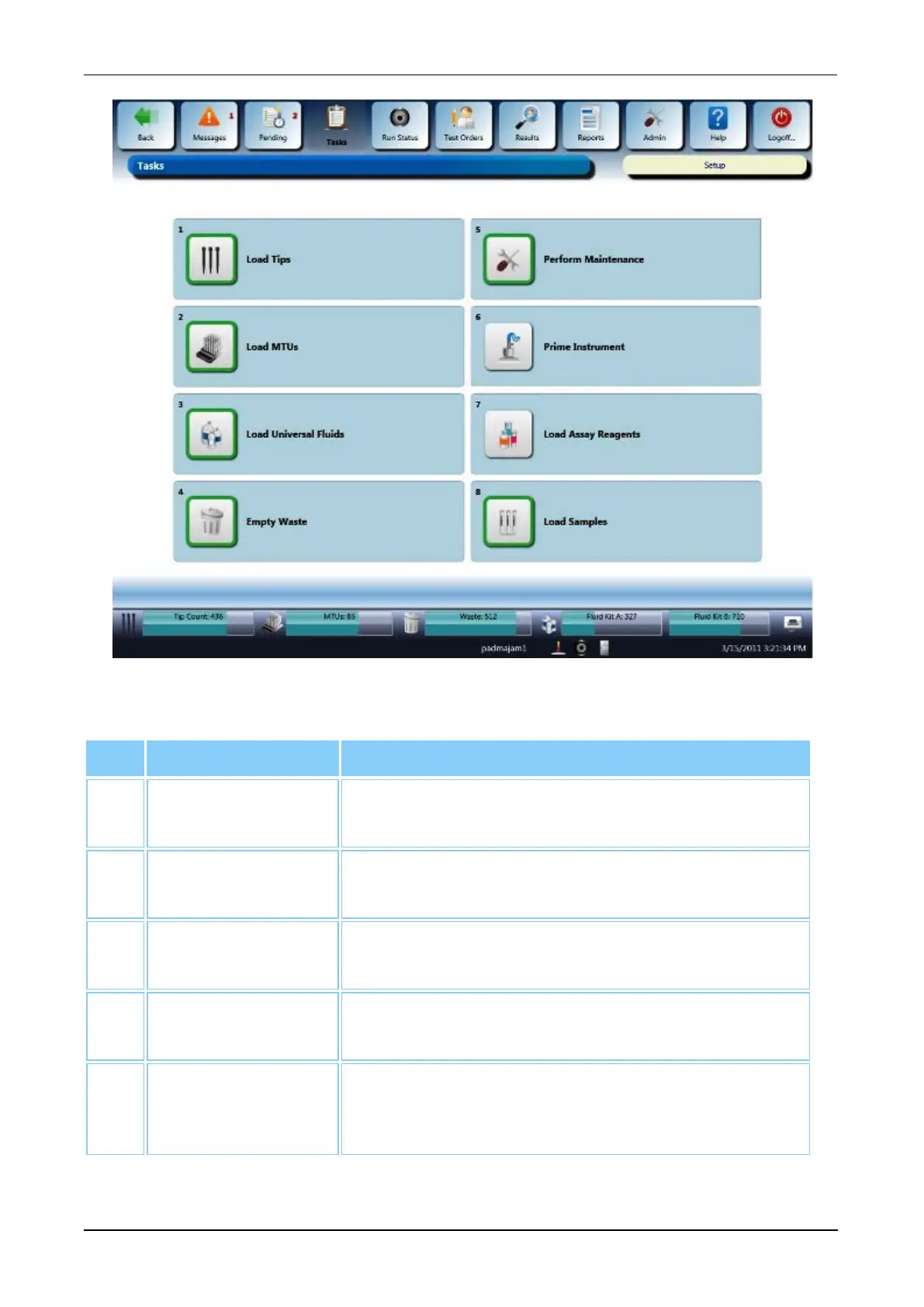
Figure 22. Tasks Screen (Example)
Task Button Description
1. Load Tips Select this button to initiate the tip loading process
(see Load Tips on page 94).
2. Load MTUs Select this button to initiate the MTU loading process
(see Load MTUs on page 97).
3. Load Universal
Fluids
Select this button to access the Universal Fluid Bay
screen (see Load Universal Fluids on page 98).
4. Empty Waste Select this button to access the Waste Management
screen (see Empty Waste on page 101).
5. Perform
Maintenance
Select this button to access the Maintenance
Activities screen (see Maintenance Activities Screen
on page 190).
Table 30. Tasks Screen Buttons



 To Next Page