Panther System
®
Operator’s Manual
AW-17791-001 Rev. 002 (EN)
171
System Operation
Filter Description
Sort By The following two (2) choices are available for use as a
report filter:
l Completion Time
l Sample ID
Check the Completion Time cell to sort the test order
results by the time they completed processing. Check the
Sample ID cell to sort the test order results by the sample
ID in ascending order.
Table 76. Exceptions by Worklist Report—Report Parameters (Continued)
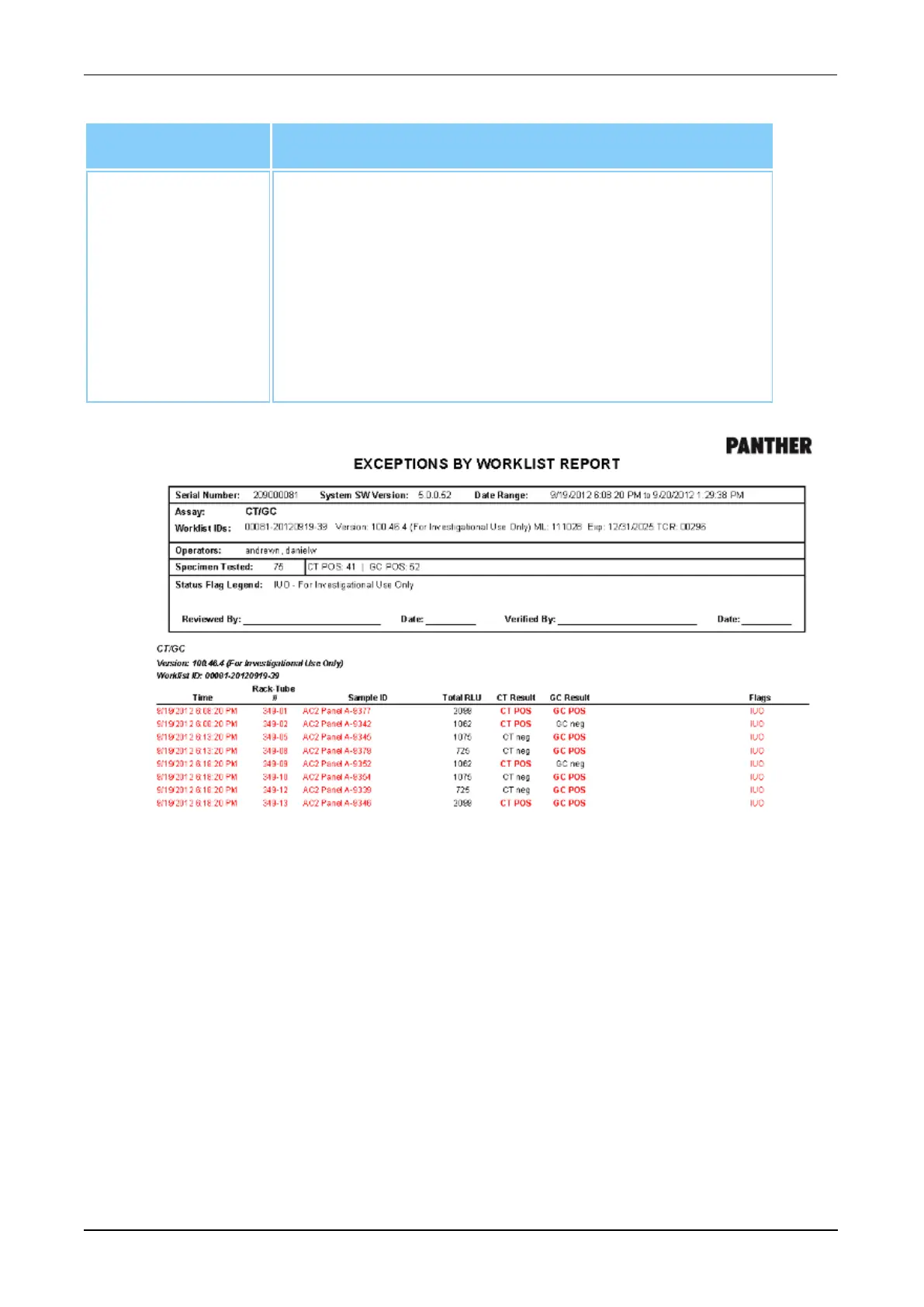
Figure 87. Exceptions by Worklist Report (Example)
Exceptions Report
Select Exceptions Report and generate an Exceptions Report based upon the five (5)
filter categories.
l Completion Date
l Assay
l Sort By
l Sample ID
l Verified
It is possible to use only the Completion Date, Sort By, and Assay filter categories to
refine the report. All five (5) filter categories can be used in conjunction to further refine the



 To Next Page