Panther System
®
Operator’s Manual
AW-17791-001 Rev. 002 (EN)
255
Troubleshooting
3. Ensure that the system is not in the Assay Processing state.
4. From the Messages or Desktop Shield screen, select Remote
Diagnostics.
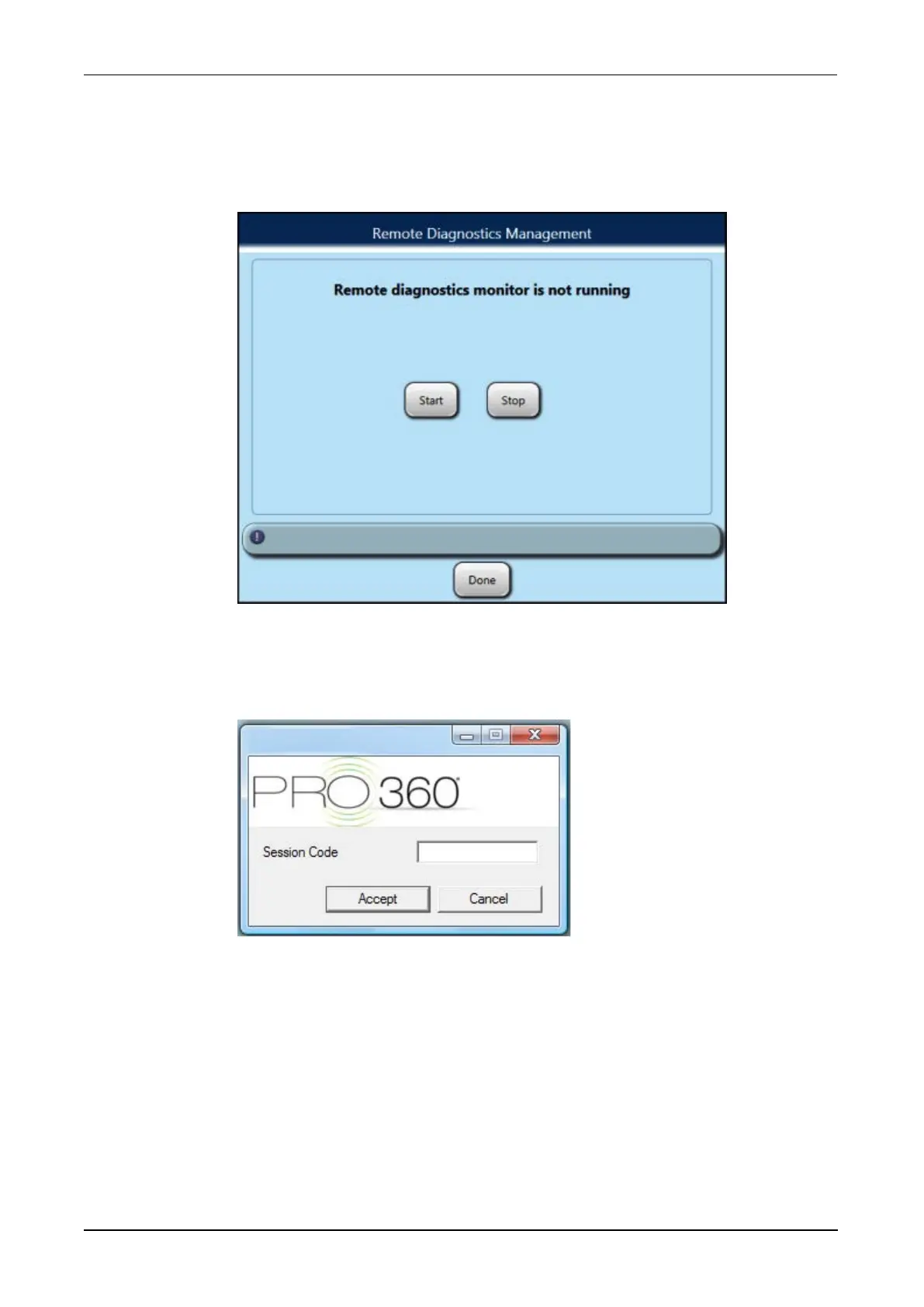
The Remote Diagnostics Management window opens.
Figure 118. Remote Diagnostics Management Window
5. Select Start.
The PRO360° software window opens.
Figure 119. PRO360° Software Window (Example)
6. Open the Computer Door, remove the keyboard and plug the keyboard
USB adapter into an open USB port (located near the connection point
for the monitor arm).
7. Enter the Session Code in the Session Code field.
8. Select Accept.



 To Next Page