Panther System
®
Operator’s Manual
AW-17791-001 Rev. 002 (EN)
148
System Operation
Status Meaning
Completed Results information is available for the test order.
Invalid Sample preparation error occurred during
processing. Refer to associated message on
Messages screen for cause of error. Retest affected
sample as necessary.
Table 69. Specimen Status Definitions (Continued)
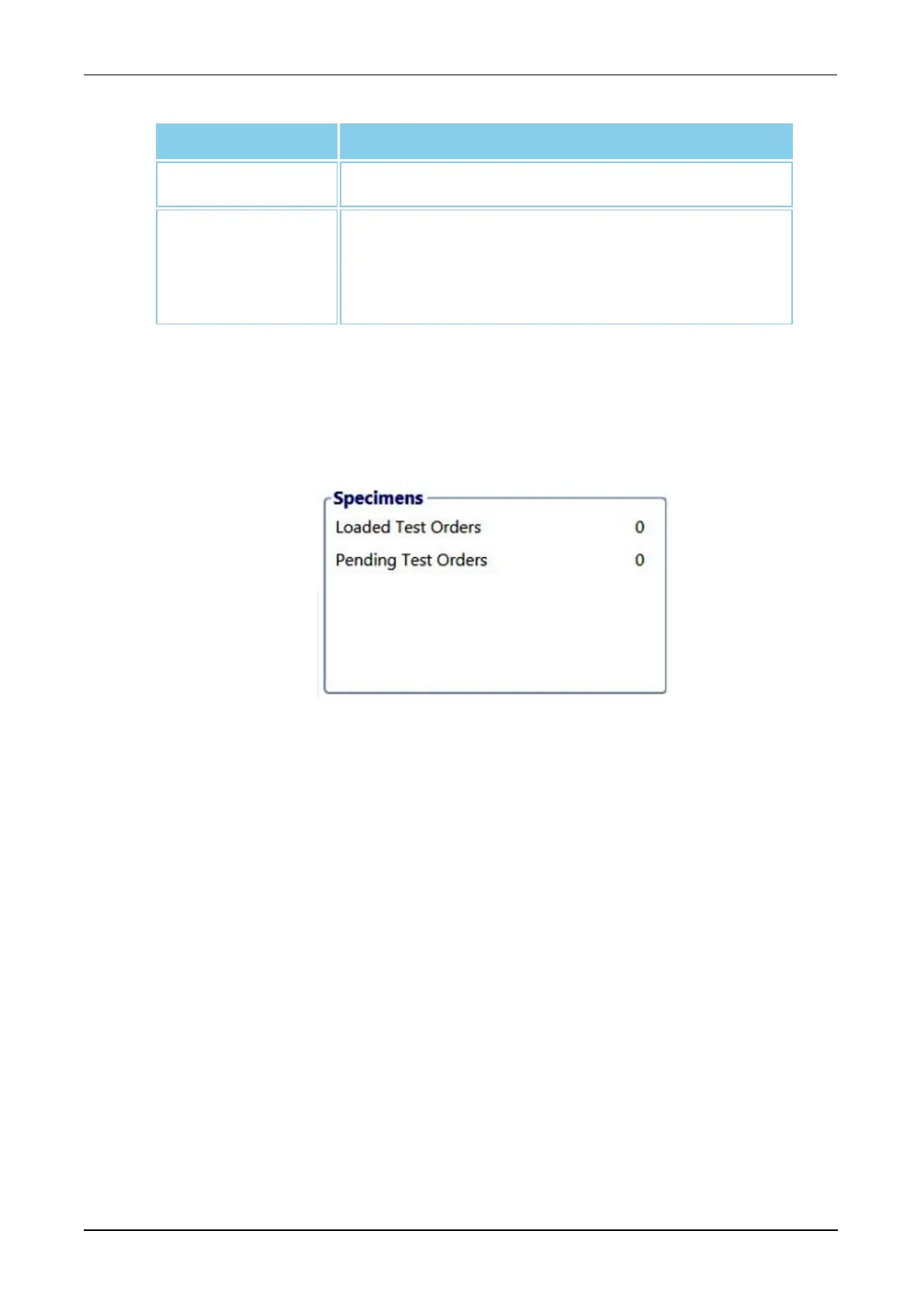
Specimens Panel
On the Run Status screen, the Specimens panel details the number of test
orders currently onboard the instrument as well as the number that have
associated pending notifications and missing test orders.
Figure 73. Specimens Loaded Panel—Without LIS (Example)
When connected to an LIS, the Specimens panel displays additional information
for loaded specimens regarding test order assignment through the LIS. The No
Test Request Received from LIS field is populated only when loaded
specimens have not been assigned a test order. The graphics for samples
without test orders appear as white on the Run Status screen.



 To Next Page