Panther System
®
Operator’s Manual
AW-17791-001 Rev. 002 (EN)
87
Overview
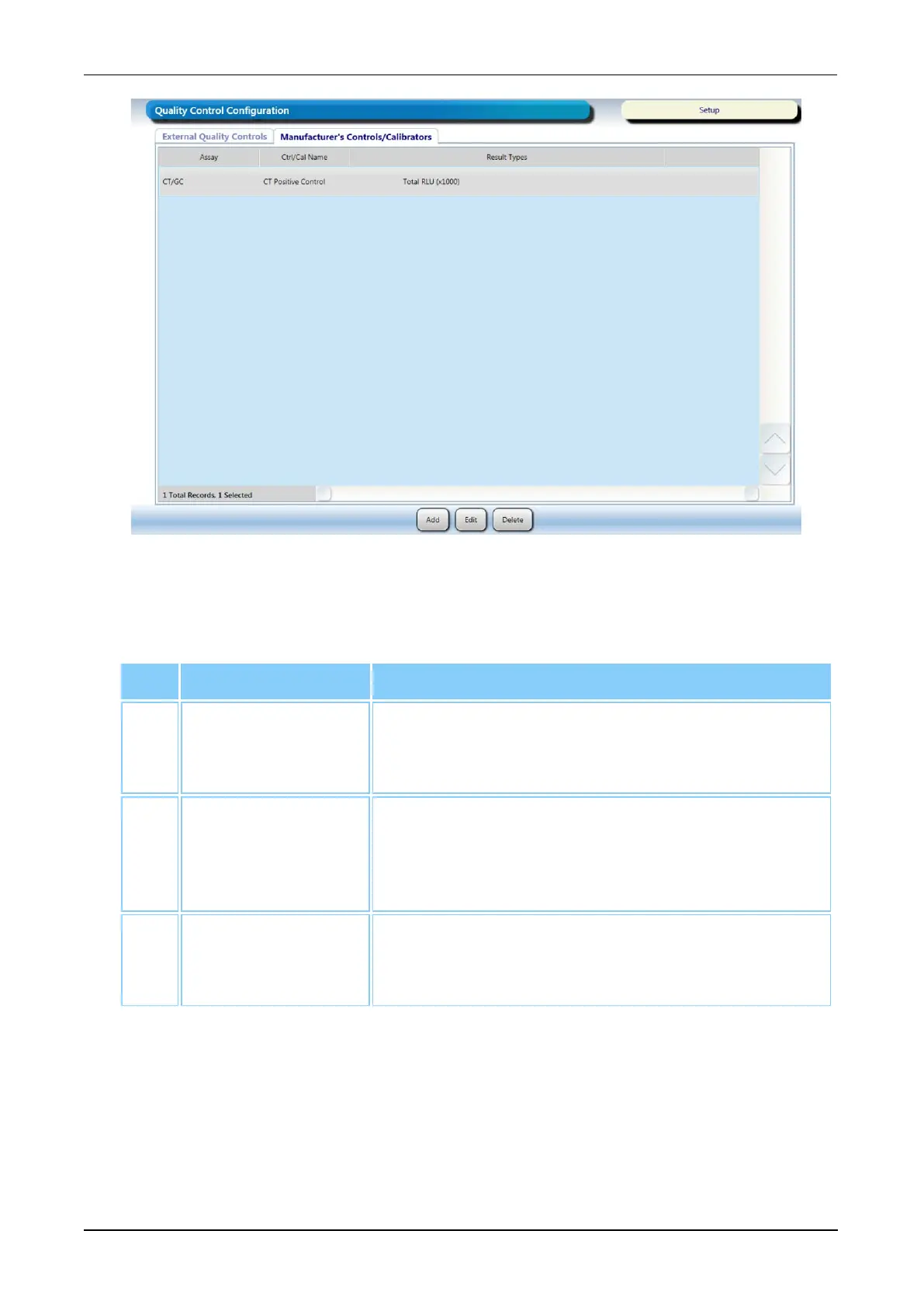
Figure 44. Quality Control Configuration Screen—Manufacturer's
Controls/Calibrators Tab (Example)
Screen Buttons Description
1. Add Select this button to override the mean and
standard deviation values on the Levey-Jennings
Report for a manufacturer control/calibrator.
2. Edit Select a control/calibrator from the table and then
select this button to edit the mean and standard
deviation values for the chosen manufacturer
control/calibrator.
3. Delete Select a control/calibrator from the table and then
select this button to delete the override values for
the selected quality control/calibrator.
Table 49. Quality Control Configuration Screen Button Descriptions
(Manufacturer's Controls/Calibrators Tab)
Reflex Testing Configuration Screen
To access the Reflex Testing Configuration screen, select the Reflex Testing
Configuration button on the Administration screen (see Administration Screen on page
76).



 To Next Page